As an Amazon Associate and an AliExpress affiliate, TechGurl earns from qualifying purchases. Some links on this page are affiliate links — if you buy through them we may receive a commission, at no extra cost to you. This never affects which products we cover or what we say about them.
Disclosure: This article contains affiliate links. If you buy through them we may earn a small commission at no extra cost to you.
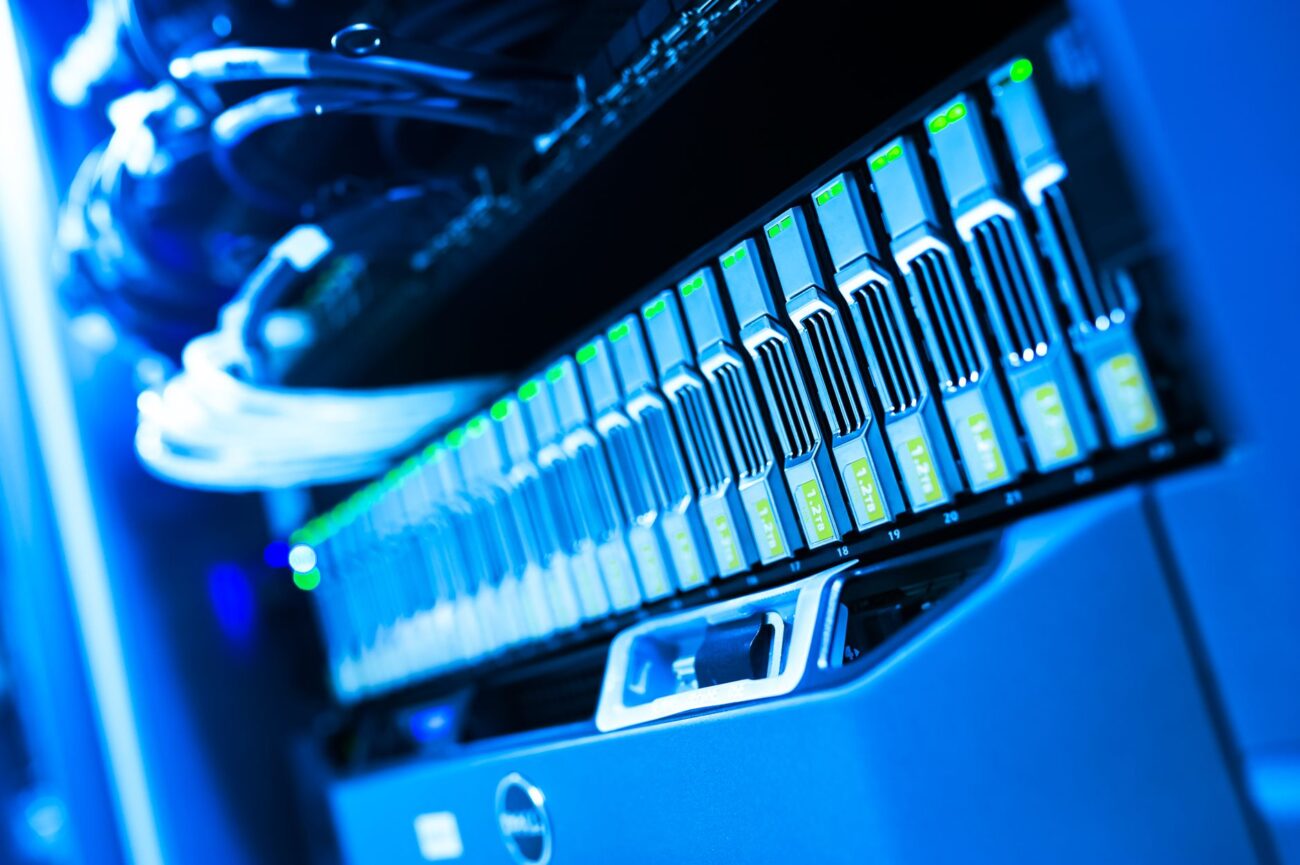
Deciding between a NAS vs server for your data storage, media streaming, or small business needs can be a complex choice. Both Network Attached Storage (NAS) devices and dedicated servers offer robust solutions for centralized data management, but they cater to different user requirements, technical proficiencies, and budgets. Understanding their core differences, strengths, and weaknesses is crucial for making an informed decision that aligns with your specific use case. This comprehensive guide will break down what each option entails, compare key features, and help you determine which solution is the best fit for you in 2026.
What is a NAS?
A Network Attached Storage (NAS) device is essentially a dedicated computer optimized for file storage and sharing over a network. It’s designed to be a plug-and-play solution, making it incredibly user-friendly even for those with minimal technical expertise. A typical NAS unit consists of one or more hard drives (or SSDs), a lightweight operating system (like Synology’s DSM or QNAP’s QTS), and network connectivity. Its primary function is to serve files to connected devices, acting as a central repository for documents, photos, videos, and backups.
The main advantages of a NAS include its ease of setup and use, low power consumption, and compact form factor. They are generally quieter than traditional servers and come with intuitive web interfaces for managing files, users, and applications. Many NAS devices also offer built-in features for media streaming, cloud synchronization, surveillance, and basic virtualization. However, NAS units are typically less powerful and less flexible than general-purpose servers. Their hardware is usually fixed, limiting significant upgrades beyond RAM and storage, and their operating systems are proprietary, restricting advanced customization.
What is a Server?
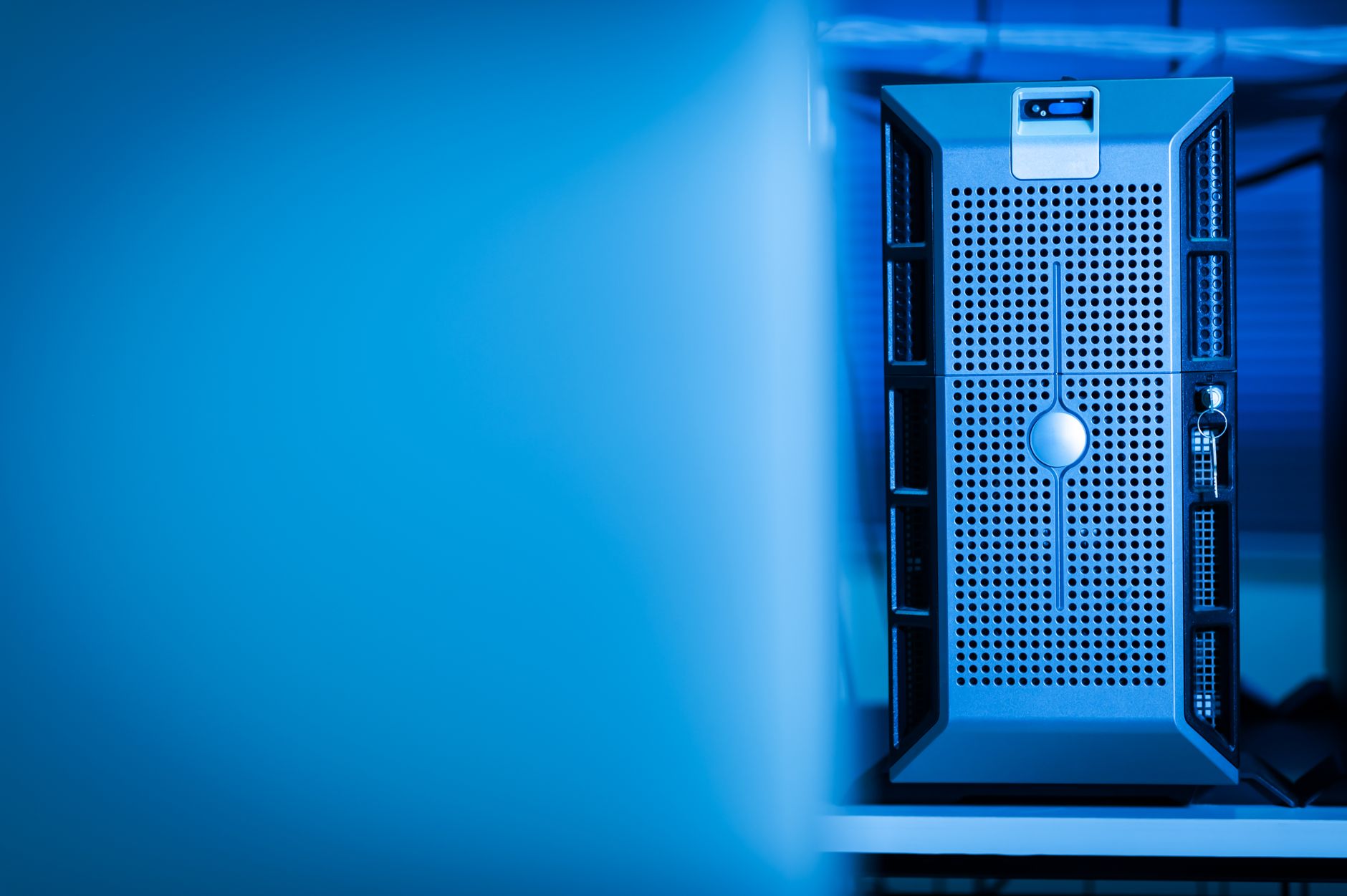
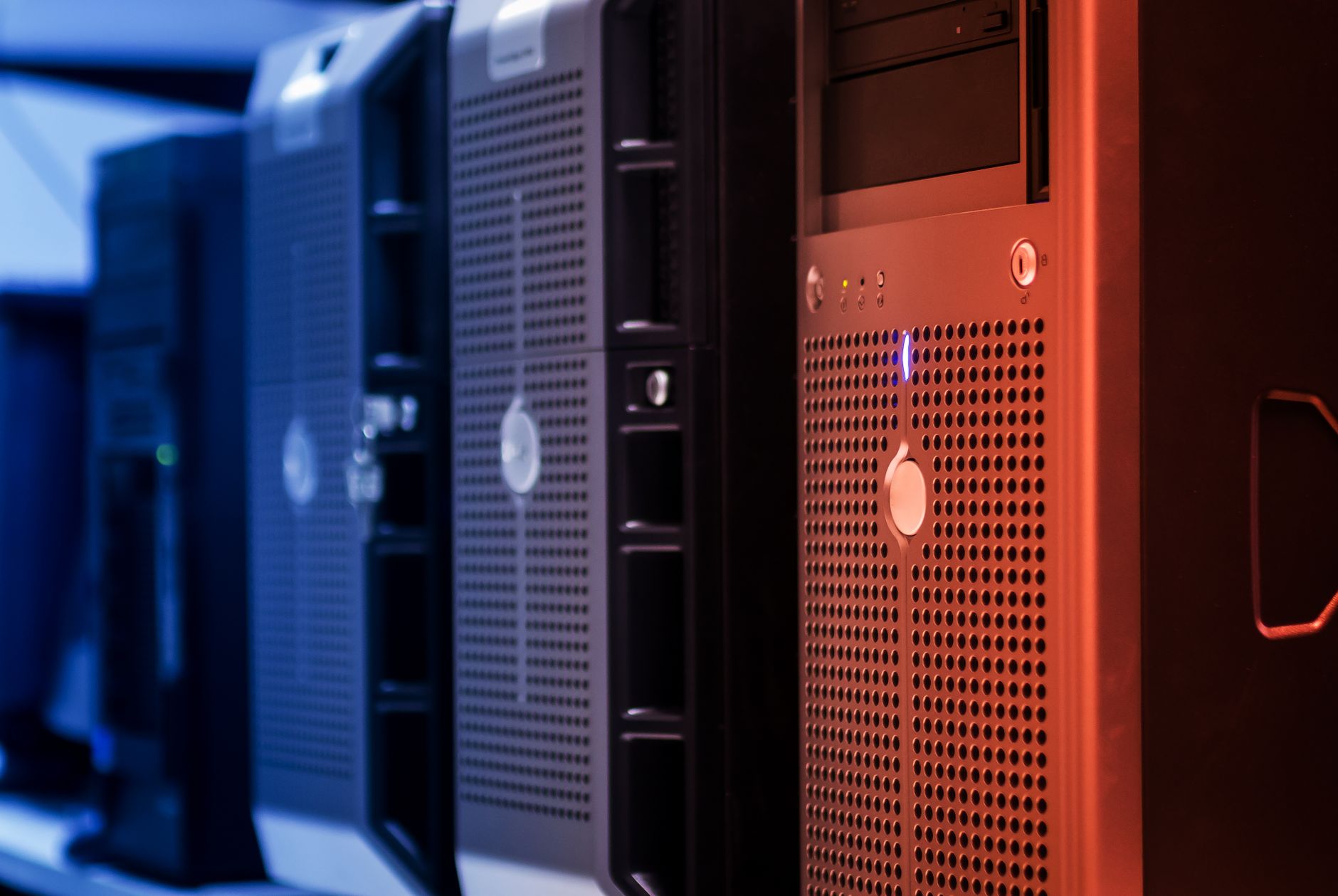
In contrast, a server is a more general-purpose computer designed to perform tasks and provide services for other computers (clients) on a network. This can range from a repurposed desktop PC running a server operating system to a high-end rack-mounted machine in a data center. Servers are built for power, flexibility, and reliability, often featuring more robust processors, greater RAM capacity, and extensive expandability options for storage and peripherals.
The key benefit of a server is its versatility. You have complete control over the operating system (Windows Server, various Linux distributions, VMware ESXi, unRAID, etc.) and can install virtually any software or service. This makes servers ideal for complex tasks like hosting websites, running databases, managing virtual machines, developing applications, or handling intensive computational workloads. The trade-off for this power and flexibility is often higher power consumption, increased noise, greater physical size, and a steeper learning curve for setup and maintenance. Servers typically require more technical knowledge to configure and troubleshoot, and their initial cost can be higher, especially for enterprise-grade hardware.
NAS vs Server: A Head-to-Head Comparison
To illustrate the differences more clearly, let’s compare a popular consumer/small business NAS, the Synology DiskStation DS923+, with a common entry-level small business server, the HP ProLiant MicroServer Gen10 Plus. These represent excellent choices within their respective categories for home and small office environments.
| Feature | Synology DiskStation DS923+ (NAS) | HP ProLiant MicroServer Gen10 Plus (Server) |
|---|---|---|
| Processor | AMD Ryzen R1600 (2-core, 2.6/3.1 GHz) | Intel Xeon E-2224 (4-core, 3.4/4.6 GHz) or Pentium G5420 |
| RAM (Base/Max) | 4 GB DDR4 ECC SODIMM (expandable to 32 GB) | 8 GB DDR4 ECC (expandable to 32 GB) |
| Drive Bays | 4 x 3.5″/2.5″ SATA HDD/SSD + 2 x M.2 2280 NVMe SSD | 4 x NHP LFF SATA (3.5″ drives) |
| Max Raw Capacity | 72 TB (with 4 x 18 TB drives) | 64 TB (with 4 x 16 TB drives) |
| Operating System | Synology DiskStation Manager (DSM) | User-installed (Windows Server, Linux, VMware ESXi, etc.) |
| Power Consumption | ~35.59 W (Access), ~15.46 W (HDD Hibernation) | Significantly higher; typically 50-100+ W depending on configuration |
| Ease of Setup/Use | Very High (intuitive GUI, plug-and-play) | Moderate to Low (requires OS installation & configuration) |
| Cost Range (Barebones) | Mid-range (device only, drives separate) | Mid-range to High (device only, drives separate) |
As you can see from the comparison, the HP ProLiant MicroServer Gen10 Plus, especially with the Xeon processor, offers significantly more raw processing power than the Synology DS923+. This extra horsepower translates into better performance for demanding applications, virtualization, and handling multiple concurrent tasks. The MicroServer’s ability to run any standard server operating system also provides unparalleled flexibility, allowing users to tailor the system precisely to their needs.
However, the Synology DS923+ excels in ease of use and power efficiency. Its proprietary DSM operating system is highly optimized for storage tasks, offering a rich ecosystem of applications for media, backup, and surveillance with minimal configuration. According to Synology’s published specifications, its power consumption is remarkably low, making it an excellent choice for always-on operation without a significant impact on your electricity bill. The inclusion of M.2 NVMe slots for cache acceleration on the DS923+ also provides a performance boost for frequently accessed files.
Use Cases: Who Needs What?
For Home Users and Media Enthusiasts
For most home users, a NAS is the clear winner. If your primary goal is to centralize family photos and videos, stream media to smart TVs or mobile devices, set up automated backups for multiple computers, or host a personal cloud, a NAS like the Synology DS923+ is ideal. Its user-friendly interface means you can get it up and running quickly, and its low power consumption ensures it won’t be a drain on your utility bill. Dedicated media server apps like Plex or Emby run efficiently on modern NAS devices, making them perfect for building a home entertainment hub.
For Small Businesses and Prosumers
Small businesses with basic file sharing and backup needs might find a NAS sufficient. However, if your business requires more complex applications, a dedicated internal web server, a database server, or robust virtualization capabilities, a server like the HP ProLiant MicroServer Gen10 Plus becomes a more compelling option. The MicroServer offers the power and flexibility to run multiple services simultaneously and can scale more effectively as your business grows. Prosumers who enjoy tinkering, running custom applications, or learning server administration will also appreciate the server’s open-ended nature.
For Virtualization and Advanced Applications
When it comes to running multiple virtual machines, hosting complex web applications, or performing intensive data processing, a dedicated server is almost always the superior choice. Servers are built with more powerful CPUs, larger RAM capacities, and better cooling, all of which are essential for stable and high-performance virtualization. While some high-end NAS devices offer limited virtualization capabilities, they typically cannot match the raw power and dedicated resources of a true server.
Our Top Picks for NAS and Server Solutions
1. Synology DiskStation DS923+
The Synology DiskStation DS923+ is an outstanding 4-bay NAS for home users and small businesses seeking a powerful, user-friendly, and energy-efficient storage solution. Its AMD Ryzen processor, coupled with Synology’s intuitive DiskStation Manager (DSM) operating system, delivers excellent performance for file sharing, media streaming, and data backup. The inclusion of dual M.2 NVMe slots for SSD cache further enhances its responsiveness, making it a versatile choice for a wide range of applications without the complexity of a full server.
Synology DiskStation DS923+ — check today’s price
2. HP ProLiant MicroServer Gen10 Plus
For those who need more power, flexibility, and the ability to run a full-fledged server operating system, the HP ProLiant MicroServer Gen10 Plus is an excellent entry point. This compact server packs a punch with its Intel Xeon processor option and ECC RAM support, making it suitable for virtualization, hosting multiple services, and demanding applications. While it requires more technical know-how to set up and configure, its robust hardware and open platform offer unparalleled control and scalability for small businesses and advanced home users.
HP ProLiant MicroServer Gen10 Plus — check today’s price
Related picks on AliExpress
If you’re looking for more budget-friendly or specialized alternatives, AliExpress offers a wide array of options, from barebones NAS enclosures to mini PCs that can be repurposed as servers. These can be great for DIY enthusiasts or those with very specific needs.
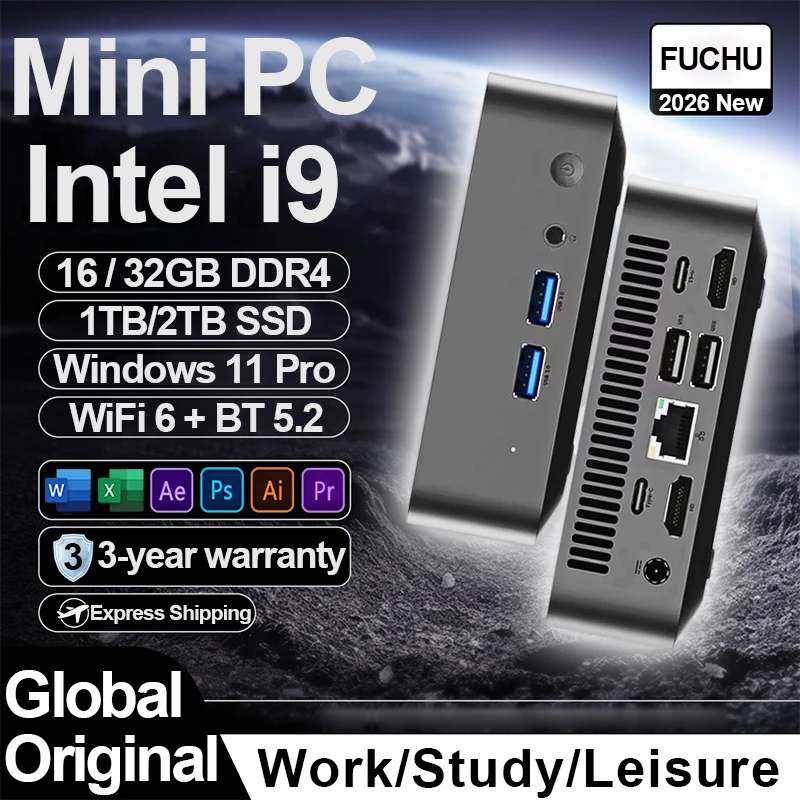
2026 Mini PC Windows 11 Intel Core i9 10980HK Core i3 6100U Portable Desktop PC 16GB 32GB
$183.42 $321.78 on AliExpress
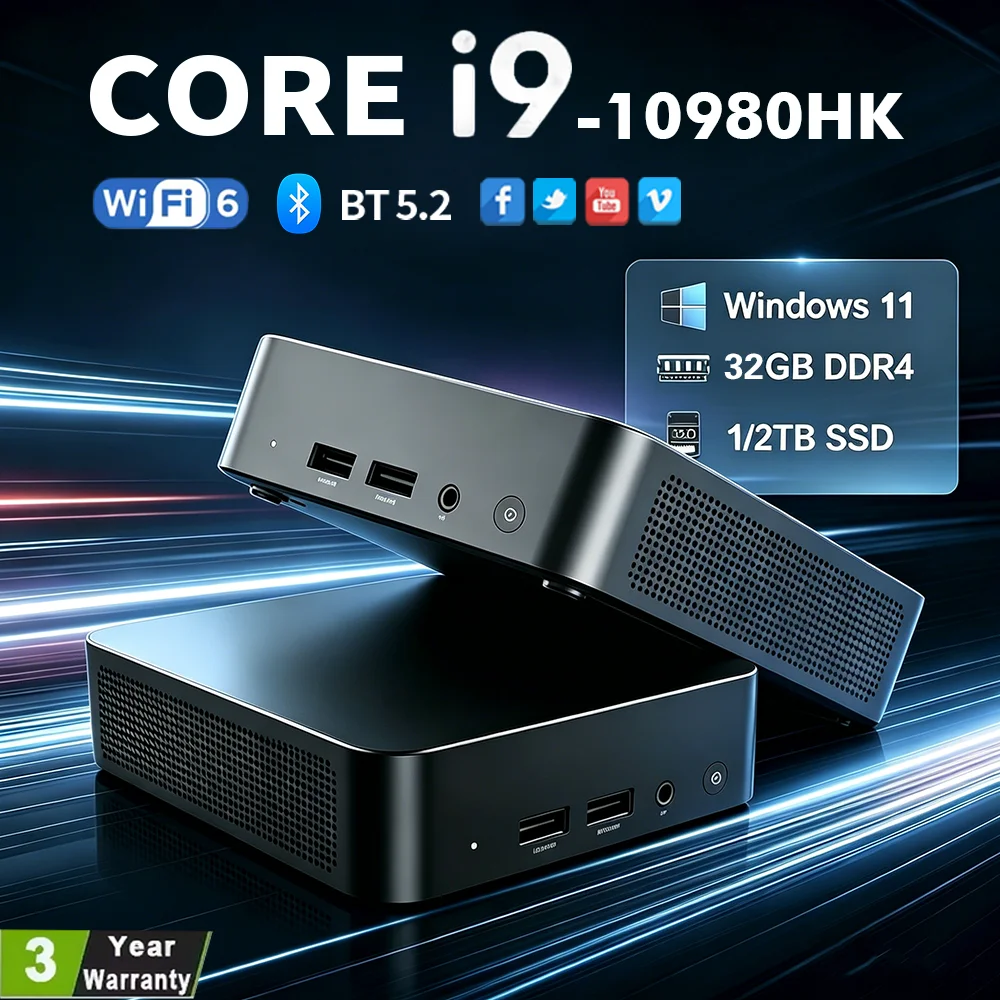
NEW Intel I9-10980HK/N150 Portable Mini PC Computer Windows 11 32GB DDR4 1/2TB SSD Gaming
$181.75 $330.45 on AliExpress

ACEMAGIC AMD Ryzen 3 3250U Mini PC 8GB DDR4 RAM 256GB SSD Windows 11 Pro Dual 4K Display S
$171.17 $461.34 on AliExpress
Which One Should You Buy? The Verdict
The choice between a NAS and a server ultimately boils down to your specific needs, technical comfort level, and budget. If you prioritize ease of use, low power consumption, and a dedicated solution for file storage, media streaming, and backups, a NAS is likely your best bet. It’s perfect for most home users and small offices that don’t require complex server functionalities.
However, if you need maximum flexibility, raw processing power for virtualization or demanding applications, and are comfortable with a more hands-on approach to system administration, a dedicated server will serve you better. While it comes with a steeper learning curve and higher operational costs, the versatility and scalability of a server are unmatched for advanced use cases.
Frequently Asked Questions About NAS and Servers
Can a NAS run virtual machines?
Yes, some higher-end NAS devices, like the Synology DS923+, offer virtualization capabilities through their proprietary operating systems. However, their performance for running multiple or resource-intensive virtual machines is generally limited compared to a dedicated server with more powerful hardware.
Is a server more secure than a NAS?
Security depends more on how the device is configured and maintained rather than the type of device itself. A server offers more control, allowing for advanced security measures, but also requires more expertise to secure properly. A NAS comes with built-in security features that are easier to manage, but you’re reliant on the manufacturer’s updates and policies. Both can be secure if managed correctly.
What’s the power consumption difference?
NAS devices are designed for energy efficiency and typically consume significantly less power, often in the range of 15-40 watts. Servers, especially those with more powerful processors and multiple expansion cards, can consume 50-100 watts or more, depending on their workload and configuration, leading to higher electricity bills for always-on operation.
Can I build my own NAS or server?
Absolutely! Building your own NAS or server from spare PC parts or custom components is a popular option for tech enthusiasts. It offers the ultimate control over hardware and software, potentially saving money and allowing for highly customized configurations. However, it requires significant technical knowledge for component selection, assembly, OS installation, and ongoing maintenance.
Conclusion
Choosing between a NAS and a server is a strategic decision that impacts your data management, budget, and technical overhead. By carefully evaluating your specific requirements—whether it’s simple file storage, robust media streaming, or complex business applications—you can confidently select the solution that best empowers your digital life or small business operations. For more in-depth guides on optimizing your home network, check out our Handheld Gaming PC vs Laptop: Which Should You Buy for Portable Gaming? other articles.