As an Amazon Associate and an AliExpress affiliate, TechGurl earns from qualifying purchases. Some links on this page are affiliate links — if you buy through them we may receive a commission, at no extra cost to you. This never affects which products we cover or what we say about them.
Disclosure: This article contains affiliate links. If you buy through them we may earn a small commission at no extra cost to you.
In the evolving landscape of portable PC gaming, a critical question arises for many enthusiasts: which offers the best experience, a dedicated handheld gaming PC or a traditional gaming laptop? The choice between a handheld gaming PC vs laptop isn’t just about raw power; it’s a nuanced decision balancing portability, performance, ergonomics, and cost. Both categories have seen significant advancements, making the decision more complex than ever. This guide will delve into the specifics, comparing these two powerful portable gaming solutions to help you make an informed purchase.
The Rise of Handheld Gaming PCs
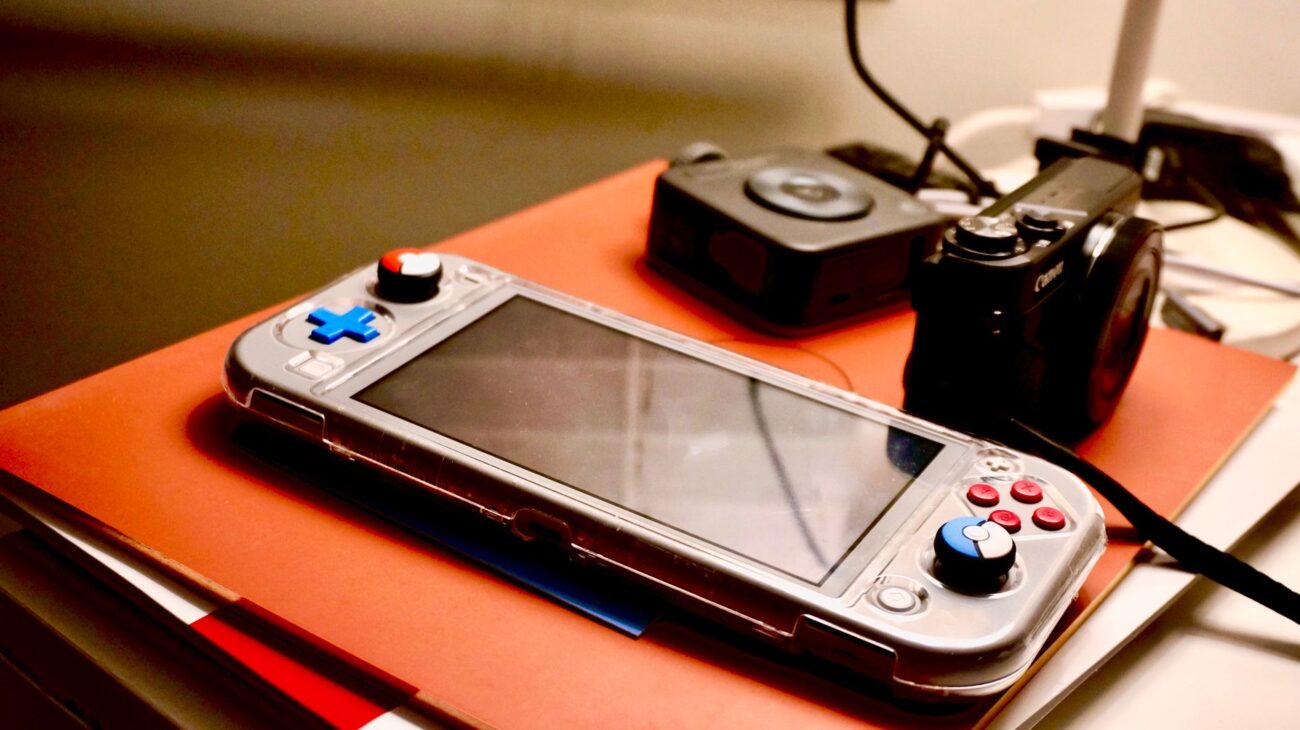
Handheld gaming PCs, popularized by devices like the Steam Deck, ASUS ROG Ally, and Lenovo Legion Go, represent a new frontier in portable gaming. These devices pack impressive PC hardware into a console-like form factor, allowing gamers to play their extensive PC game libraries on the go without being tethered to a desk. Their appeal lies in their ultimate portability and the ability to pick up and play AAA titles anywhere, from a commute to a cozy spot on the couch.
Gaming Laptops: The Established Portable Powerhouses
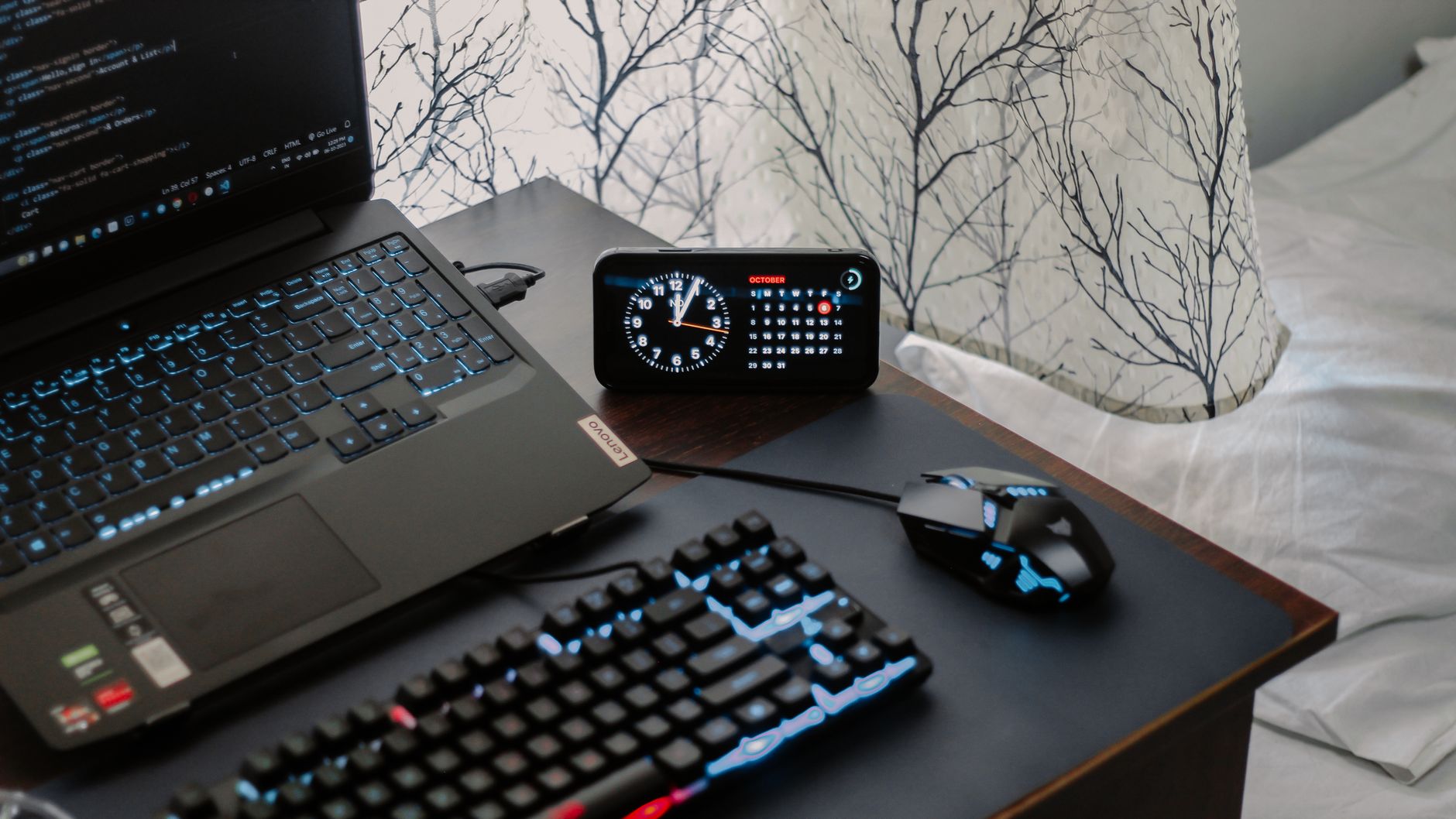
Gaming laptops, on the other hand, have long been the go-to for gamers needing a portable yet powerful machine. They offer a full PC experience, complete with a keyboard, trackpad, larger screen, and often more robust cooling solutions. While generally larger and heavier than handhelds, modern gaming laptops have become sleeker and more efficient, bridging the gap between desktop performance and mobility.
Performance Comparison: Handheld Gaming PC vs Laptop
When it comes to raw performance, gaming laptops typically hold an advantage. They can accommodate more powerful CPUs and dedicated GPUs (like NVIDIA’s RTX series or AMD’s Radeon RX series) with higher thermal design power (TDP), allowing for sustained peak performance. Handheld gaming PCs, while surprisingly capable for their size, rely on integrated graphics solutions (like AMD’s RDNA 3-based iGPUs in the Z1 Extreme) and are constrained by their compact form factor and battery life, which limits their power draw and cooling capabilities. This often translates to lower frame rates or requiring lower graphical settings for demanding titles compared to a mid-range gaming laptop.
Portability and Ergonomics
This is where handhelds truly shine. Devices like the ROG Ally weigh around 608g (according to ASUS’s official specs), making them incredibly easy to carry and play for extended periods. Their integrated controls eliminate the need for external peripherals, offering an immediate, console-like gaming experience. Gaming laptops, even the lighter models, typically weigh upwards of 2kg, requiring a bag and a flat surface for comfortable use. While some gaming laptops are becoming thinner, they still can’t match the grab-and-go convenience of a handheld.
Battery Life Considerations
Battery life is a common challenge for both categories when running demanding games. Handheld gaming PCs often offer 1.5 to 3 hours of intense gaming, with more for lighter titles or video playback. For example, IGN’s testing of the ASUS ROG Ally noted around 1.5 hours of AAA gaming. Gaming laptops, with their larger components, can sometimes offer similar gaming battery life, but light usage (browsing, productivity) can extend to 4-8 hours for many models. Both will likely require a power outlet for longer gaming sessions.
Cost and Value
The entry point for a capable handheld gaming PC like the ASUS ROG Ally Z1 Extreme is often around $699-$799. For this price, you get a highly portable device capable of playing most modern games at respectable settings. A gaming laptop with comparable raw performance (CPU/GPU) might start around $1000-$1200, but it also offers a larger screen, a full keyboard, and greater versatility for productivity tasks. The value proposition depends heavily on your primary use case: pure portable gaming or a blend of gaming and work/study.
Operating Systems and Ecosystems
Most current handheld gaming PCs, including the ASUS ROG Ally and Lenovo Legion Go, run on Windows 11. This offers unparalleled compatibility with your existing PC game library across platforms like Steam, Epic Games Store, GOG, and Xbox Game Pass. While this provides maximum flexibility, Windows can sometimes feel less optimized for a purely handheld, touch-based interface, though manufacturers often provide custom overlays. The Steam Deck, notably, runs on SteamOS (a Linux-based OS), which is highly optimized for its form factor and offers an excellent user experience, but may require compatibility layers (Proton) for some non-Steam games.
Gaming laptops, by default, run Windows, providing the full desktop PC experience with all its benefits for gaming, productivity, and software compatibility. This means no compatibility concerns for virtually any PC game or application you wish to run.
Connectivity and Expandability
Handheld gaming PCs typically come with essential ports like USB-C (often supporting display out and charging), a headphone jack, and a microSD card slot for storage expansion. Some, like the ROG Ally, feature proprietary ports for external GPUs (e.g., ASUS XG Mobile) to boost performance when docked, transforming them into more capable desktop replacements. However, general expandability is limited to storage and external peripherals.
Gaming laptops generally offer a much wider array of ports: multiple USB-A and USB-C (Thunderbolt or USB4 on higher-end models), HDMI, DisplayPort, Ethernet, and often a dedicated charging port. This extensive connectivity makes them far more versatile for connecting multiple external monitors, a full suite of peripherals, and high-speed external storage. While internal upgrades are often limited to RAM and storage, the sheer number of external connectivity options provides greater flexibility for a full desktop setup.
Considering these factors, the choice between a handheld gaming PC vs laptop becomes clearer based on your specific needs. Let’s dive into a direct comparison of two prominent examples to highlight their strengths and weaknesses.
Detailed Comparison: ASUS ROG Ally Z1 Extreme vs. Acer Predator Helios Neo 16 (2024)
To provide a clearer picture, let’s compare two popular and representative devices:
| Specification | ASUS ROG Ally Z1 Extreme | Acer Predator Helios Neo 16 (example config) |
|---|---|---|
| Processor | AMD Ryzen Z1 Extreme | Intel Core i7-14700HX |
| Graphics | AMD RDNA 3 (12 CUs) Integrated | NVIDIA GeForce RTX 4060 (8GB GDDR6) |
| RAM | 16GB LPDDR5 | 16GB DDR5 |
| Storage | 512GB NVMe PCIe Gen 4 SSD | 1TB NVMe PCIe Gen 4 SSD |
| Display Size | 7-inch | 16-inch |
| Resolution | 1920 x 1080 (FHD) | 2560 x 1600 (WQXGA) |
| Refresh Rate | 120Hz | 165Hz |
| Weight | ~608g (1.34 lbs) | ~2.8 kg (6.17 lbs) |
| Typical Gaming Battery Life | ~1.5 – 2 hours (per Digital Foundry testing) | ~1 – 2 hours (per TechRadar testing, intense gaming) |
| Starting Price (approx.) | ~$699 (according to ASUS) | ~$1399 (according to Acer, varies by config) |
As the table illustrates, the gaming laptop (Acer Predator Helios Neo 16) significantly outperforms the handheld (ROG Ally) in raw graphical power and screen real estate, making it superior for high-fidelity gaming at higher resolutions and frame rates. The ROG Ally, however, excels in portability and immediate playability, making it ideal for gaming on the move. The starting price for the laptop is also considerably higher, reflecting its more powerful components and larger form factor.
1. ASUS ROG Ally Z1 Extreme
The ASUS ROG Ally Z1 Extreme is a fantastic choice for gamers prioritizing ultimate portability and access to their PC game library on the go. Its 7-inch 120Hz display, comfortable ergonomics, and Windows 11 operating system make it a versatile device. While it won’t match a dedicated gaming laptop for raw graphical power, it’s more than capable of running most modern AAA games at playable frame rates, often requiring some settings adjustments. It’s perfect for those who want a true PC gaming experience in a console-like handheld form factor.
ASUS ROG Ally Z1 Extreme — check today’s price
2. Acer Predator Helios Neo 16
For gamers who need a more powerful, versatile machine that can handle demanding titles at higher settings, the Acer Predator Helios Neo 16 (or similar mid-range gaming laptop) is an excellent option. With its larger, high-refresh-rate display, dedicated NVIDIA RTX graphics, and robust Intel Core i7 processor, it delivers a premium gaming experience. It also doubles as a capable workstation for productivity, content creation, or streaming. While less portable than a handheld, it offers a full desktop-like experience in a mobile package.
Acer Predator Helios Neo 16 — check today’s price
Related picks on AliExpress
If you’re exploring other options or looking for budget-friendly alternatives that still deliver a great gaming experience, AliExpress offers a wide range of products from mini PCs to portable monitors.
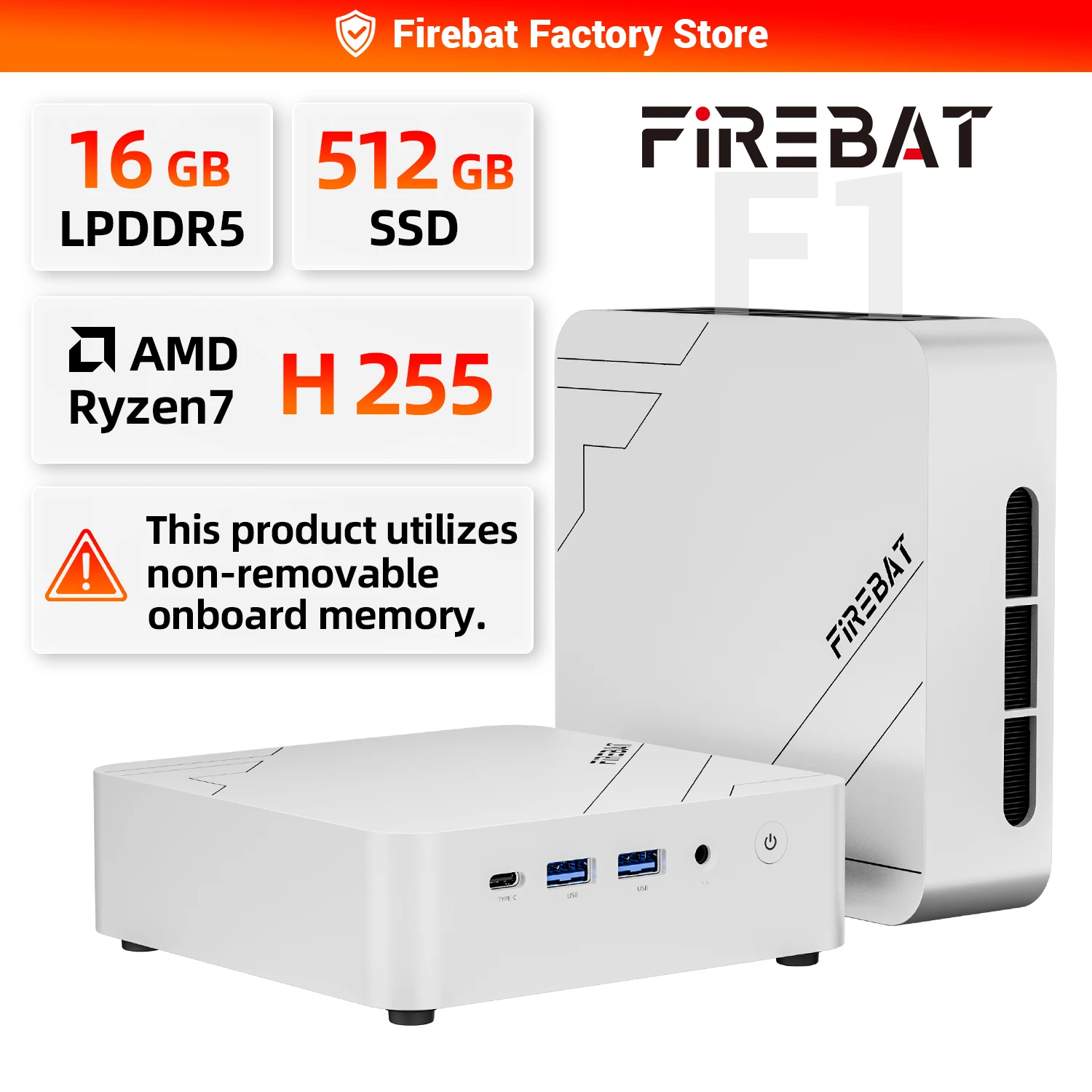
FIREBAT F1 MINI PC AMD Ryzen 7 H255 LPDDR5 16GB RAM 512GB SSD WIFI6 BT5.2 Portable Desktop
$507.75 $1161.67 on AliExpress
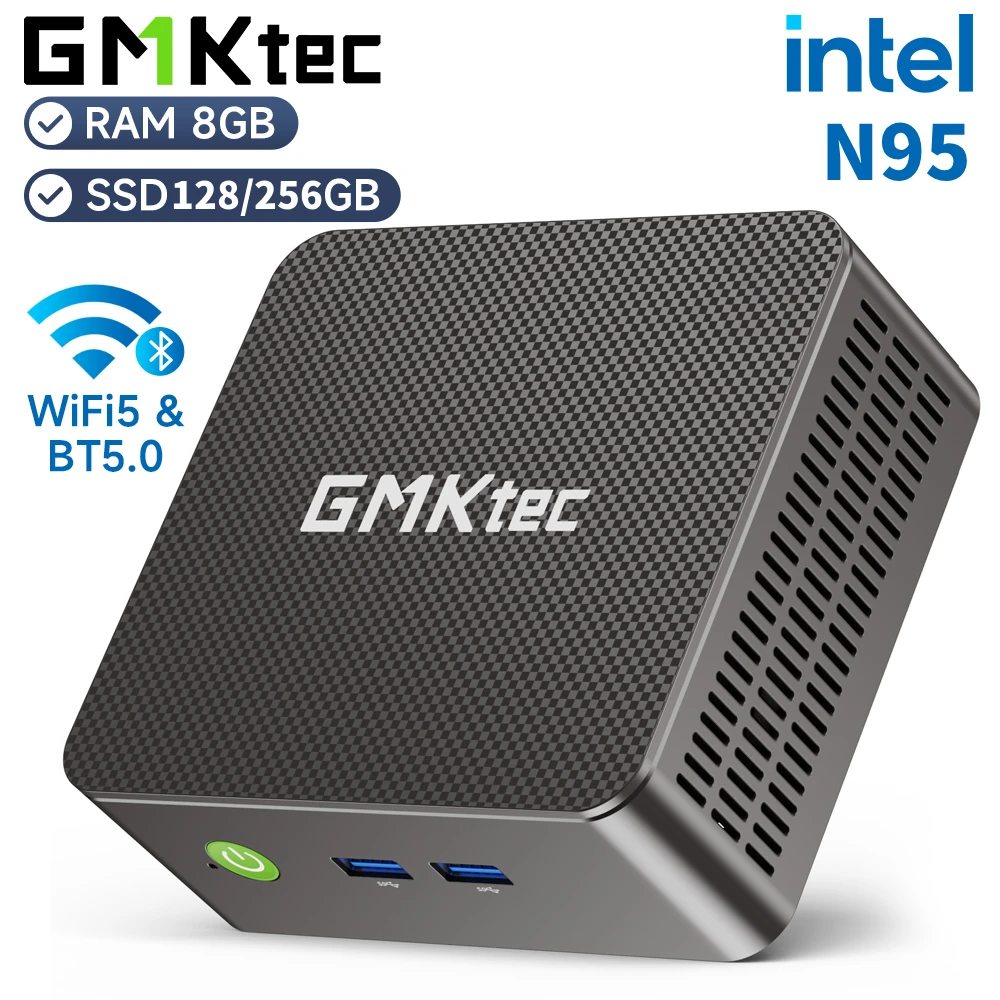
GMKtec G3S Mini PC Intel Alder Lake N95 Windows 11 Pro Mini PC 8GB DDR4 128/256GB PCIe M.2
$201.12 $445.75 on AliExpress

GMKtec M8 Mini PC AMD Ryzen 5 PRO 6650H 16GB RAM NO SSD NO OS Mini Desktop Computers Tripl
$320.60 $684.89 on AliExpress
For a deeper dive into the technical specifications of the AMD Ryzen Z1 Extreme processor found in the ROG Ally, you can visit AMD’s official product page.
Which one should you buy?
The decision between a handheld gaming PC and a gaming laptop ultimately comes down to your priorities. If maximum portability, instant-on gaming, and a console-like experience are paramount, and you don’t mind adjusting graphics settings for newer titles, a handheld gaming PC like the ASUS ROG Ally Z1 Extreme is your best bet. If you need top-tier performance for the latest games, a larger screen, and a machine that can pull double duty for productivity, a gaming laptop like the Acer Predator Helios Neo 16 will offer a more comprehensive solution.
FAQ
Can a handheld gaming PC replace a gaming laptop?
For some users, yes. If your primary use is gaming on the go and you value extreme portability above all else, a handheld gaming PC can be a compelling alternative. However, it cannot fully replace a gaming laptop for tasks requiring a larger screen, dedicated keyboard, or higher sustained graphical horsepower for professional applications or max-setting gaming.
Are handheld gaming PCs good for competitive gaming?
While handheld gaming PCs can run many competitive titles, their smaller screens and integrated controls might not be ideal for serious competitive play where precision and screen real estate are crucial. For casual competitive gaming, they are perfectly fine, but for high-stakes esports, a gaming laptop with an external monitor and peripherals would be preferred.
What are the main advantages of a gaming laptop over a handheld?
Gaming laptops offer significantly more raw power (CPU and dedicated GPU), larger and often higher-resolution/refresh-rate displays, better cooling for sustained performance, a full keyboard and trackpad for productivity, and greater upgradeability (RAM, storage) in some models. They are also more versatile for non-gaming tasks.
Is the battery life better on gaming laptops or handhelds?
For intense gaming, battery life is often comparable and short for both, typically 1-3 hours. However, for lighter tasks like web browsing or video playback, many gaming laptops will offer substantially longer battery life (4-8+ hours) than handheld gaming PCs, which are optimized for gaming power draw.
In conclusion, both handheld gaming PCs and gaming laptops offer compelling portable gaming experiences, but they cater to different needs. The choice between a handheld gaming PC vs laptop boils down to your personal balance of performance, portability, and budget. Whichever you choose, the future of portable PC gaming looks incredibly bright. For more insights into optimizing your gaming setup, explore our Shine Bright: The Best Star Projectors for 2026 Revealed comprehensive guide to gaming peripherals.