As an Amazon Associate and an AliExpress affiliate, TechGurl earns from qualifying purchases. Some links on this page are affiliate links — if you buy through them we may receive a commission, at no extra cost to you. This never affects which products we cover or what we say about them.
The Dell OptiPlex 7070 Ultra is a very cool concept, but it’s a product I wouldn’t wholesale recommend to every business as is. It’s a first-shot execution of a good idea, while the PC itself is a solid, if not muscular, work computer. Its performance level may indeed be fine for many users, but given that it’s not cheap, you can find other desktops that deliver more performance, similar speed for much less money, or at least more ports and features.

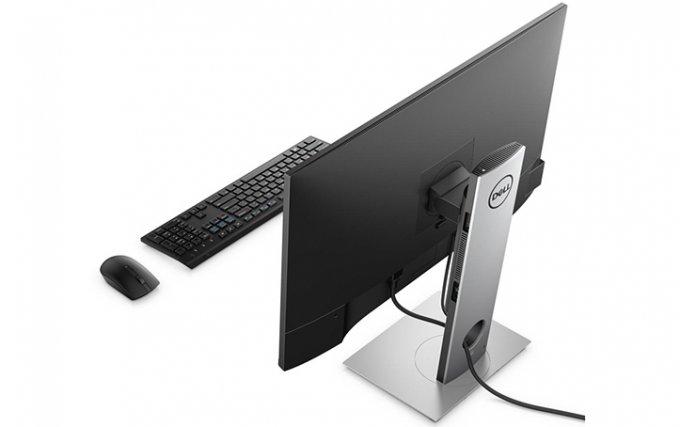
If you’re shopping for a company, the form factor is convenient and space-saving, even if it comes with some cabling hassles and growing pains. The stand solution is elegant for a business PC, and the upside is clear. Even if it’s not a great fit for every workforce, it certainly works, and if it fits your needs I can recommend it as a viable option. Being able to swap out your space-saving PC while retaining your investment in the display is a best-of-both-worlds prospect.

I’m willing to bet this design is here to stay, so if it sounds appealing now, you can get in early. If you’d rather a more traditional or powerful setup, though, consider a full-size alternative like the OptiPlex 7770 AIO, or if you can run with macOS, the Apple Mac mini or an Apple iMac. Although you can’t separate the PC from the display in a typical AIO, a conventional AIO will have more space across which the PC maker can spread the hardware behind the screen, which means a more forgiving thermal situation and, potentially, easier access to the ports.

PROS
- Clever space-saving design with essentially zero footprint.
- Toolless access for installation and maintenance.
- Options to include various stands, monitors.
- Can support up to three displays.
CONS
- So-so performance in test configuration.
- Somewhat tricky-to-access port layout.
- Can get more value out of traditional towers, all-in-one PCs.
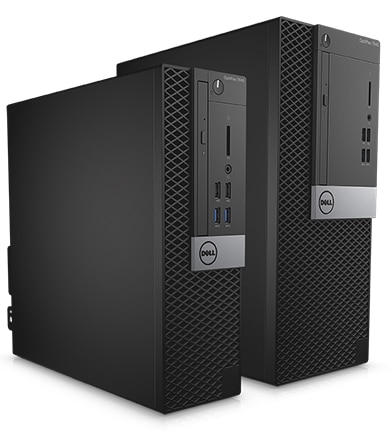
Dell OptiPlex lineup on Wikipedia
techgurl
What Makes the Dell OptiPlex 7070 Ultra Different
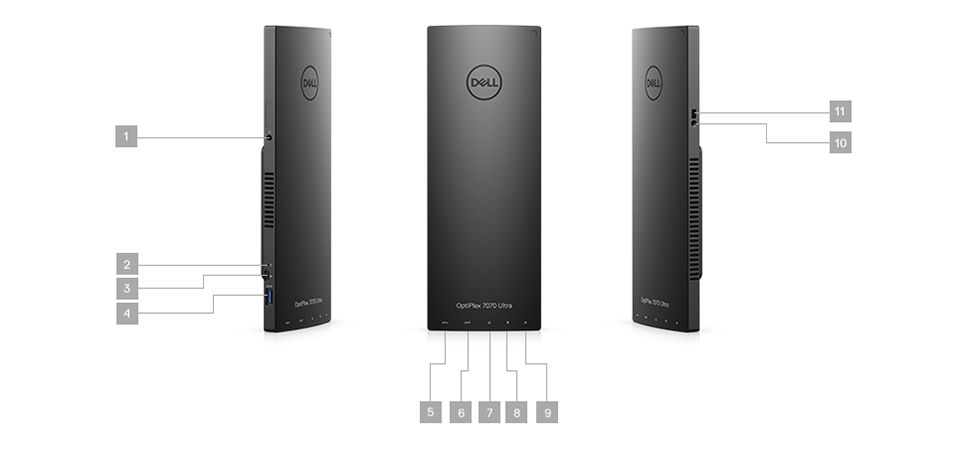
Unlike a traditional micro-tower or even a typical all-in-one, the Dell OptiPlex 7070 Ultra is built around a single idea: separate the PC entirely from the display, then let the PC itself disappear behind the monitor on a purpose-built stand. The whole system — 8th or 9th-gen Intel Core CPU, up to 32GB of DDR4 RAM, and either SATA or NVMe storage — lives inside a chassis barely larger than a paperback book, connected to your monitor with a single proprietary cable that carries video, USB, Ethernet, and power all at once.
Dell OptiPlex 7070 Ultra Specs
- CPU: 8th/9th-gen Intel Core i3, i5, or i7 (up to Core i7-9700T)
- RAM: Two DDR4 SO-DIMM slots, up to 32GB
- Storage: M.2 NVMe or 2.5″ SATA, single-drive only due to the compact chassis
- Display support: Up to three monitors via the docking stand’s DisplayPort outputs
- Connectivity: The proprietary single-cable dock link, plus USB-A, USB-C, and Ethernet directly on the chassis for use outside the stand
That single-cable design is genuinely clever, and it’s the main reason IT departments buy the Dell OptiPlex 7070 Ultra in bulk: when it’s time to refresh the fleet, you swap the tiny PC module and keep the monitor, stand, and cabling exactly as they were. Our review unit handled everyday office work — spreadsheets, video calls, a dozen browser tabs — without complaint, but as we noted above, the performance-per-dollar doesn’t quite match a conventional small-form-factor desktop, and a few of the rear ports are genuinely awkward to reach once the unit is mounted.
Setting Up the OptiPlex 7070 Ultra
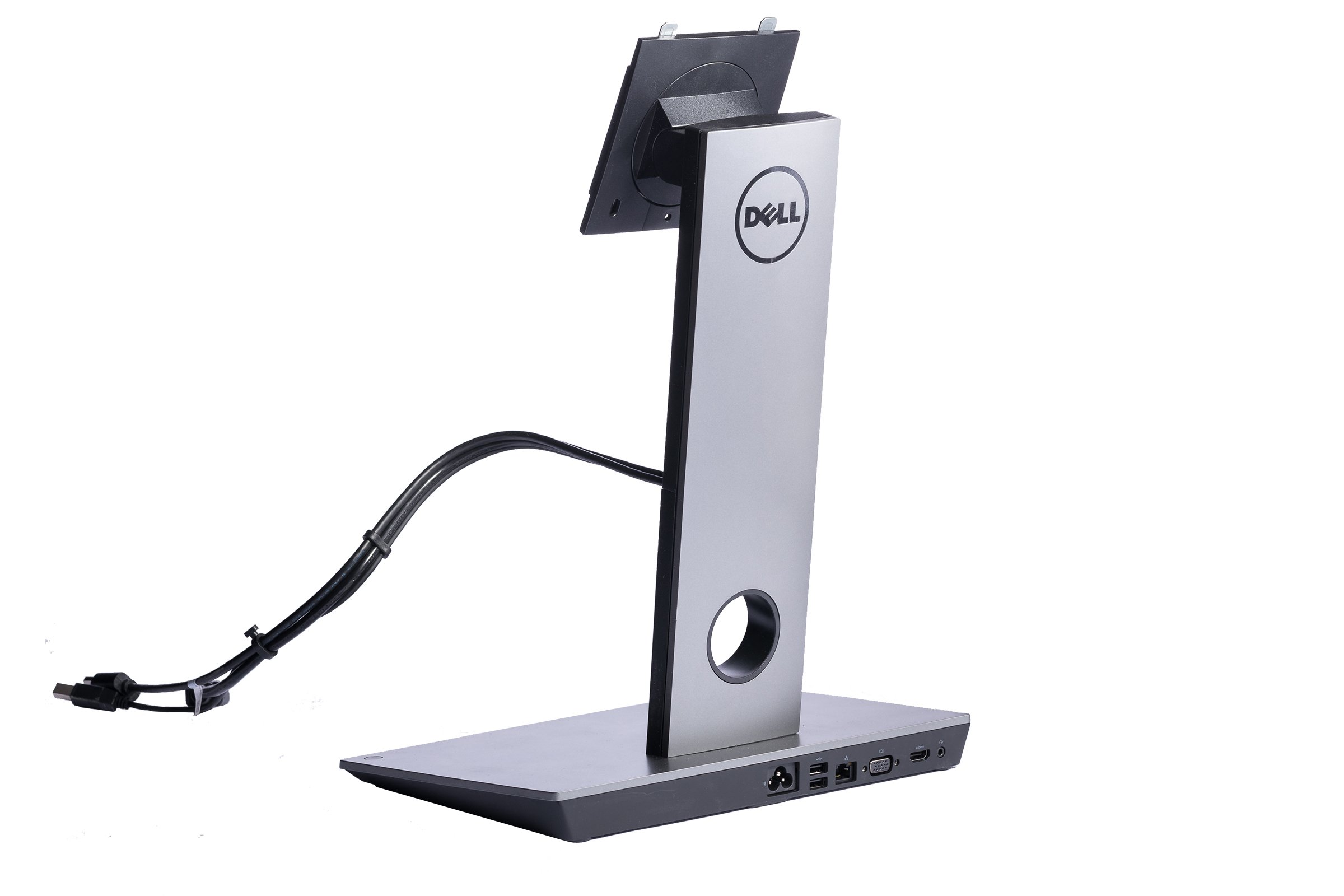
If you’re buying one for your own desk rather than a whole office, plan around the stand itself. Dell sells a Dell OptiPlex 7070 Ultra monitor stand separately from the compute module in some bundles, so double check what’s actually included before you buy. Because the stand’s video output uses standard DisplayPort, most modern displays work fine — if you’re shopping for a USB-C monitor for OptiPlex Ultra setups, look for one with DisplayPort-over-USB-C support rather than HDMI-only panels, since some configurations don’t expose an HDMI port at all once mounted.
The one recurring complaint we (and plenty of IT buyers) have is cable length. Dell ships short cables by default, which is fine if the stand sits right behind your monitor, but awkward the moment your desk layout differs even slightly from the reference setup. Picking up a longer Dell OptiPlex Ultra dock cable ahead of time saves you a return trip to the store on setup day.
Should You Buy the Dell OptiPlex 7070 Ultra?
If your priority is a genuinely disappearing desktop footprint and you’re comfortable buying into Dell’s proprietary stand ecosystem, the Dell OptiPlex 7070 Ultra delivers on that promise better than almost anything else on the market. If raw price-per-performance matters more, a conventional small-form-factor OptiPlex tower will get you more CPU and easier serviceability for less money — you’ll just need somewhere to put it. For a similarly tidy single-cable desk setup on a laptop instead of a desktop, our look at the ThinkPad Ultra Docking Station USB-C covers the same idea from the other direction.
Who Actually Buys the OptiPlex 7070 Ultra?
In practice, the buyers who get the most value from the Dell OptiPlex 7070 Ultra are IT departments managing large fleets of desks in call centers, trading floors, hospitals, and open-plan offices where every square inch of desk space matters and cable management is a constant headache. Because the compute module clips directly onto the back of the stand, cleaning crews and desk movers never have to unplug a tangle of cables from a tower sitting on the floor — the whole workstation lifts and moves as one unit. For a single home-office desk, that advantage matters less, and the premium you pay for the stand and proprietary cabling is harder to justify versus a small tower tucked under the desk.
Refresh cycles are where the design really pays off at scale. A typical corporate refresh means swapping hundreds or thousands of desktops every three to five years. With a conventional tower, that means disconnecting a full cable harness at every single desk, then reconnecting an equivalent harness on the replacement unit — hours of technician time across a large deployment. With the Ultra, the technician removes four screws, swaps the compute module, and reattaches it; the monitor, stand, keyboard, mouse, and all peripheral cabling stay exactly where they were. Multiply that time savings across a few hundred desks and the case for paying a premium per-unit becomes a lot clearer from a total cost of ownership standpoint, even if the bare hardware spec sheet doesn’t look as compelling next to a standard OptiPlex tower at the same price point.
One more practical note if you’re considering a used or refurbished OptiPlex 7070 Ultra: always confirm the compute module and the stand were sold as a matched pair. Because Dell revised the docking connector slightly between the 7070 Ultra and later Ultra generations, mixing a compute module from one generation with a stand from another isn’t guaranteed to work, and there’s no easy way to tell just by looking at the connector. Buying a bare compute module off a resale marketplace without its original stand is the single most common regret we hear about with this platform — budget for the stand as part of the purchase, not as an afterthought.
When in doubt, buy the compute module and stand together from the same listing rather than piecing them together separately from two different sellers.
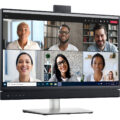


This pc is very elegant