As an Amazon Associate and an AliExpress affiliate, TechGurl earns from qualifying purchases. Some links on this page are affiliate links — if you buy through them we may receive a commission, at no extra cost to you. This never affects which products we cover or what we say about them.
Disclosure: This article contains affiliate links. If you buy through them we may earn a small commission at no extra cost to you.
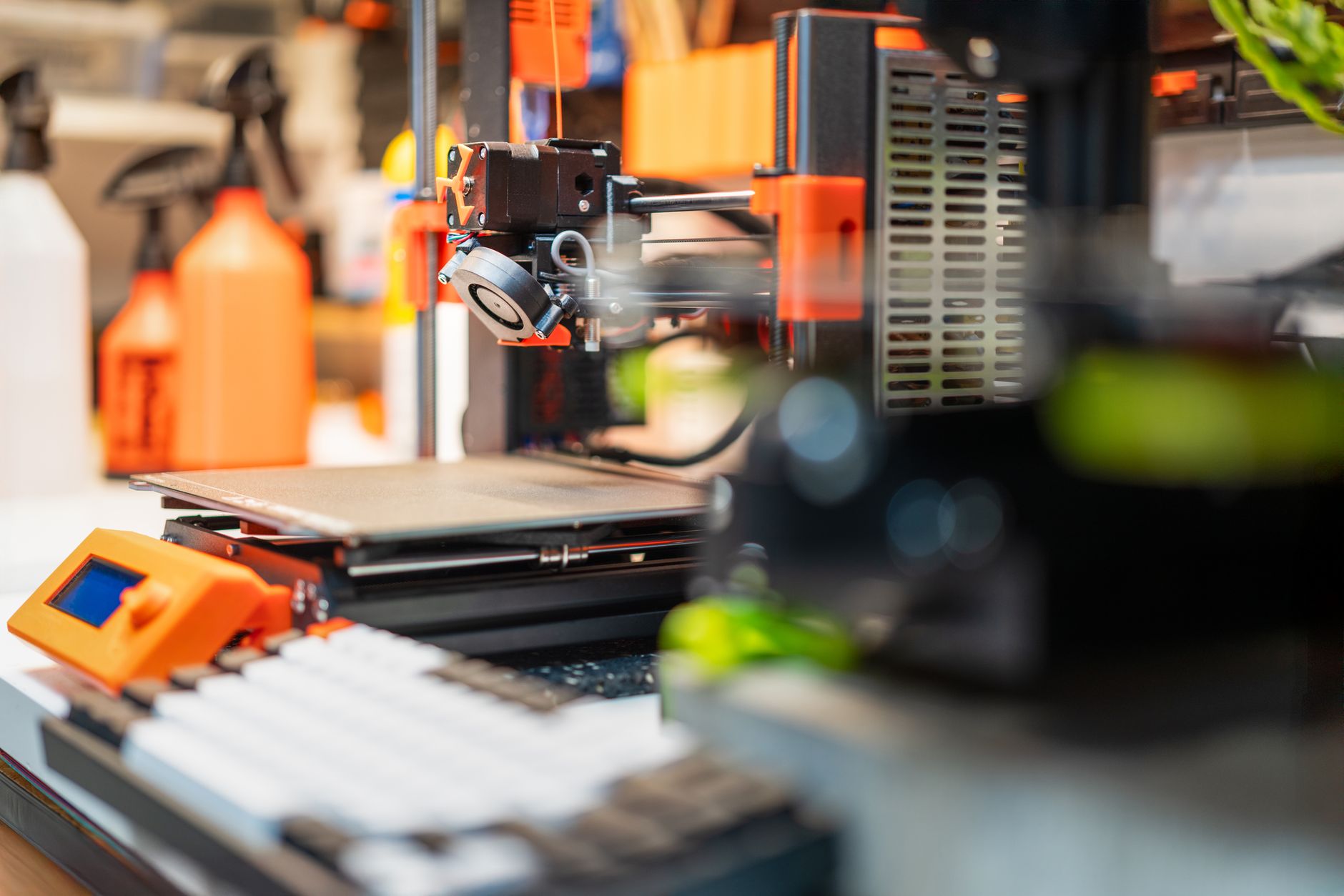
Embarking on the exciting world of 3D printing can seem daunting, but with the right equipment, it’s an incredibly rewarding hobby. For those new to the scene, finding the best 3d printers for beginners in 2026 means balancing ease of use, reliability, print quality, and affordability. Gone are the days when 3D printers were complex, temperamental machines reserved for engineers. Today, user-friendly models with advanced features like auto-leveling and intuitive interfaces make it easier than ever to bring your digital designs to life.
Whether you’re looking to create custom miniatures, functional prototypes, or artistic pieces, this guide will help you navigate the options and choose a printer that perfectly suits your budding maker aspirations. We’ve scoured the market for the top contenders, focusing on machines that offer a smooth entry into the world of additive manufacturing, ensuring you spend more time printing and less time troubleshooting.
1. Creality Ender 3 V3 SE
The Creality Ender 3 V3 SE stands out as an exceptional choice for beginners, building on the legacy of its immensely popular predecessors. This FDM (Fused Deposition Modeling) printer offers an impressive set of features typically found in more expensive machines, all while maintaining an accessible price point. Its standout attributes include automatic bed leveling (CR Touch), which eliminates one of the most common frustrations for new users, and a direct drive extruder for better filament compatibility, especially with flexible materials.
With a respectable build volume and a sturdy frame, the Ender 3 V3 SE is capable of producing high-quality prints right out of the box. Assembly is straightforward, often taking less than 30 minutes, meaning you can get to printing almost immediately. It’s a workhorse that provides an excellent foundation for learning the ropes of 3D printing, offering a balance of performance, ease of use, and a vast online community for support and modifications.
Creality Ender 3 V3 SE — check today’s price
2. Anycubic Kobra 2 Neo
Anycubic has consistently delivered strong contenders in the budget 3D printer market, and the Kobra 2 Neo is no exception. This printer is designed with the beginner in mind, prioritizing speed and simplicity. It boasts an impressive print speed, allowing you to complete projects faster without significantly compromising quality. Like other top beginner models, it features automatic bed leveling (LeviQ), ensuring a perfect first layer every time without manual adjustments.
The Kobra 2 Neo also incorporates a direct drive extruder, enhancing its ability to handle a wider range of filaments, from standard PLA to more advanced materials like TPU. Its modular design means quick assembly, and the intuitive touchscreen interface makes navigation and print control a breeze. For those who want to jump into 3D printing with minimal fuss and enjoy rapid results, the Anycubic Kobra 2 Neo offers fantastic value and a user-friendly experience.
Anycubic Kobra 2 Neo — check today’s price
3. Elegoo Neptune 4 Pro
The Elegoo Neptune 4 Pro elevates the beginner experience by bringing professional-grade speed and features to an accessible price point. This FDM printer is a game-changer, shipping with Klipper firmware pre-installed, which allows for significantly faster print speeds and advanced functionalities right out of the box. While Klipper can be intimidating for some, Elegoo has integrated it seamlessly, making it surprisingly beginner-friendly.
Key features include a dual-gear direct drive extruder, ensuring consistent filament feeding, and a segmented heated bed for better temperature control and energy efficiency. It also offers automatic bed leveling, a staple for any good beginner printer. The Neptune 4 Pro provides a larger build volume than many competitors in its class, offering more creative freedom for bigger projects. If you’re a beginner eager to experiment with speed and advanced features without a steep learning curve, the Neptune 4 Pro is an excellent choice that offers room to grow.
Elegoo Neptune 4 Pro — check today’s price
4. Bambu Lab A1 Mini
For beginners seeking a premium, hassle-free experience with exceptional print quality, the Bambu Lab A1 Mini is a standout. While it sits at a slightly higher price point, its ‘it just works’ philosophy makes it incredibly appealing. This FDM printer is renowned for its ease of use, featuring fully automatic calibration (including Z-offset, bed leveling, and vibration compensation) and an intuitive user interface. It practically sets itself up, minimizing the common frustrations associated with traditional 3D printing.
The A1 Mini offers remarkable print speed and precision, delivering stunning results with minimal effort. Its optional AMS Lite system allows for multi-color printing, opening up a new realm of creative possibilities for beginners. With its robust build quality, quiet operation, and smart features like active noise cancellation, the Bambu Lab A1 Mini is perfect for those who prioritize a smooth, high-quality printing journey and are willing to invest a bit more for a truly premium beginner experience.
Bambu Lab A1 Mini — check today’s price
5. Elegoo Mars 4 Ultra
While most beginner recommendations focus on FDM printers, the Elegoo Mars 4 Ultra offers an excellent entry point into the world of resin (SLA/DLP) 3D printing. Resin printers excel at producing incredibly detailed and smooth models, perfect for miniatures, jewelry, or intricate prototypes. The Mars 4 Ultra is designed to be user-friendly, featuring a high-resolution monochrome LCD screen for fast curing times and crisp details.
Its build quality is robust, and the setup process is relatively straightforward for a resin printer. Elegoo provides clear instructions and a supportive community, making the transition to resin printing less intimidating. While resin printing involves more post-processing (washing and curing prints) and requires handling liquid resin, the Mars 4 Ultra makes the initial printing experience as seamless as possible. For beginners who prioritize fine detail and smooth finishes above all else, this printer is an exceptional choice.
Elegoo Mars 4 Ultra — check today’s price
Here’s a quick comparison of our top picks:
| Feature | Creality Ender 3 V3 SE | Anycubic Kobra 2 Neo | Elegoo Neptune 4 Pro | Bambu Lab A1 Mini | Elegoo Mars 4 Ultra |
|---|---|---|---|---|---|
| Technology | FDM | FDM | FDM | FDM | Resin (MSLA) |
| Build Volume (mm) | 220x220x250 | 220x220x250 | 225x225x265 | 180x180x180 | 153.36×77.76×175 |
| Auto-Leveling | Yes (CR Touch) | Yes (LeviQ) | Yes | Fully Automatic | N/A |
| Extruder Type | Direct Drive | Direct Drive | Dual-Gear Direct Drive | Direct Drive | N/A |
| Max Print Speed | 250mm/s | 250mm/s | 500mm/s | 500mm/s | 70mm/h |
| Key Feature | Great value, easy assembly | Fast, reliable, auto-leveling | Klipper pre-installed, speed | Premium quality, ease of use | High detail, beginner-friendly resin |
Best value picks on AliExpress
AliExpress can be a treasure trove for budget-conscious buyers looking for entry-level 3D printers or great deals on popular models. While you might find slightly older generations or less-known brands, many offer surprising quality for their price. Always check seller ratings and reviews, and be mindful of shipping times and potential import duties.
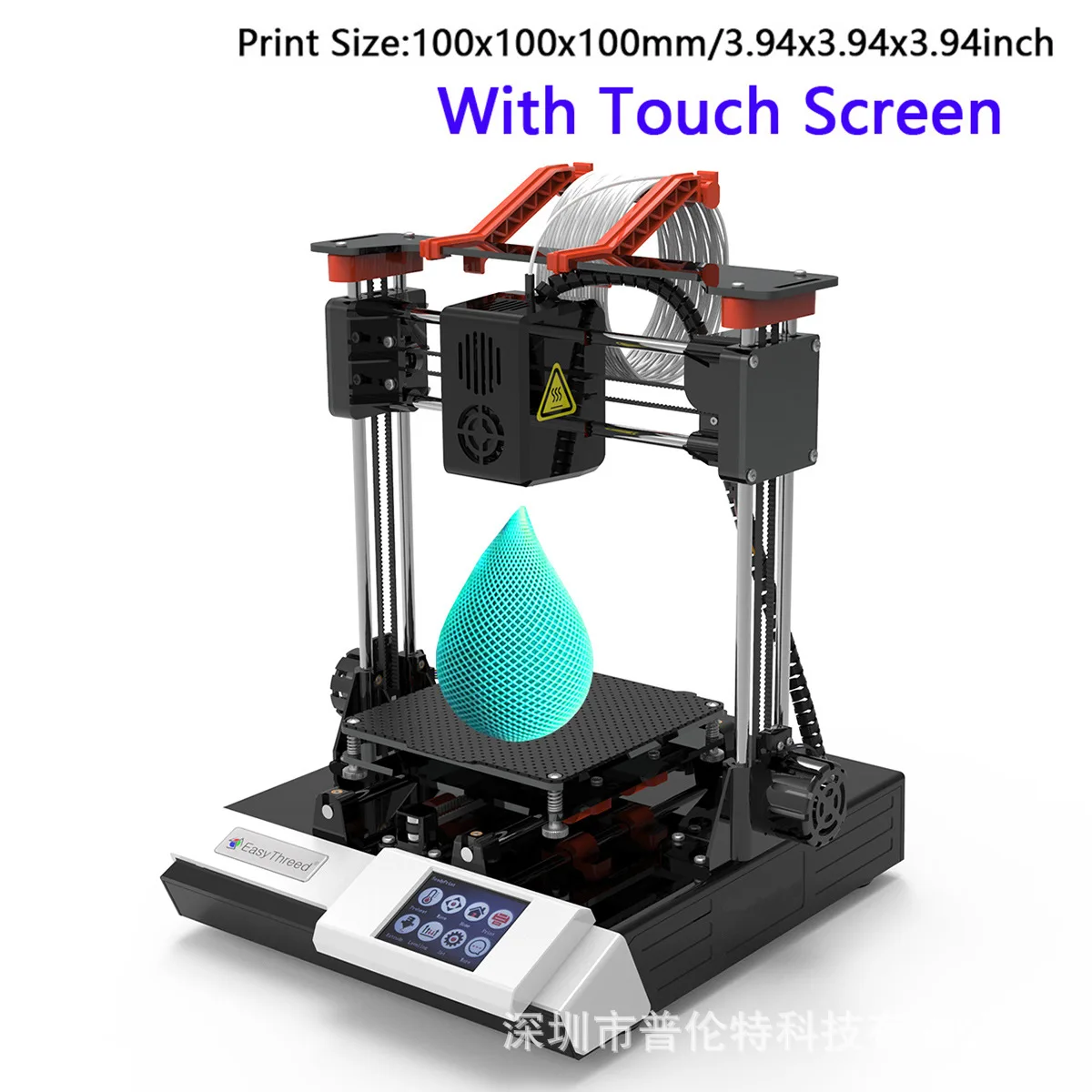
EasyThreed K6 Mini 3D Printer Desktop FDM Printing Machine Touch Screen Control Entry Leve
$143.73 $261.33 on AliExpress
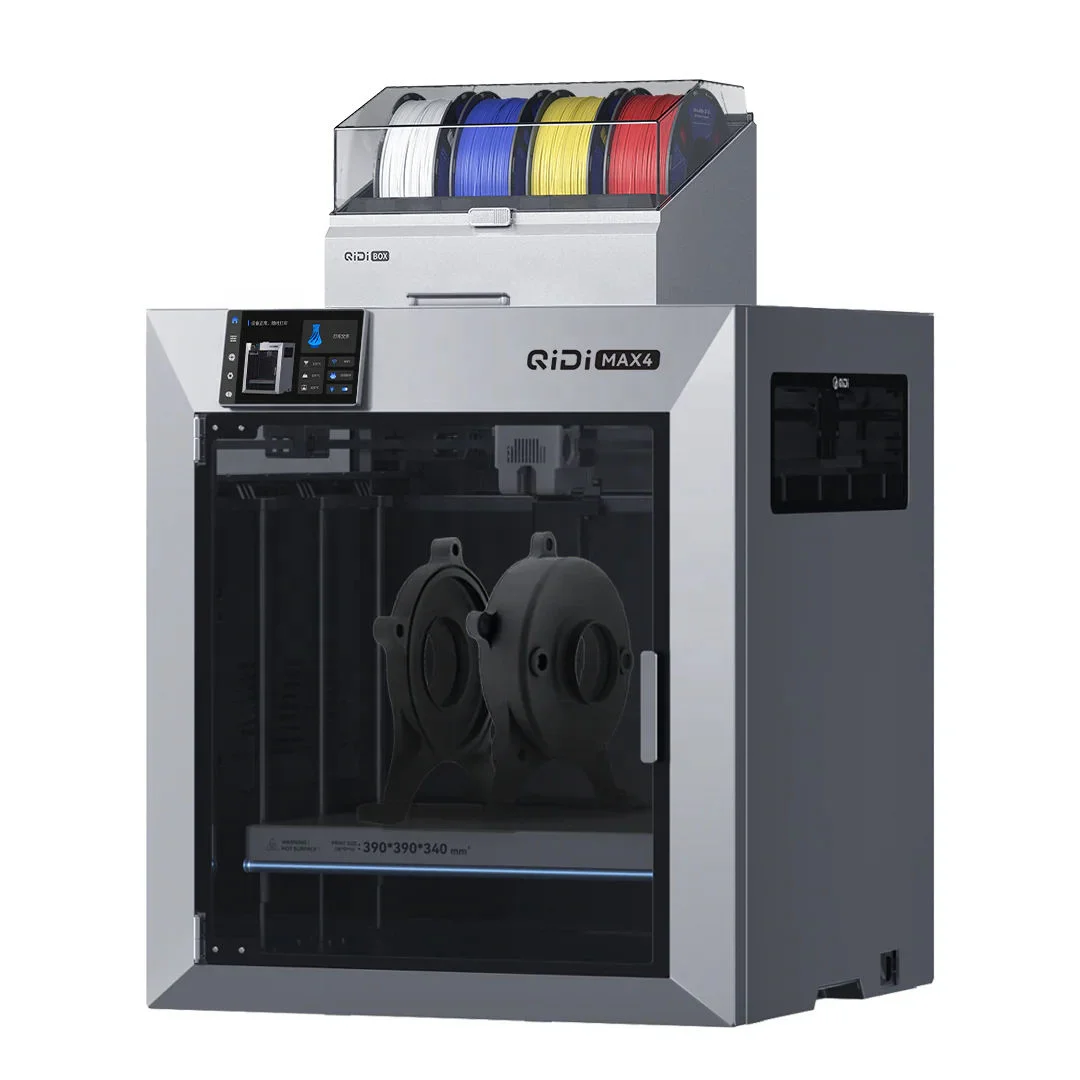
Max4 COMBO 390x390x340mm Dual Extruder High Speed Redefining First Entry-level Multi-color
$2878.49 $3128.79 on AliExpress
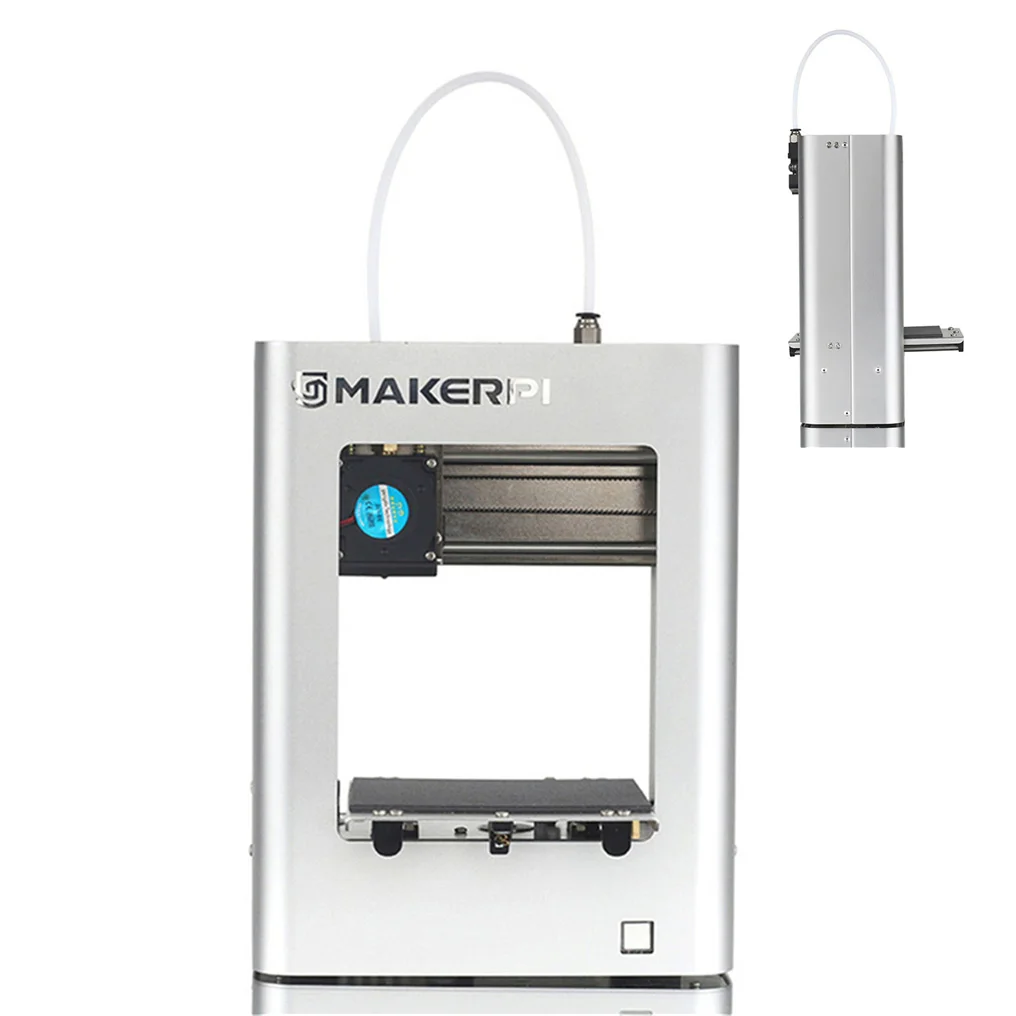
Low Cost Mini 3D Printer Easy to Use Entry Level Gift 3D Printer FDM PLA Filament 1.75mm B
$169.00 on AliExpress
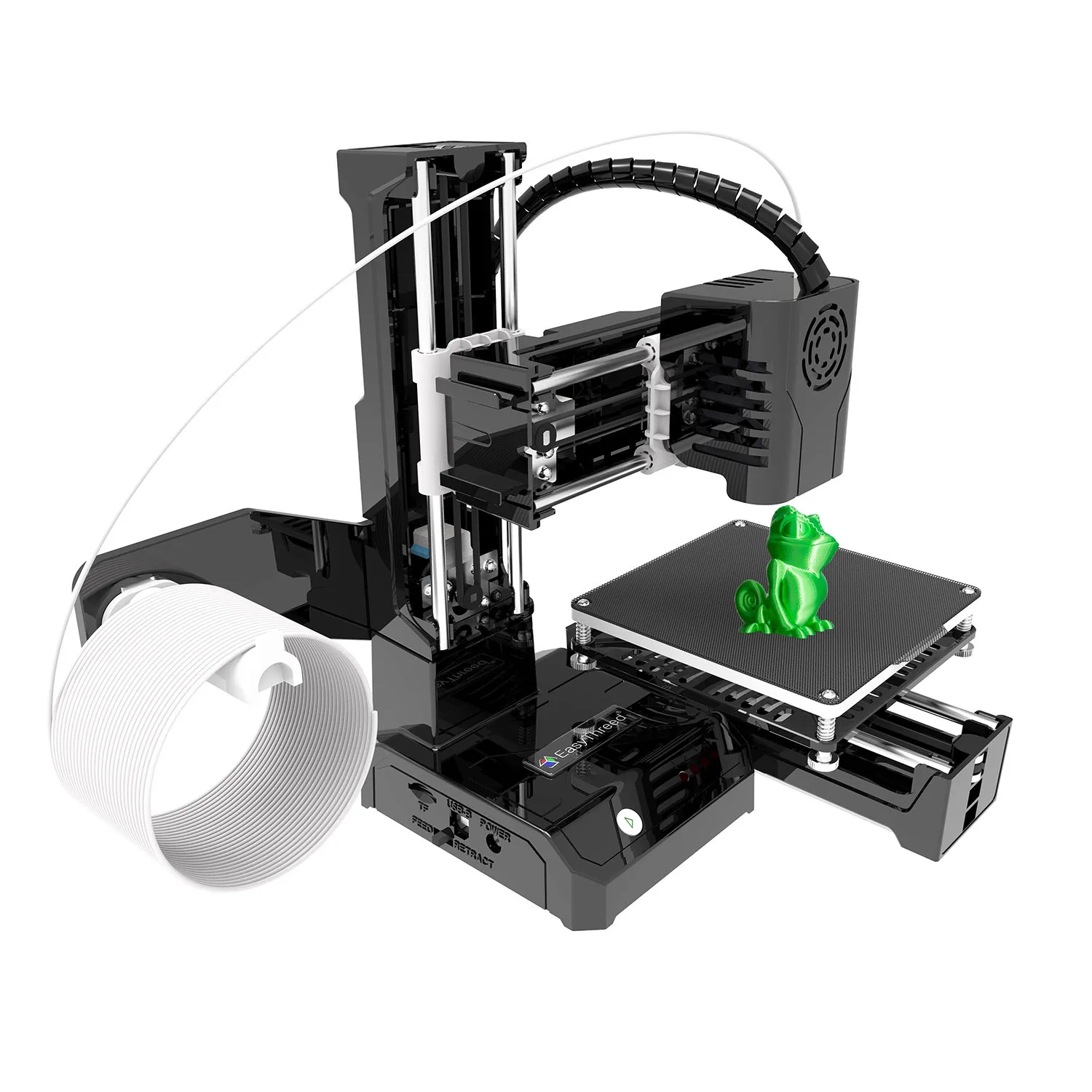
K9 Mini FDM 3D Printer Entry Level Desktop One Key Printing 100*100mm Compatible PLA TPU 1
$120.23 $375.72 on AliExpress
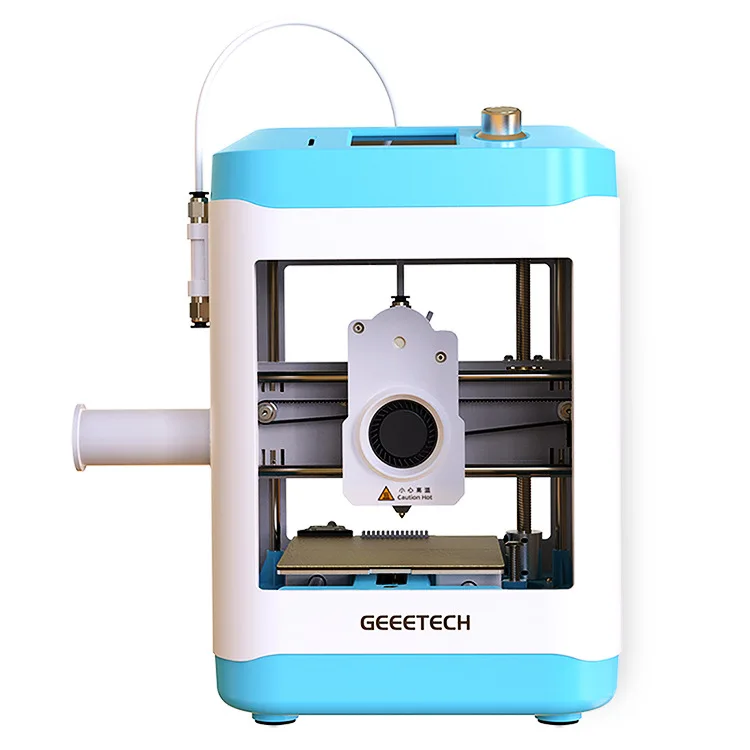
Children's Desktop 3D Printer – Home Model for Students And Beginners Entry-Level Educatio
$349.61 $554.94 on AliExpress
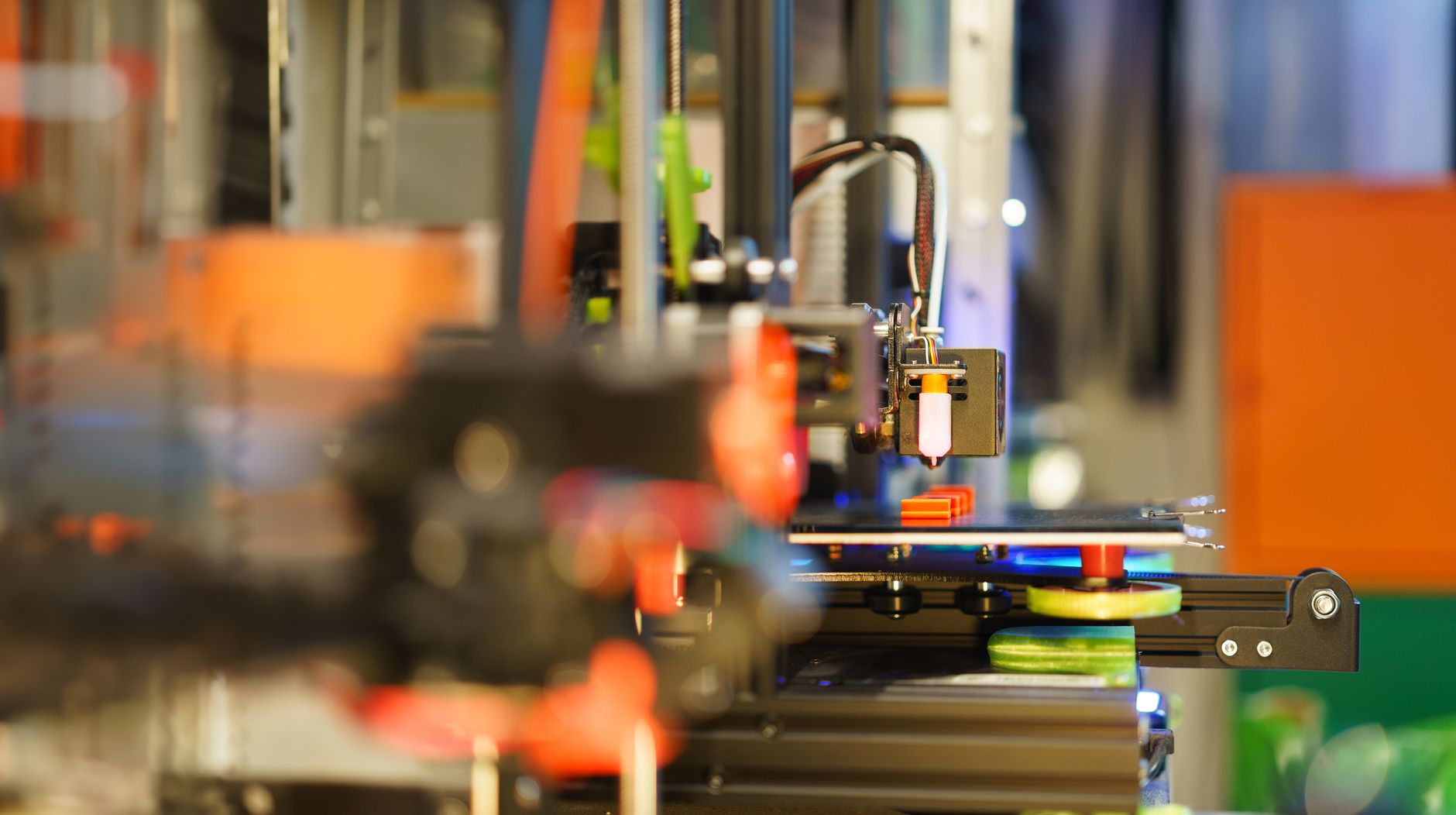
How to Choose the Best 3D Printer for Beginners
Selecting your first 3D printer involves considering several factors to ensure a smooth and enjoyable experience. Here’s what to look for:
- Ease of Use: This is paramount for beginners. Look for features like automatic bed leveling, simple assembly, and intuitive interfaces (touchscreens are a plus). The less time you spend troubleshooting, the more time you spend creating.
- Print Technology: The two main types are FDM (Fused Deposition Modeling) and Resin (SLA/DLP/MSLA). FDM printers use plastic filament, are generally more affordable, and are great for functional parts and larger objects. Resin printers use liquid resin cured by UV light, offering much finer detail and smoother finishes, ideal for miniatures and artistic models, but they require more post-processing. Most 3d printers for beginners are FDM.
- Build Volume: This refers to the maximum size of an object you can print. A standard build volume (e.g., 220x220x250mm) is usually sufficient for most beginner projects. Consider your potential projects; if you plan on printing large items, you’ll need a larger build volume.
- Print Speed: While not the only factor, faster print speeds can be a significant advantage, especially for larger projects. However, don’t sacrifice quality for speed. Many modern beginner printers offer a good balance.
- Extruder Type (FDM only): Direct drive extruders are generally preferred for beginners as they handle a wider range of filaments, including flexible ones like TPU, more reliably than Bowden extruders.
- Connectivity: Look for options like SD card slots, USB, and Wi-Fi connectivity for convenient file transfer and remote control.
- Community Support: A strong online community (forums, Facebook groups, YouTube tutorials) can be invaluable for beginners when you inevitably run into questions or need help with modifications.
- Price: Set a budget. Beginner 3D printers range from very affordable models under $200 to more premium options around $500-$800. Remember to factor in the cost of filament or resin, and potential accessories.
Frequently Asked Questions About Beginner 3D Printers
What’s the difference between FDM and Resin 3D printers for beginners?
FDM (Fused Deposition Modeling) printers are the most common type for beginners. They work by melting plastic filament and extruding it layer by layer to build an object. They are generally easier to set up, use less toxic materials (PLA is biodegradable), and are great for functional parts, prototypes, and larger models. Resin printers (like SLA or MSLA) use liquid resin cured by a UV light source. They produce incredibly high-detail prints with smooth surfaces, making them ideal for miniatures, intricate jewelry, or highly detailed models. However, they require more post-processing (washing and curing), and the resin itself can be more expensive and requires careful handling due to its toxicity.
How difficult is it to set up a beginner 3D printer?
Most modern 3d printers for beginners are designed for quick and easy setup. Many come 90% pre-assembled, requiring only a few screws to attach the gantry and connect some wires. Features like automatic bed leveling significantly reduce the initial calibration steps that used to frustrate new users. Manufacturers often provide clear video tutorials and detailed manuals. While there’s still a learning curve for understanding print settings and troubleshooting, the initial assembly and first print are far less intimidating than they once were.
What materials can I print with as a beginner?
For FDM printers, PLA (Polylactic Acid) is the go-to filament for beginners. It’s easy to print with, comes in a vast array of colors, is relatively inexpensive, and has minimal odor. Once comfortable with PLA, you can experiment with PETG, which is stronger and more durable, or TPU for flexible prints. For resin printers, standard UV-curable resins are the starting point. These come in various colors and offer different properties like toughness or flexibility. Always ensure your printer is compatible with the specific filament or resin you plan to use.
What are common challenges for new 3D printer users?
Even with beginner-friendly printers, some common challenges include getting the first layer to stick properly (often solved by auto-leveling and bed adhesion techniques), dealing with stringing or blobs (usually related to retraction settings), and understanding slicing software parameters. Warping (when prints lift off the build plate) and clogs in the nozzle can also occur. The key is patience, learning from online communities, and not being afraid to experiment with settings. Many issues have simple solutions once you know what to look for.
Conclusion
Choosing the right 3D printer can kickstart an incredibly rewarding journey into creative manufacturing. The market for 3d printers for beginners in 2026 is robust, offering a fantastic array of user-friendly, high-performance machines that make getting started easier than ever before. Whether you opt for the reliability of an Ender, the speed of a Kobra, the advanced features of a Neptune, the premium experience of a Bambu Lab, or the detailed output of an Elegoo Mars, you’re investing in a tool that can bring your wildest ideas to life.
Remember to consider your budget, the types of objects you want to create, and the level of detail required. With a bit of research and the guidance from this article, you’ll be well on your way to becoming a 3D printing enthusiast. Don’t forget to explore resources on Fused Deposition Modeling to deepen your understanding of the technology. Happy printing, and be sure to check out our other guides for XBOX ONE ALL-DIGITAL HDD to SSD UPGRADE GUIDE advanced tips and tricks!