As an Amazon Associate and an AliExpress affiliate, TechGurl earns from qualifying purchases. Some links on this page are affiliate links — if you buy through them we may receive a commission, at no extra cost to you. This never affects which products we cover or what we say about them.
Disclosure: This article contains affiliate links. If you buy through them we may earn a small commission at no extra cost to you.
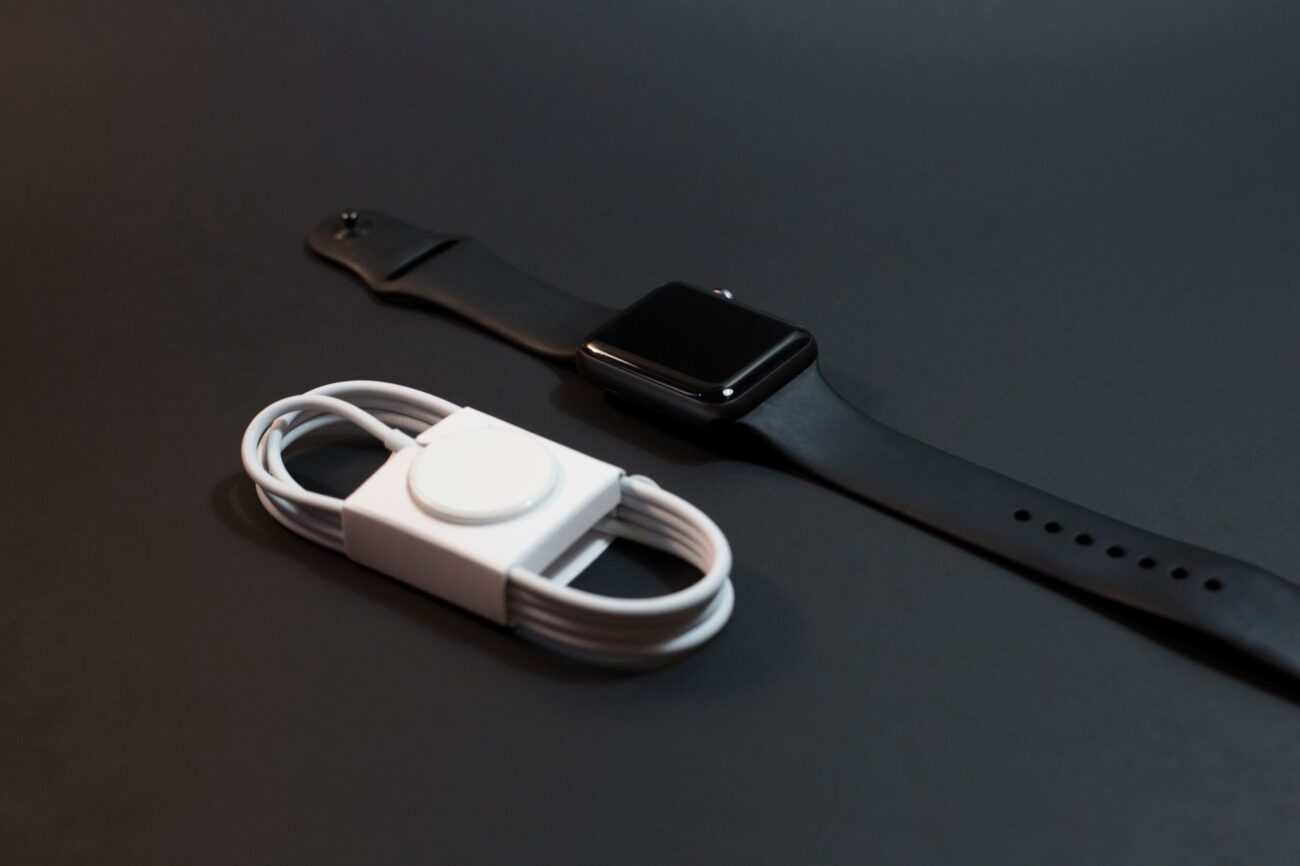
Few things are more frustrating than reaching for your trusty smartwatch only to find it unresponsive because it won’t charge. Whether it’s a sudden failure or a gradual decline, knowing how to fix smartwatch charging problems can save you time, money, and the hassle of a dead device. This comprehensive guide will walk you through common causes and practical troubleshooting steps to get your wearable back on your wrist and powered up.
Common Reasons Your Smartwatch Won’t Charge
Before diving into solutions, it’s helpful to understand the most common culprits behind a smartwatch that refuses to charge:
- Damaged Cable or Adapter: Frayed wires, bent pins, or a faulty wall adapter are frequent causes.
- Dirty Charging Contacts: Dust, sweat, grime, or corrosion on the charging pins can prevent a proper connection.
- Software Glitches: Sometimes, a simple software bug can interfere with the charging process.
- Faulty Power Source: The USB port you’re using might not be supplying enough power, or the wall outlet itself could be dead.
- Battery Degradation: Over time, smartwatch batteries lose their capacity and ability to hold a charge, especially in older devices.
- Physical Damage or Water Ingress: Drops, impacts, or water exposure can damage internal components related to charging.
Troubleshooting Steps to Fix Smartwatch Charging Issues
Follow these steps in order, starting with the simplest solutions, to diagnose and resolve your smartwatch charging problem.
Step 1: Inspect the Charging Cable and Adapter
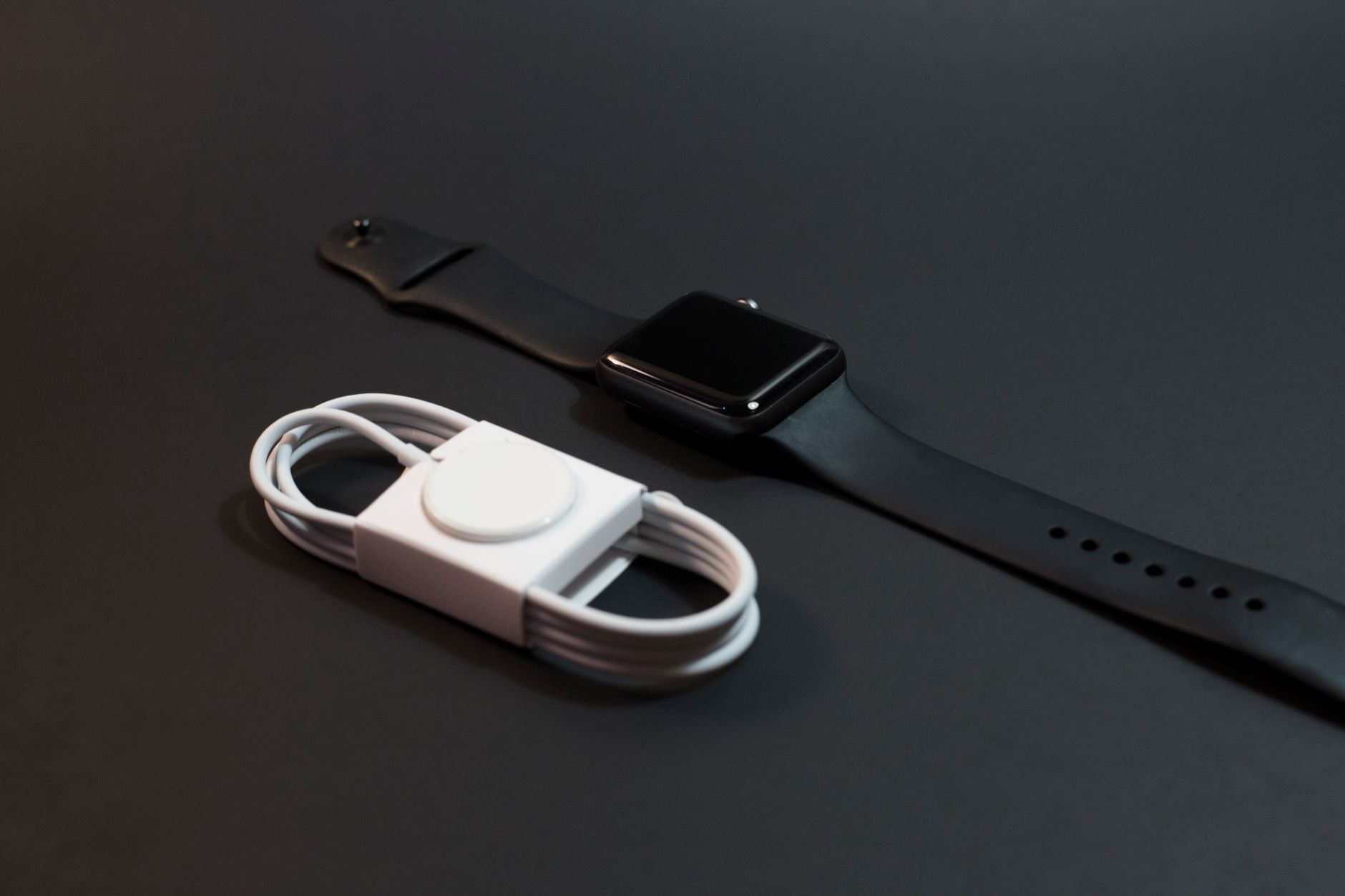
The charging setup is the most common point of failure. Begin by thoroughly examining your smartwatch’s charging cable and the wall adapter (if you’re using one). Look for any visible signs of damage such as fraying, cuts, kinks, or bent/corroded pins on the cable. If your charger uses a magnetic puck, ensure the magnet is still strong and clean. Next, try swapping out both the cable and the adapter. Use a different, known-good USB cable and a different wall adapter. Sometimes, even a slight inconsistency in power delivery from a faulty adapter can prevent charging. If your smartwatch came with a specific charger, try to use another original or certified third-party charger for your device model. A reliable, compact wall charger can be a good investment if you suspect your current one is failing.
Anker PowerPort III Nano 20W Charger — check today’s price
Step 2: Clean the Charging Contacts
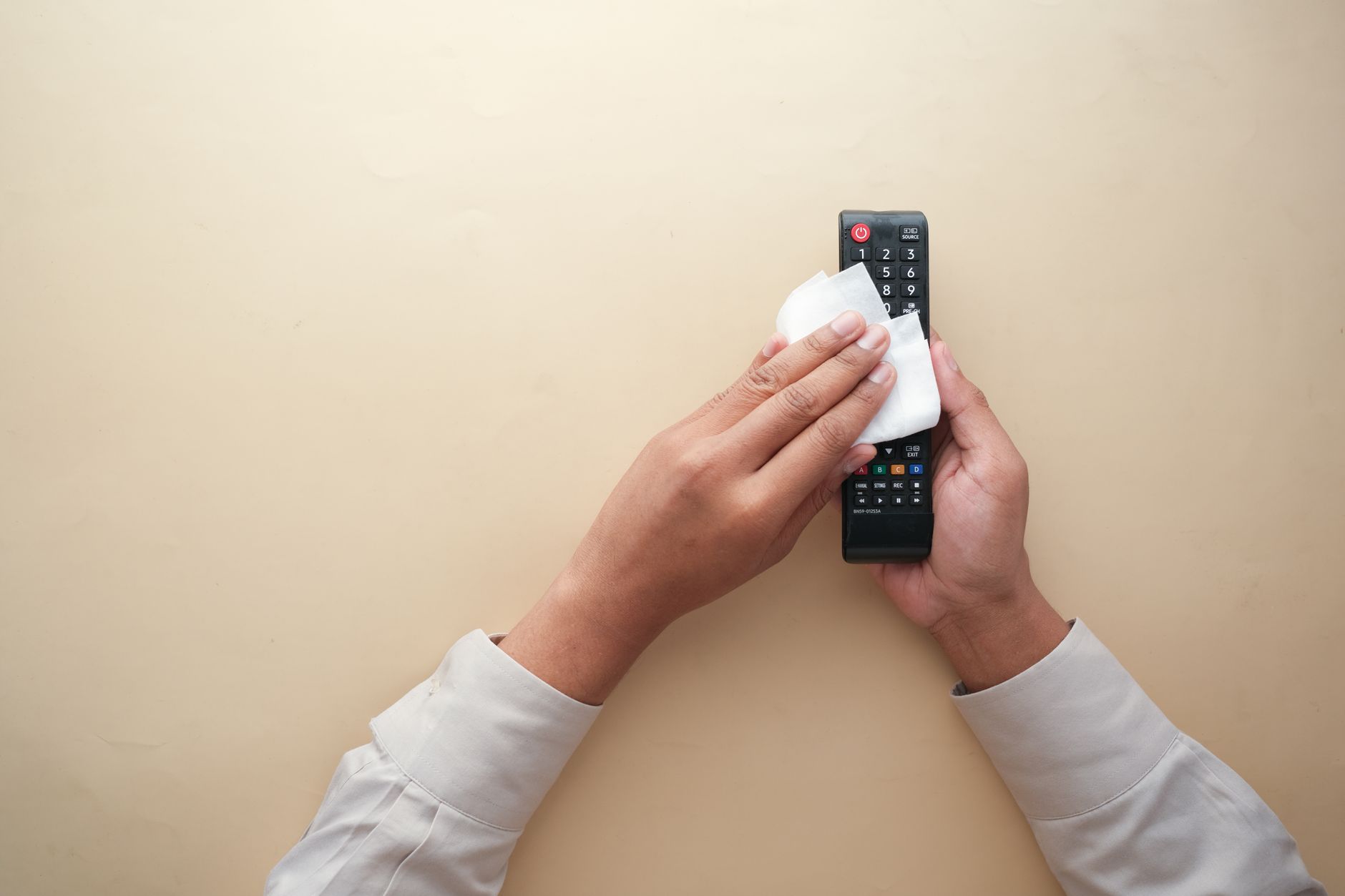
Over time, sweat, skin oils, dust, and general grime can build up on the tiny metal charging contacts of your smartwatch and its charging cradle/cable. This buildup can create an insulating layer, preventing a proper electrical connection. To clean them, power off your smartwatch. Use a soft, dry, lint-free cloth or a cotton swab dipped lightly in isopropyl alcohol (rubbing alcohol). Gently wipe the metal contacts on both the back of your smartwatch and on the charging cable/dock. Be careful not to scratch the surfaces. Allow the alcohol to evaporate completely before attempting to charge again. This simple step often resolves many charging issues.
Step 3: Restart Your Smartwatch
A software glitch can sometimes cause your smartwatch to misinterpret its charging status or prevent it from initiating a charge. A simple restart can often clear these temporary bugs. If your watch has enough power to turn on, perform a standard restart through its settings menu. If it’s completely dead or unresponsive, try a force restart or hard reset. The method varies by brand and model, but typically involves holding down one or more physical buttons for 10-30 seconds until the device reboots or shows a logo. Consult your smartwatch’s manual or manufacturer’s website for specific force restart instructions.
Step 4: Try a Different Power Source
The issue might not be with your smartwatch or charger, but with the power source itself. If you’re using a wall outlet, try plugging your charger into a different outlet. If you’re charging via a computer’s USB port, try a different port, or switch to a dedicated wall adapter. Some USB ports, especially on older computers, may not provide enough power output (amperage) to charge a smartwatch effectively or quickly. A power bank or another device’s USB port can also serve as an alternative test point. Ensure the power source is stable and delivering adequate power.
Step 5: Check for Software Updates
Outdated software can sometimes lead to performance issues, including problems with battery management and charging. Connect your smartwatch to its companion app on your smartphone and check for any available software updates. Install any pending updates, as they often include bug fixes and performance improvements that could resolve charging inconsistencies. Ensure your phone and smartwatch are sufficiently charged before attempting a software update to avoid further complications. For example, if you own an Apple Watch, you can find specific troubleshooting steps and update instructions on the Apple Support page for charging issues.
Step 6: Examine for Physical Damage or Water Ingress
Carefully inspect your smartwatch for any signs of physical damage, such as cracks on the screen or casing, dents, or bends. Even minor damage can affect internal components. Also, look for any signs of water ingress, such as moisture under the screen or corrosion around buttons and charging ports. While many smartwatches are water-resistant, prolonged exposure, extreme pressure, or compromised seals can lead to internal damage that affects charging. If you find significant physical damage or suspect water damage, professional repair might be necessary.
Step 7: Consider Battery Degradation
If your smartwatch is several years old, its battery may have reached the end of its lifespan. Rechargeable batteries naturally degrade over time, losing their ability to hold a full charge and sometimes failing to charge at all. If your watch charges very slowly, dies quickly after charging, or only charges intermittently, battery degradation is a strong possibility. Unfortunately, smartwatch batteries are often not user-replaceable, making this a more complex issue. In such cases, you might need to consider professional battery replacement (if available for your model) or upgrading to a newer device.
Step 8: Perform a Factory Reset (Last Resort)
If all other troubleshooting steps fail, a factory reset might be necessary. This will erase all data on your smartwatch and return it to its original factory settings, potentially resolving deep-seated software issues that are preventing charging. However, be aware that this will delete all your settings, apps, and personal data, so ensure you’ve backed up anything important if possible. The process for a factory reset varies by device, but it’s usually found in the smartwatch’s settings menu or initiated via a combination of button presses. Only proceed with this step if you’ve exhausted all other options.
Common Mistakes to Avoid
- Using Damaged Cables: Never use a frayed or damaged charging cable. It can be unsafe and inefficient.
- Forcing Connections: Don’t force the charging cable or puck onto your smartwatch. If it doesn’t connect easily, check for obstructions or incorrect alignment.
- Ignoring Cleaning: Neglecting to clean charging contacts is a common oversight that leads to charging failures.
- Exposing to Extremes: Avoid charging your smartwatch in extremely hot or cold environments, as this can stress the battery and charging components.
- Using Uncertified Chargers: While tempting, cheap, uncertified third-party chargers can sometimes damage your device due to inconsistent power delivery.
Handy tools on AliExpress
Sometimes, having the right tools can make troubleshooting much easier, especially when dealing with electronics. These items can help you diagnose power issues or keep your devices in top shape.

MAXRIENY Smart Digital Multimeter USB Rechargeable True RMS EBTN DC AC Voltage Capacitance
$23.29 $47.53 on AliExpress
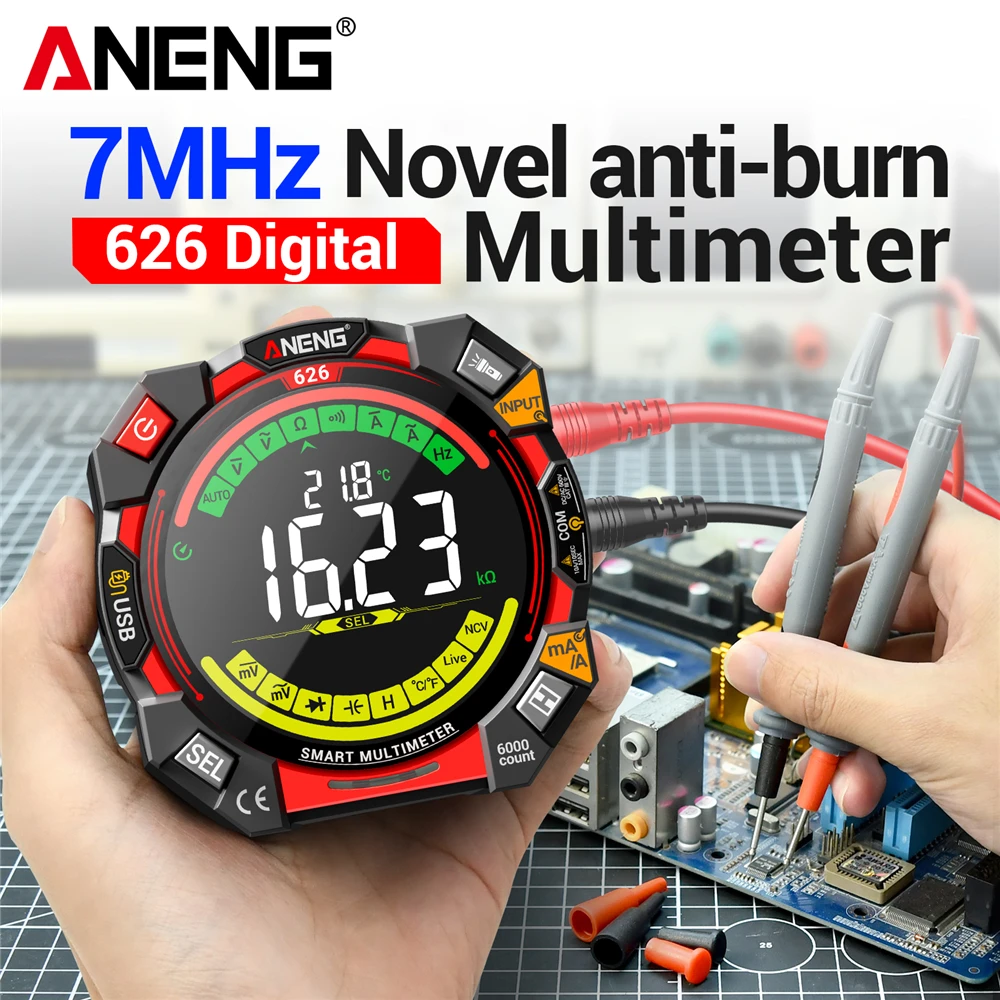
Multitester 6000 Counts 600V Voltage Tester ANENG 626 Multimetro Portable Current Ohmmer M
$26.21 $52.42 on AliExpress
Frequently Asked Questions (FAQ)
Why is my smartwatch charging so slowly?
Slow charging can be due to a weak power source (e.g., an old computer USB port), a degraded charging cable, dirty charging contacts, or an aging battery that can no longer accept a charge efficiently. Ensure your charger and cable are in good condition and try a high-quality wall adapter.
Can a software glitch prevent charging?
Yes, absolutely. Software bugs can sometimes interfere with the smartwatch’s power management system, causing it not to recognize the charger or to stop charging prematurely. A simple restart or a software update often resolves these issues.
How often should I clean my smartwatch charging contacts?
It depends on your usage and environment. If you wear your watch daily, especially during workouts, cleaning the contacts once a month is a good practice. If you notice any charging inconsistencies, clean them immediately.
Is it safe to use a third-party charger?
Using a reputable, certified third-party charger is generally safe, provided it meets the power specifications for your smartwatch. Avoid extremely cheap, unbranded chargers, as they may lack proper safety features and could potentially damage your device or its battery.
Conclusion
A smartwatch that won’t charge can be a real headache, but often, the solution is simpler than you think. By systematically working through the troubleshooting steps outlined in this guide, from checking your cables to cleaning contacts and performing resets, you significantly increase your chances of getting your wearable back to full power. Remember to practice good charging habits and regular maintenance to extend the life of your device. For more in-depth guides on maintaining your tech, explore our other Why Your Action Camera Stops Recording: 6 Causes & Fixes articles.