As an Amazon Associate and an AliExpress affiliate, TechGurl earns from qualifying purchases. Some links on this page are affiliate links — if you buy through them we may receive a commission, at no extra cost to you. This never affects which products we cover or what we say about them.
Disclosure: This article contains affiliate links. If you buy through them we may earn a small commission at no extra cost to you.
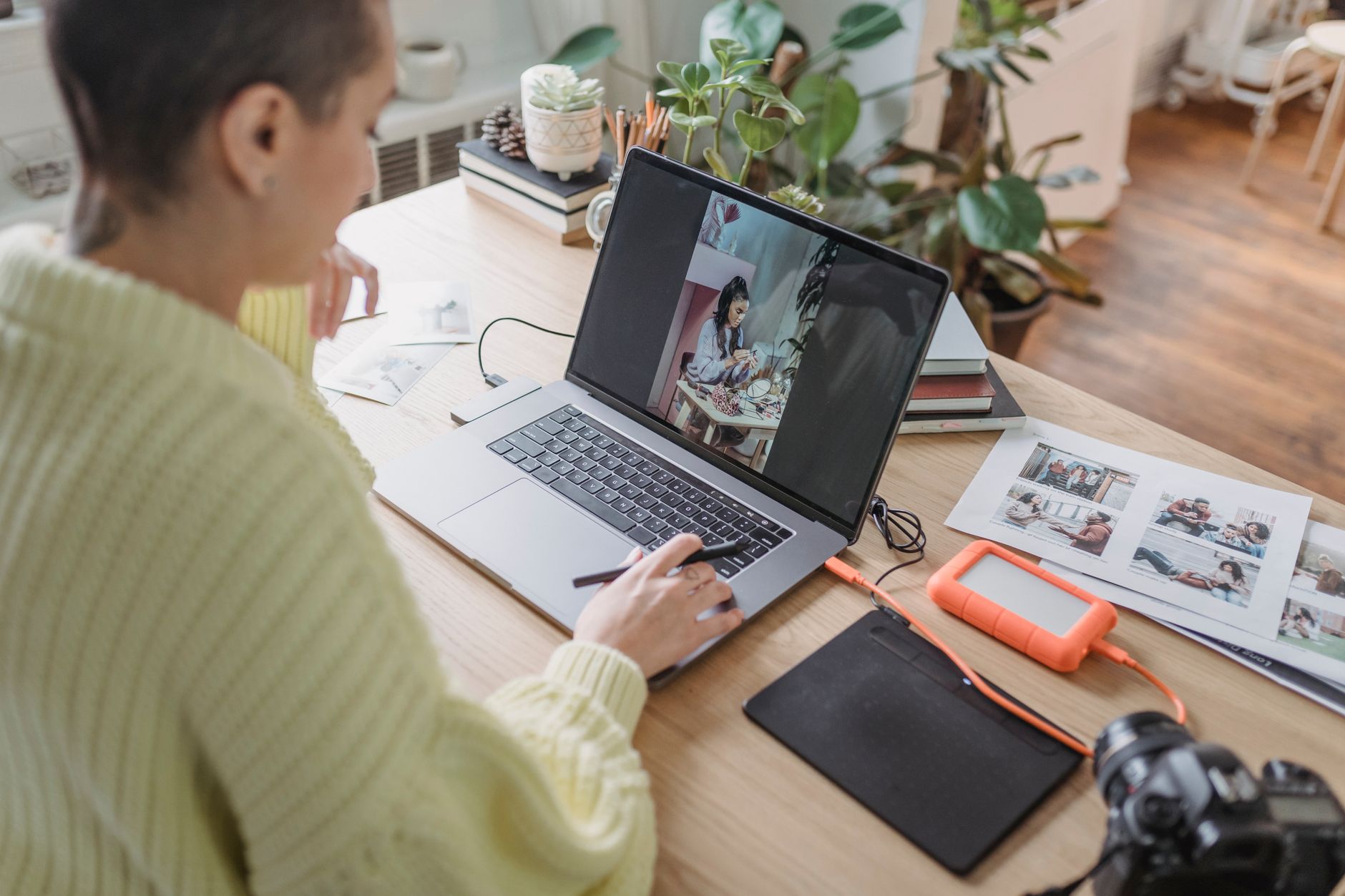
In the rapidly evolving world of remote work, hybrid schedules, and on-the-go entertainment, the demand for versatile and efficient tech solutions has never been higher. Among the most impactful innovations for mobile productivity and expanded screen real estate are portable monitors. These compact, lightweight displays are no longer niche gadgets; they’re essential tools for professionals, students, and gamers alike, offering a second screen wherever you need it. For 2026, the market is brimming with advanced options that boast stunning visuals, intuitive connectivity, and robust designs. Whether you’re a digital nomad needing an extended workspace, a gamer seeking a high-refresh-rate display for travel, or simply someone who appreciates the multitasking power of dual screens, there’s a portable monitor perfectly suited for your needs. This guide will walk you through the best portable monitors available today, highlighting their features, benefits, and helping you make an informed decision to elevate your mobile computing experience.
1. ASUS ROG Strix XG17AHPE
For gamers who refuse to compromise on performance, even when on the move, the ASUS ROG Strix XG17AHPE stands out as a true powerhouse. This 17.3-inch Full HD (1920 x 1080) IPS display boasts an incredibly fast 240Hz refresh rate and a mere 3ms response time, ensuring buttery-smooth gameplay without motion blur. Its adaptive-sync technology further enhances the experience by eliminating screen tearing and choppiness, making it ideal for competitive titles. The XG17AHPE features a robust built-in battery that offers up to 3.5 hours of 240Hz gaming on a single charge, providing ample power for extended sessions away from an outlet.
Connectivity is versatile, with USB-C and micro-HDMI ports, allowing it to connect to a wide range of devices from laptops and smartphones to gaming consoles. The included Smart Cover protects the screen and doubles as a multi-angle stand, while the optional ROG Tripod provides even more flexible positioning. With its sleek design, powerful specs, and gamer-centric features, the ROG Strix XG17AHPE redefines what’s possible for portable gaming, making it one of the best portable monitors for enthusiasts.
ASUS ROG Strix XG17AHPE — check today’s price
2. Lenovo ThinkVision M14t
The Lenovo ThinkVision M14t is a premium portable monitor designed with productivity and versatility in mind, making it an excellent choice for professionals and creatives. This 14-inch Full HD (1920 x 1080) IPS display features 10-point multi-touch functionality, allowing for intuitive interaction, drawing, and annotation directly on the screen. It even comes with an active pen, enhancing its utility for tasks like digital sketching or precise document markups. The M14t’s slim and lightweight design (just 1.5 pounds) makes it incredibly easy to carry, while its adjustable stand offers tilt and height adjustment for ergonomic comfort.
Connectivity is handled via two full-function USB-C ports, which support both power delivery and video input, simplifying cable management. You can power the monitor and pass power through to your laptop simultaneously with a single adapter. Its anti-glare finish reduces reflections, making it comfortable for long working sessions in various lighting conditions. For those who value touch input, portability, and robust build quality, the ThinkVision M14t offers a compelling package, cementing its place among the top portable monitors.
Lenovo ThinkVision M14t — check today’s price
3. ASUS ZenScreen MB16ACV
The ASUS ZenScreen MB16ACV is a fantastic all-rounder, striking a superb balance between portability, features, and affordability. This 15.6-inch Full HD (1920 x 1080) IPS display is incredibly thin and light, weighing in at just 1.8 pounds, making it an ideal companion for frequent travelers and those who need an extra screen without added bulk. Its hybrid-signal USB-C connectivity means it can draw power and transmit video via a single USB-C cable, or even a USB Type-A port using an included adapter, ensuring broad compatibility with laptops, smartphones, and tablets.
A standout feature of the MB16ACV is its integrated kickstand, which allows for both portrait and landscape orientations without the need for an external cover. It also incorporates an antibacterial treatment on its surfaces, which is a thoughtful addition for shared workspaces or public use. With its user-friendly design, crisp visuals, and versatile connectivity, the ZenScreen MB16ACV is an excellent choice for anyone seeking a straightforward, reliable, and highly portable second display for everyday productivity and entertainment.
ASUS ZenScreen MB16ACV — check today’s price
4. Dell C1422H
The Dell C1422H is a sleek, no-nonsense portable monitor designed for maximum productivity with minimal fuss. This 14-inch Full HD (1920 x 1080) IPS display focuses on delivering a reliable and high-quality viewing experience in a remarkably thin and lightweight package. Weighing just 1.3 pounds, it’s one of the lightest options on the market, making it incredibly easy to slip into any bag without feeling cumbersome. Its minimalist design features a built-in, continuous tilt stand that allows for easy adjustment to your preferred viewing angle, from 10 to 90 degrees.
Equipped with two USB-C ports, the C1422H supports both power and video transmission, and its power pass-through feature means you can charge your laptop while using the monitor with a single power adapter. The display offers excellent color accuracy and wide viewing angles, characteristic of IPS panels, ensuring consistent image quality. For users who prioritize extreme portability, a premium build, and straightforward functionality without extra bells and whistles like touchscreens, the Dell C1422H is an outstanding choice among portable monitors.
Dell C1422H — check today’s price
5. LG Gram +view 16MQ70
The LG Gram +view 16MQ70 is a premium portable monitor that perfectly complements LG’s lightweight Gram laptops, but also serves as an excellent companion for any device needing a larger, higher-resolution display. This 16-inch IPS panel boasts a WQXGA (2560 x 1600) resolution with a 16:10 aspect ratio, offering significantly more vertical screen real estate than standard Full HD monitors. This makes it particularly appealing for productivity tasks like coding, document editing, and web browsing, where seeing more content at once is a major advantage.
Designed for ultimate portability, the +view weighs only 1.48 pounds and is incredibly thin, maintaining the ‘gram’ philosophy of its laptop counterparts. It connects via two USB-C ports, providing flexibility for power and video input. The included folio cover not only protects the screen but also acts as a sturdy stand, supporting both landscape and portrait orientations. With its stunning high-resolution display, expansive screen size, and featherlight design, the LG Gram +view 16MQ70 is an exceptional choice for users demanding a premium viewing experience on the go.
LG Gram +view 16MQ70 — check today’s price
Portable Monitors Comparison Table
| Model | Size & Resolution | Key Features | Connectivity | Best For |
|---|---|---|---|---|
| ASUS ROG Strix XG17AHPE | 17.3″ FHD (1920×1080) | 240Hz, 3ms, Adaptive-Sync, Built-in Battery | USB-C, micro-HDMI | Mobile Gaming |
| Lenovo ThinkVision M14t | 14″ FHD (1920×1080) | 10-point Touch, Active Pen, Height Adjustable | 2x USB-C (DP Alt Mode & PD) | Creative Professionals, Productivity |
| ASUS ZenScreen MB16ACV | 15.6″ FHD (1920×1080) | Hybrid-signal USB-C/A, Integrated Kickstand, Antibacterial | USB-C | Everyday Use, Travel |
| Dell C1422H | 14″ FHD (1920×1080) | Ultra-lightweight, Slim Design, Power Pass-through | 2x USB-C (DP Alt Mode & PD) | Extreme Portability, Business |
| LG Gram +view 16MQ70 | 16″ WQXGA (2560×1600) | High Resolution (16:10), Ultra-light, Folio Cover | 2x USB-C | High-Res Productivity, LG Gram Users |
Best value picks on AliExpress
For those seeking more budget-friendly options or unique features not commonly found in mainstream brands, AliExpress offers a vast selection of portable monitors. While quality can vary, careful research can uncover some incredible value. Here are some general search terms to help you find great deals:
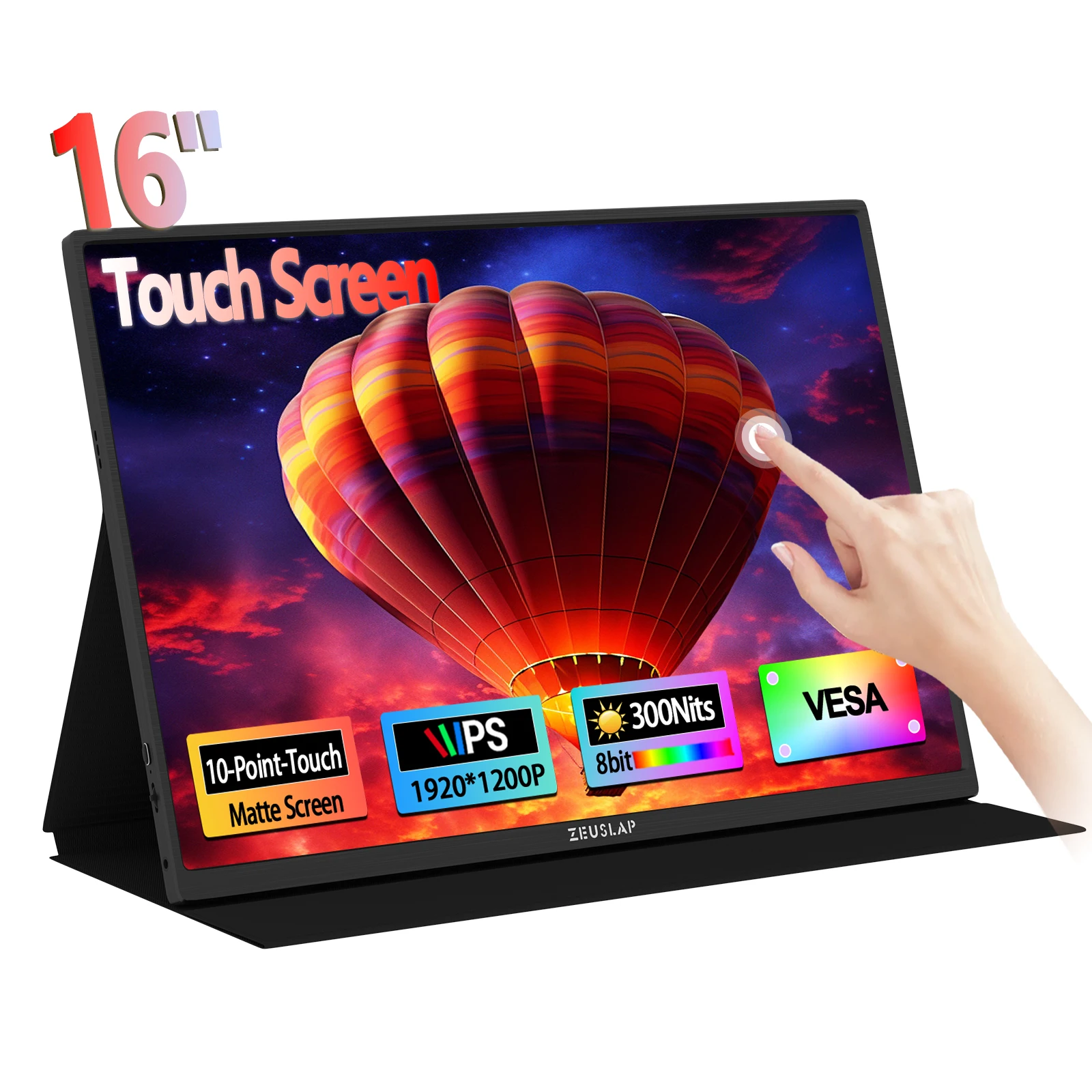
ZEUSLAP 16" Touch Screen Portable Monitor 100%sRGB 1200P IPS Travel Display for Steam Deck
$137.97 $293.56 on AliExpress
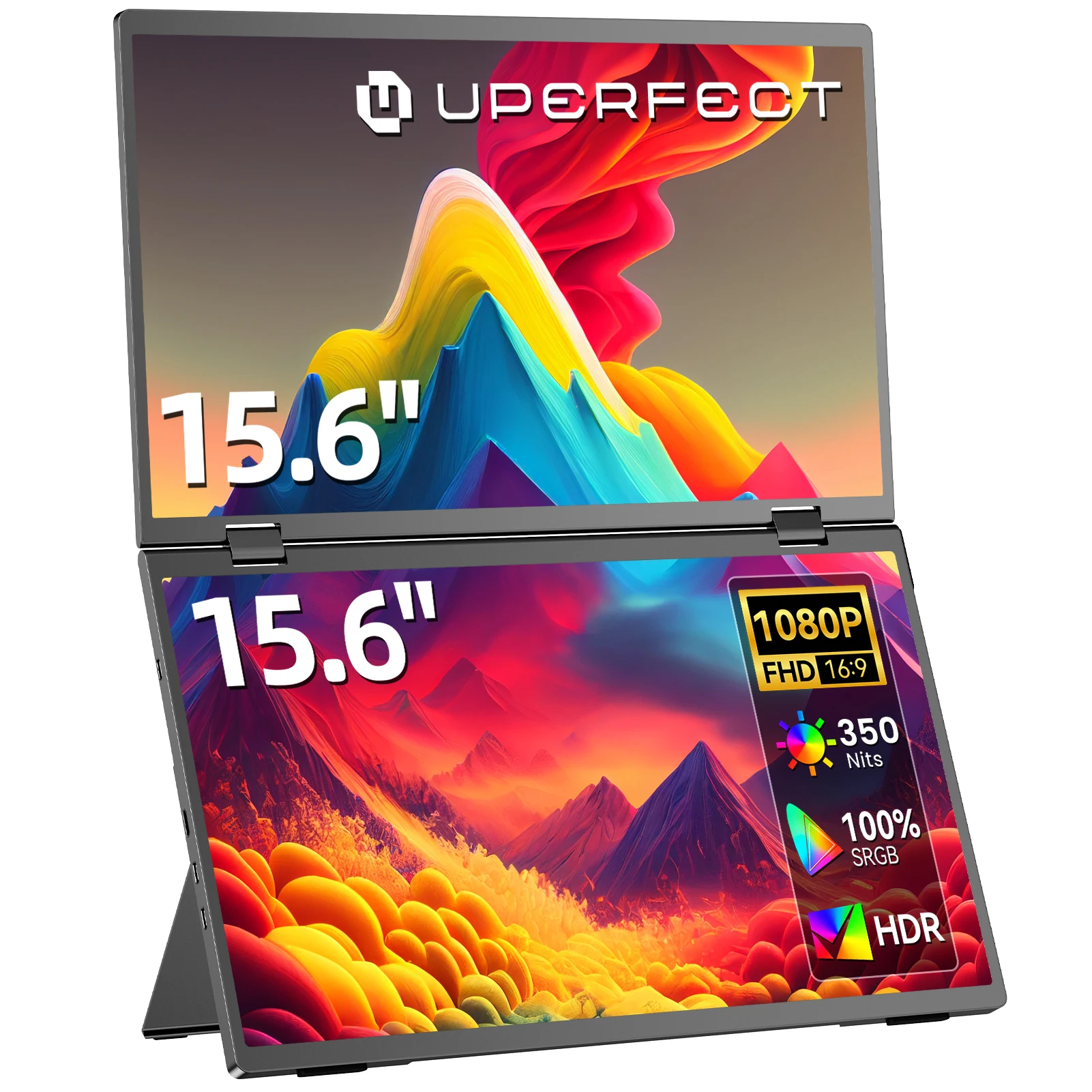
UPERFECT 15.6" FHD Dual Portable Monitor All-in-One Foldable & Stackable Design 360° Scree
$208.74 $417.48 on AliExpress
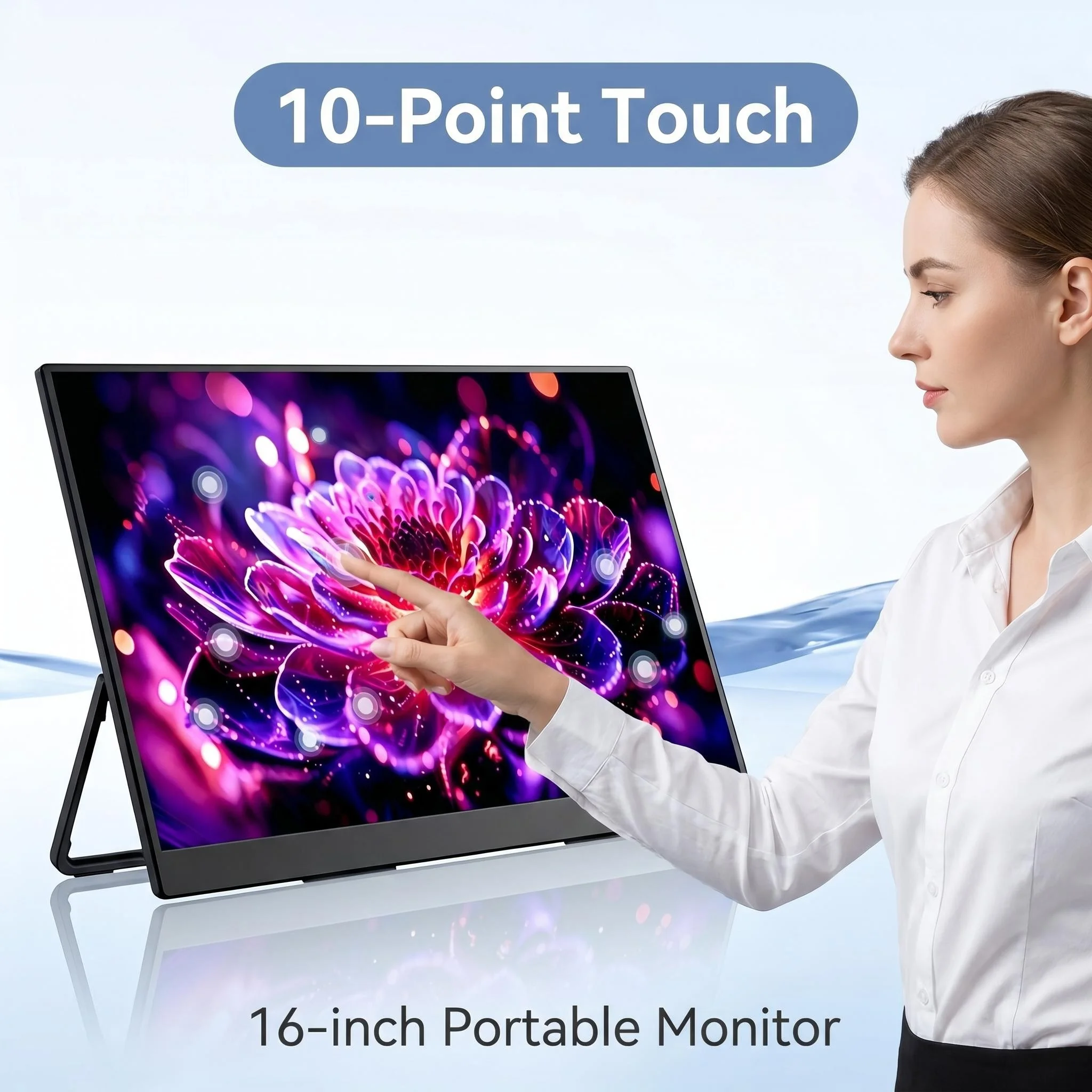
16-Inch Portable Touch Monitor, 1200P HDR 16:10, Non-Touch Optional, External Second Scree
$151.81 $303.61 on AliExpress
ZEUSLAP 16" Touch Screen Portable Monitor 100%sRGB 1200P IPS Travel Display for Steam Deck
$136.40 $332.28 on AliExpress

23.8 Inch 120Hz Portable Monitor 100%sRGB With VESA Hole Back Bracket Laptop Extended Disp
$153.71 $382.66 on AliExpress

How to Choose the Best Portable Monitor for You
Selecting the right portable monitor involves considering several factors that align with your specific needs and usage scenarios. Here’s a comprehensive guide to help you make an informed decision:
Factors to Consider
- Screen Size and Resolution: Portable monitors typically range from 13 to 17 inches. Smaller sizes offer maximum portability, while larger ones provide more screen real estate. Resolution is key for image clarity; Full HD (1920×1080) is standard, but QHD (2560×1440) or WQXGA (2560×1600) offer sharper images and more workspace, especially on larger screens.
- Panel Type (IPS vs. VA): Most portable monitors use IPS (In-Plane Switching) panels, known for their excellent color accuracy and wide viewing angles. VA (Vertical Alignment) panels offer better contrast but typically have narrower viewing angles. For general use and creative work, IPS is usually preferred.
- Connectivity: USB-C is the dominant and most convenient connection, supporting both power and video with a single cable (DisplayPort Alternate Mode). Ensure your laptop or device has a full-featured USB-C port. Some monitors also include mini-HDMI or micro-HDMI for broader compatibility with older devices, cameras, or gaming consoles. Power delivery (PD) pass-through is a useful feature, allowing you to charge your laptop via the monitor’s USB-C port. Learn more about USB-C technology and its capabilities.
- Power Source: Many portable monitors are powered directly by your connected device via USB-C. Some include built-in batteries, offering greater independence, especially useful for long flights or presentations where power outlets are scarce. If there’s no battery, consider if the monitor supports power pass-through to charge your laptop simultaneously.
- Touchscreen Functionality: Touchscreen portable monitors offer intuitive interaction, ideal for creative work, presentations, or simply navigating with gestures. They often come with stylus support, enhancing their utility for drawing or note-taking. If you don’t need touch, you can save money by opting for a non-touch model.
- Refresh Rate and Response Time: For general productivity, a standard 60Hz refresh rate is perfectly adequate. Gamers, however, will want a higher refresh rate (120Hz, 144Hz, or even 240Hz) and a low response time (e.g., 3ms or 1ms) for a smoother, more responsive gaming experience.
- Portability and Build Quality: Consider the monitor’s weight and thickness. If you travel frequently, lighter and thinner models are preferable. Look for durable materials and a robust stand or included protective cover that doubles as a stand.
- Ergonomics and Stand: A good stand is crucial for comfortable viewing. Some monitors have integrated kickstands, while others rely on a smart cover. Look for options that allow for tilt, height adjustment, and both landscape and portrait orientations.
- Additional Features: Features like built-in speakers (often basic), blue light filters, VESA mount compatibility, or an anti-glare coating can enhance the user experience.
Frequently Asked Questions About Portable Monitors
Are portable monitors worth it?
Absolutely! Portable monitors significantly boost productivity by providing a second screen for multitasking, making it easier to manage multiple applications, refer to documents, or expand your workspace. For gamers, they offer a high-refresh-rate display on the go. For travelers and remote workers, they transform any location into a more efficient office. The convenience and flexibility they offer often outweigh the cost, making them a worthwhile investment for many users.
How do portable monitors connect to devices?
Most modern portable monitors primarily connect via USB-C (DisplayPort Alternate Mode), which handles both video signal and power through a single cable. Many also include mini-HDMI or micro-HDMI ports for compatibility with devices that don’t have USB-C or for older laptops, cameras, and gaming consoles. Some models may also support USB-A with a special driver or adapter, though this is less common for primary video input.
Do portable monitors require an external power source?
It depends on the model. Many portable monitors draw power directly from the connected device via the USB-C cable, eliminating the need for an extra power adapter. However, some larger or higher-performance models, especially those with built-in batteries or higher brightness, may require an external power source or have a power pass-through feature where you can plug a power adapter into the monitor, which then charges both the monitor and the connected laptop.
Can I use a portable monitor with my smartphone or tablet?
Yes, many portable monitors are compatible with smartphones and tablets, provided the mobile device supports video output over USB-C (DisplayPort Alt Mode). This can turn your phone into a desktop-like experience or give you a larger screen for media consumption and light productivity. Always check the specifications of both your phone/tablet and the portable monitor to ensure compatibility.
Conclusion
The landscape of portable monitors in 2026 offers an incredible array of choices, catering to every need from high-performance gaming to ultimate productivity and creative work. As technology continues to advance, these compact displays are becoming even more powerful, versatile, and user-friendly. Whether you prioritize a lightning-fast refresh rate, a crisp high-resolution touchscreen, or simply the lightest possible design for travel, there’s a perfect portable monitor waiting for you. By carefully considering your specific requirements and exploring the options highlighted in this guide, you can confidently choose a device that will significantly enhance your digital life on the go. Don’t forget to check out our other reviews for more Lenovo ThinkCentre M920q Tiny great tech recommendations!