As an Amazon Associate and an AliExpress affiliate, TechGurl earns from qualifying purchases. Some links on this page are affiliate links — if you buy through them we may receive a commission, at no extra cost to you. This never affects which products we cover or what we say about them.
Disclosure: This article contains affiliate links. If you buy through them we may earn a small commission at no extra cost to you.
Developing an uncomfortable, itchy smartwatch rash or persistent wrist ache can instantly ruin the experience of tracking your workouts and daily health metrics. While wearable devices have become indispensable tools for modern wellness, strapping an electronic sensor tightly to your wrist for 24 hours a day creates an environment prone to friction, moisture entrapment, and bacterial growth. Fortunately, you do not have to abandon your device to enjoy healthy, irritation-free skin.
Understanding Why Your Smartwatch Causes Irritation
Before jumping straight into fixes, it is essential to distinguish between physical pressure aches and dermatological reactions. Wrist pain is usually biomechanical, caused by wearing your watch too tight against the radial and ulnar bones, or placing it too close to the wrist joint where it restricts mobility. Skin irritation, however, almost always falls into one of two clinical categories of contact dermatitis: irritant contact dermatitis or allergic contact dermatitis.
Irritant contact dermatitis is by far the most common culprit behind a smartwatch rash. It occurs when sweat, soap residue, dead skin cells, and microscopic debris accumulate under the watch band and sensor plate. Trapped against your warm skin, this moisture barrier breaks down the epidermal layer, leading to redness, peeling, and mild burning. Allergic contact dermatitis, conversely, is an immune response triggered by specific materials in the device itself, most notably nickel in stainless steel chassis or buckles, acrylates in band adhesives, or curing agents in fluoroelastomer silicone straps.
Step-by-Step Solutions to Fix a Smartwatch Rash
Eliminating skin flares and physical discomfort requires a systematic approach that addresses hygiene, ergonomics, and material compatibility. Follow these steps to resolve symptoms and prevent them from returning.
Step 1: Rest and Repair Your Skin Barrier
The first rule of treating an active flare-up is absolute removal. Take off the smartwatch immediately and do not wear it on the affected wrist until the skin has completely healed. Continuing to wear your device over compromised skin exacerbates the inflammation and can introduce secondary bacterial or fungal infections.
Wash the affected area with lukewarm water and a fragrance-free, mild skin cleanser. Avoid harsh soaps or alcohol-based disinfectants that strip away natural protective lipids. Once dry, apply a barrier cream or petrolatum-based ointment to restore hydration and accelerate tissue repair.
CeraVe Healing Ointment — check today’s price
Step 2: Deep Clean and Disinfect the Device
Putting a freshly healed wrist back underneath a grime-covered smartwatch will instantly trigger the irritation anew. Dead skin cells and dried sweat build up inside the optical sensor grooves, charging pins, and strap lugs, creating a breeding ground for bacteria.
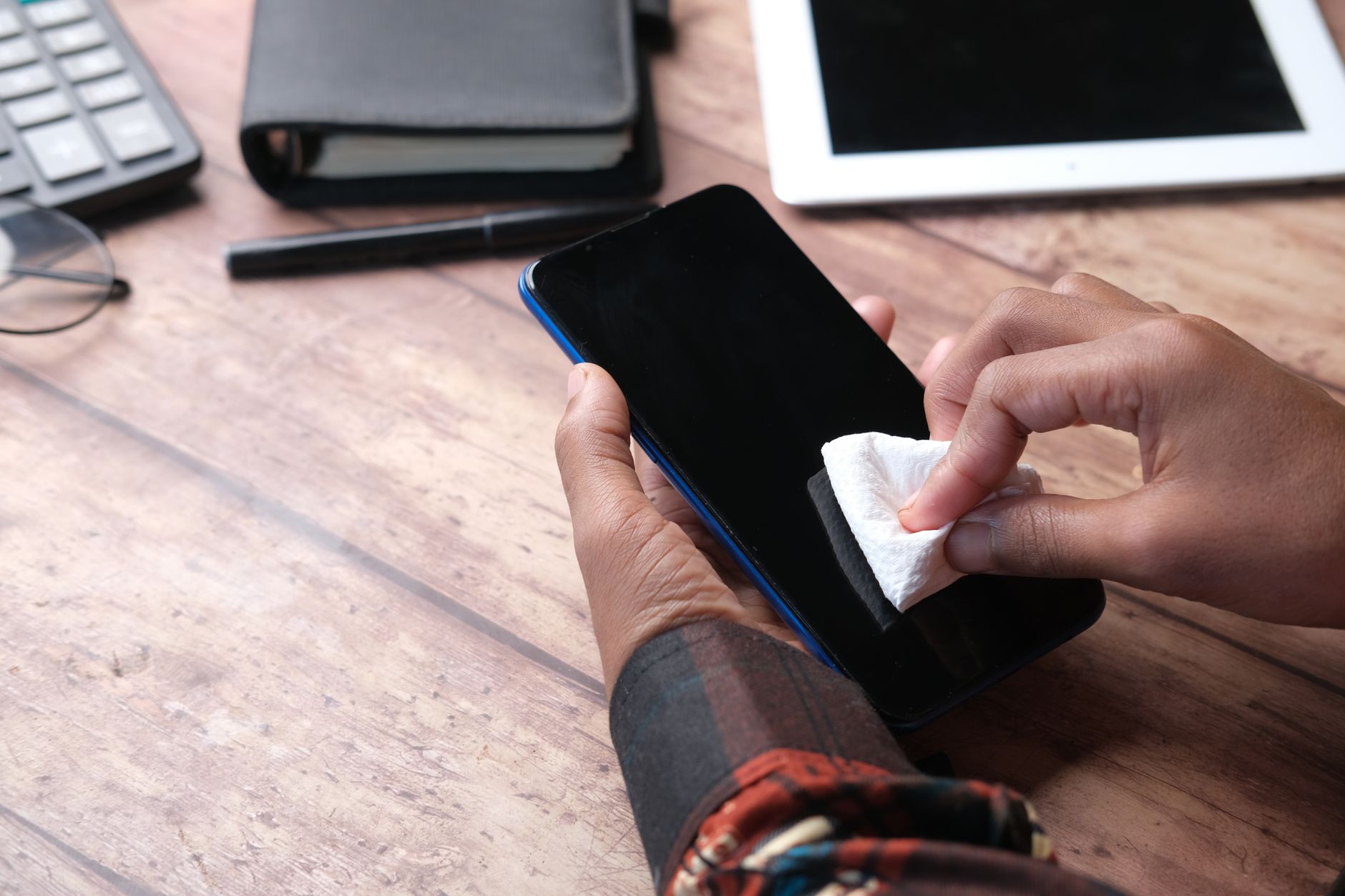
Power off your watch and detach the bands. Wipe the watch chassis and optical glass sensor with a slightly damp microfiber cloth. For stubborn dirt along seam lines, use a soft-bristled toothbrush moistened with water or a 70% isopropyl alcohol wipe, taking care to avoid exposed microphone ports and acoustic membranes. Never use harsh chemical sprays, bleach, or abrasive cleaners on the optical array, as they can degrade the hydrophobic and oleophobic optical coatings.
Step 3: Dial In the Proper Mechanical Fit
Many users over-tighten their watch bands in an effort to ensure continuous biometric readings, such as heart rate tracking and blood oxygen monitoring. However, modern photoplethysmography (PPG) sensors require only steady skin contact, not crushing force. A strap that is cinched too tightly compresses superficial cutaneous nerves and blood vessels, resulting in wrist soreness, tingling, and deep indentations that irritate the skin.
To find the optimal fit, position the casing one to two finger-widths above your wrist bone (proximal to the elbow), rather than sitting directly over the joint. Tighten the strap until the sensor sits flush against the skin without slipping, but ensure you can easily slide a finger under the band. During intense workouts, you can temporarily tighten the strap by one notch for accurate tracking, but remember to loosen it as soon as your cool-down is complete.
Step 4: Swap Out Problematic Band Materials
Standard factory bands are typically manufactured from silicone or synthetic fluoroelastomer. While these materials are durable, cost-effective, and water-resistant, they are non-porous. They seal off airflow completely, trapping perspiration directly beneath the band during everyday use.
If you experience frequent flare-ups, replace your stock strap with a breathable alternative. Woven nylon, hook-and-loop fabric loops, perforated sport bands, and genuine vegetable-tanned leather allow air to circulate freely around the wrist, dramatically cutting down moisture accumulation. If you suspect a metal allergy, replace any stainless steel clasps with titanium, ceramic, or plastic buckle alternatives.
Barton Quick Release Canvas Watch Band — check today’s price
Step 5: Establish a Daily Hygiene and Rotation Routine
Long-term prevention relies entirely on routine wearable hygiene. Treat your smartwatch like any other article of athletic clothing that absorbs sweat every day:
- Rinse after exercise: After vigorous exercise, rinse the strap under fresh tap water and dry it thoroughly with a lint-free towel before putting it back on.
- Never wear it wet: If you wash your hands, shower, or swim, remove the watch and dry both your wrist and the back of the case completely.
- Switch wrists at night: If you use your smartwatch for sleep tracking, switch the device to your opposite wrist before going to bed. This gives the skin on your primary wrist eight hours of complete recovery and ventilation every day.
Handy tools on AliExpress
Specialized sanitization tools can help keep your wearable gear spotless and free of microscopic irritants without damaging delicate internal components.

SucceBuy 1.3L 2L 3L 6L 10L 15L 22L 30L Ultrasonic Cleaner Lave-Dishes Portable Washing Mac
$39.63 $90.07 on AliExpress

SucceBuy 3L 6L 10L 15L 22L 30L Electric Ultrasonic Cleaner Portable Washing Machine Lave-D
$49.89 $110.86 on AliExpress
Common Mistakes to Avoid
- Wearing the watch in the shower: Soaps, shampoos, and conditioners get trapped between the band and your wrist, creating a concentrated irritant layer that directly attacks the skin.
- Applying topical lotions right before strapping on: Moisturizers and sunscreens should be allowed to fully absorb into the skin for 15 to 20 minutes before securing your watch.
- Using household disinfectant wipes on heart rate sensors: Household bleach and strong solvent wipes can cloud the glass optical sensor and deteriorate water-resistant seals.
- Ignoring persistent symptoms: If your skin develops blistering, oozing, open sores, or spreading redness that does not improve after a week of rest, consult a dermatologist to rule out a severe allergic reaction or infection.
Frequently Asked Questions
Can a smartwatch burn your skin with its optical sensor?
No. The green and infrared light emitted by optical heart rate sensors is non-ionizing LED light that does not emit enough thermal energy to cause physical burns. What often appears to be a burn is actually severe friction combined with irritant dermatitis caused by trapped sweat and chemical residues.
Why does my wrist hurt even when the band feels loose?
Wrist pain from a loose band usually occurs when the watch body is heavy and rests directly against the prominent head of the ulna (the bony bump on the outer wrist). Positioning the watch slightly higher up your forearm keeps the metal case from pressing repeatedly against bone and tendons.
Is silicone or nylon better for preventing skin irritation?
Woven nylon is generally much better for daily wear and sensitive skin because it is permeable and lets air circulate, preventing the moisture build-up that leads to a smartwatch rash. However, nylon absorbs water, so it must be washed regularly and dried fully after sports or swimming.
Conclusion
Dealing with wearable discomfort is frustrating, but you do not need to let irritation keep you from reaching your fitness goals. By dialing in the proper ergonomic fit, choosing breathable bands, and sticking to a consistent cleaning routine, you can eliminate skin irritation entirely. For more guidance on setting up and maintaining your mobile gear, explore our full library of Why Your Smartwatch Keeps Disconnecting and How to Fix It to ensure your devices work seamlessly and comfortably every day.