As an Amazon Associate and an AliExpress affiliate, TechGurl earns from qualifying purchases. Some links on this page are affiliate links — if you buy through them we may receive a commission, at no extra cost to you. This never affects which products we cover or what we say about them.
Disclosure: This article contains affiliate links. If you buy through them we may earn a small commission at no extra cost to you.
Few things are more frustrating than finishing a high-energy run, surf session, or bike ride only to realize your action camera stops recording halfway through the action. You thought you captured epic 4K footage, but your camera silently shut down, froze, or split the video into corrupted files.
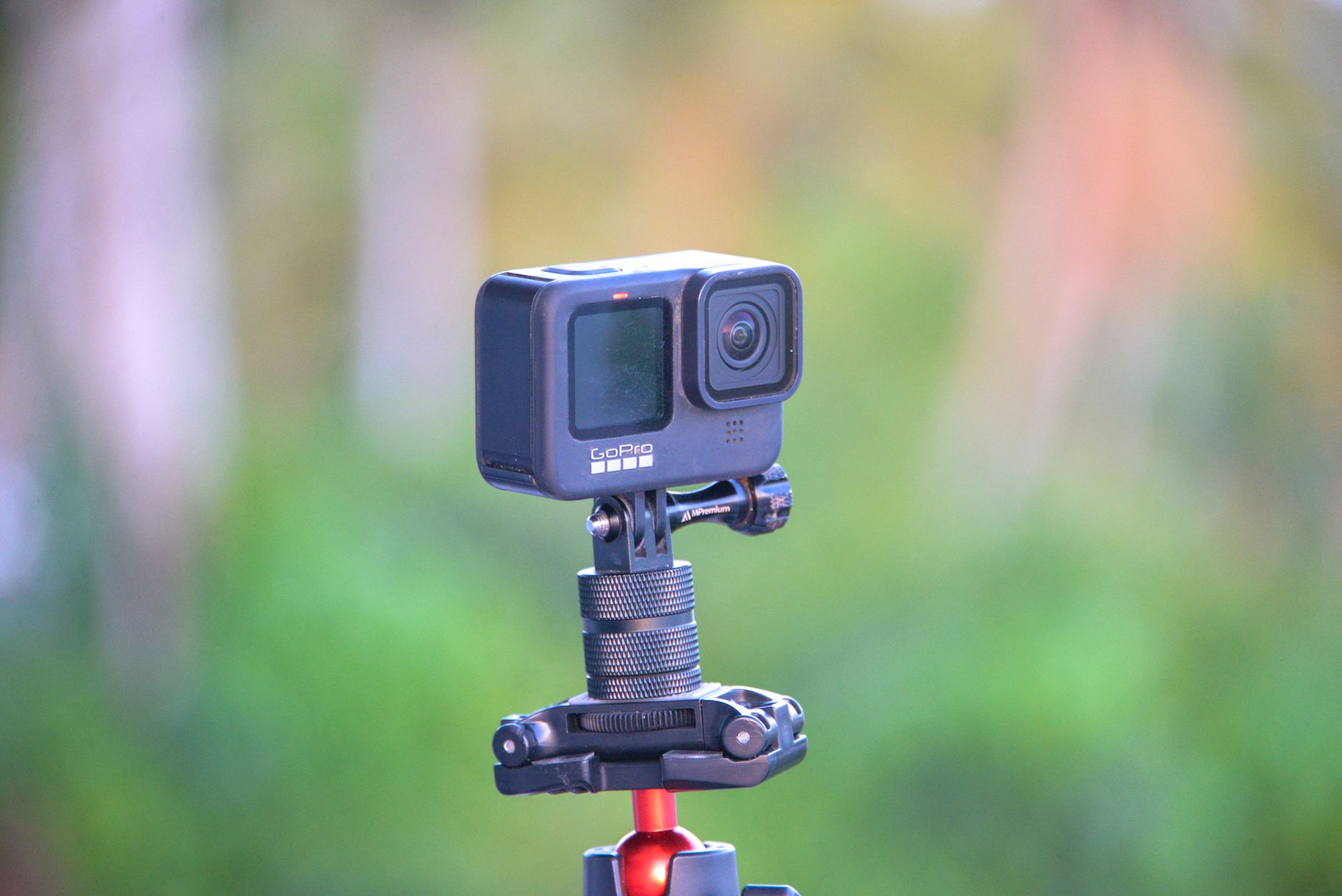
Action cameras are compact engineering marvels designed to process immense amounts of visual data while withstanding harsh elements. However, packing high-performance image processors, image stabilization sensors, and wireless transmitters into tiny waterproof chassis creates unique operating challenges. In this guide, we break down the primary technical reasons behind unexpected recording shutdowns and provide clear, actionable steps to resolve each one.
1. The SD Card Write Speed Is Too Slow (Buffer Underrun)
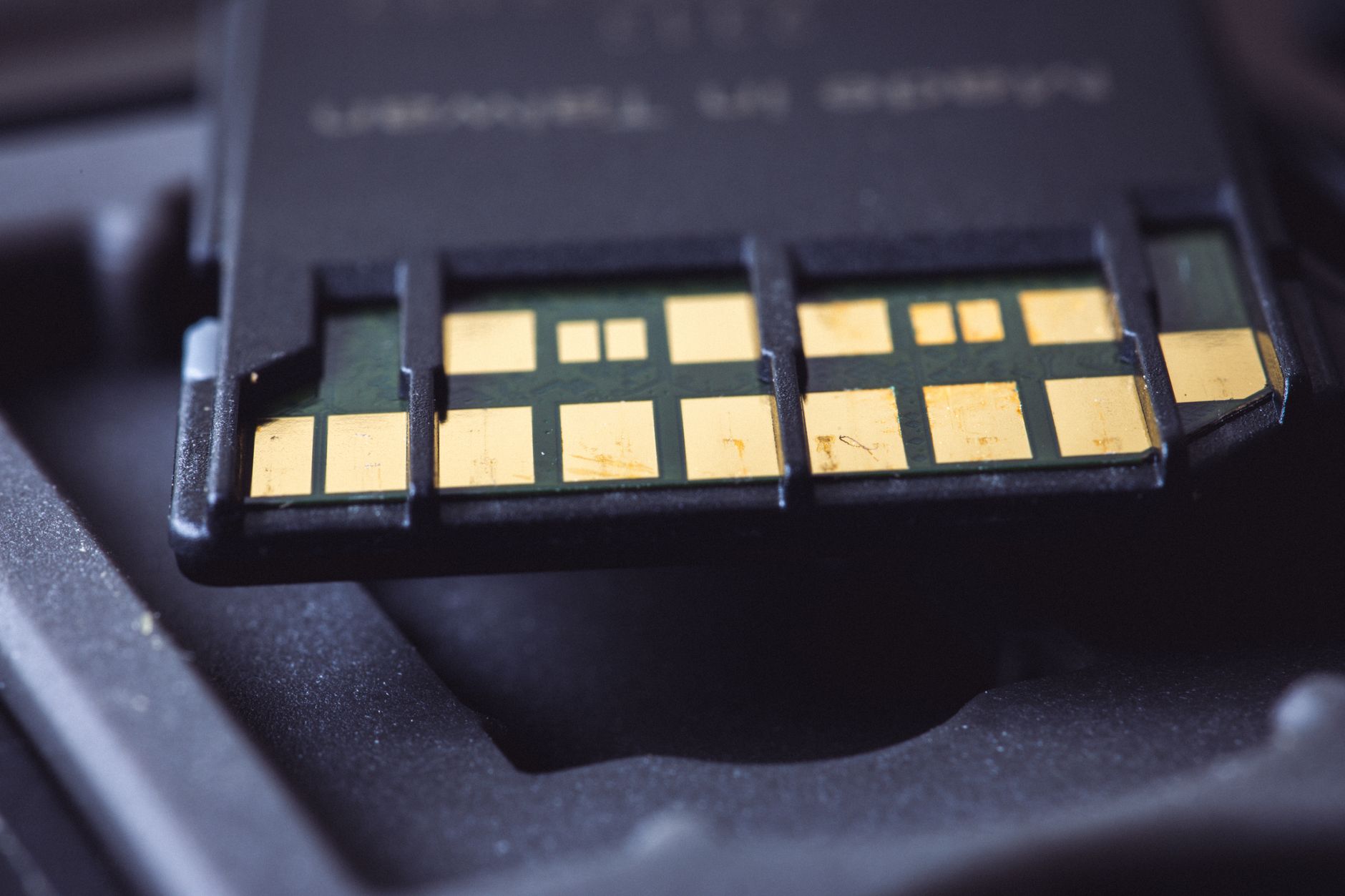
By far the most common reason an action camera stops recording unexpectedly is an inadequate memory card. High-resolution recording—especially at 4K or 5.3K at 60 or 120 frames per second—demands constant, sustained write speeds. If the camera’s processor generates data faster than the storage medium can write it, the internal memory buffer overflows, forcing the device to abort the recording to protect file system integrity.
Many users buy cards based solely on “Read Speed” (often advertised up to 150MB/s or more on packaging), but read speed is irrelevant for recording. You need guaranteed sustained write speed. The SD Association speed class rating standardizes these minimum sequential write performance thresholds:
- V30 (Video Speed Class 30): Sustained write speed of at least 30 MB/s. This is the bare minimum recommended for modern 4K action cameras.
- V60 / V90: Sustained write speeds of 60 MB/s and 90 MB/s respectively, necessary for very high-bitrate professional codecs.
- U3 (UHS Speed Class 3): Guarantees 30 MB/s sequential write performance.
Avoid cards rated only Class 10 or U1 (which guarantee only 10 MB/s), as they will inevitably cause buffer drops on modern cameras. Counterfeit memory cards purchased from unverified marketplace sellers also frequently fail under sustained write loads.
SanDisk Extreme Pro 128GB microSDXC — check today’s price
2. Thermal Throttling and Overheating Shutdowns
Modern action cameras pack powerful processors into tight, sealed shells. Recording high-bitrate video generates substantial heat. When the internal sensor temperature crosses safe hardware thresholds (often around 50°C to 60°C internal ambient), the camera initiates an automatic emergency shutdown to prevent permanent silicon damage and battery degradation.
Overheating is particularly common when:
- Recording stationary video without airflow (e.g., vlogging indoors or using the camera as a desktop webcam).
- Shooting in direct sunlight on hot days.
- Using heavy computational features simultaneously, such as high-frame-rate modes, horizon leveling, electronic image stabilization, GPS tagging, and wireless preview feeds.
- Enclosing the camera in an unvented protective dive housing when out of the water.
3. Battery Voltage Sag and Degraded Power Cells
Action camera lithium-ion batteries are small and subject to heavy discharge rates. As batteries age or encounter freezing temperatures, their internal resistance increases. When the camera demands a sudden burst of power (such as during fast processor-heavy scene changes), the battery voltage can momentarily drop below the operating threshold—a phenomenon known as “voltage sag.”
The camera’s power management circuit detects this voltage dip, assumes the battery is fully drained, and immediately halts recording, even if the on-screen gauge indicated 20% or 30% battery life just seconds earlier.
4. SD Card File System Corruption and Fragmentation
Deleting individual video clips directly from the camera interface or moving files back and forth via desktop computers causes file fragmentation on your memory card. Over time, fragmented clusters slow down write operations because the storage controller must seek free blocks rather than writing in contiguous sectors.
Additionally, unexpected power losses can corrupt the exFAT or FAT32 file allocation table. When the camera encounters a corrupted block during a new recording session, the write process fails, causing an immediate crash or write-error notice.
5. Outdated or Glitched Firmware
Camera manufacturers frequently release firmware updates to address power management bugs, improve memory card compatibility, and optimize thermal algorithms. Running legacy firmware can leave your camera vulnerable to known software crashes that cause recording interruptions.
6. Video File Splitting (Chaptering) Confusion
Sometimes, your camera has not actually stopped recording due to an error, but rather split your footage into separate video chunks. Most action cameras use a feature called “chaptering.” Because of file system limits and data safety protocols, cameras automatically finalize a video file when it reaches a specific size (usually 4GB or 12GB depending on the brand and model) and seamlessly start a new file without losing frames.
If you check your storage and see three 12-minute files instead of one 36-minute file, this is normal behavior intended to prevent the total loss of long recordings if a single file becomes corrupted.
Step-by-Step Fixes When Your Action Camera Stops Recording
- Format the microSD Card in the Camera: Do not format your memory card solely on a computer. Always format the card directly inside the camera settings menu before major shoots. This ensures the card uses the exact allocation unit size and file structure preferred by the camera’s firmware.
- Verify and Benchmark Your SD Card: If you suspect card performance issues, run a diagnostic utility like H2testw or Blackmagic Disk Speed Test on your computer to verify that your card delivers sustained 30+ MB/s write performance across its entire capacity.
- Reduce Thermal Load: If shooting stationary footage, turn off unnecessary background features like GPS, voice commands, and Wi-Fi/Bluetooth connections. Drop your resolution to standard 4K/30fps or 2.7K if high frame rates are not essential for the shot, and remove any tight protective housings when airflow is limited.
- Swap Old Batteries: If your camera cuts out primarily in cold weather or when reaching roughly 25% battery life, replace old batteries with fresh official cells or specialized cold-weather endurance batteries.
- Perform a Manual Firmware Reinstall: Even if your camera shows it is on the latest firmware, re-flashing the firmware manually via the microSD card can clear corrupted operating system files that cause sudden crashes.
Handy tools on AliExpress
Having the right maintenance and testing gear makes troubleshooting recording drops and card bottlenecks much easier:

MESTEK -50-800 Degree Digital Infrared Thermometer Humidity Meter Thermometro Hygrometer T
$28.60 $51.91 on AliExpress
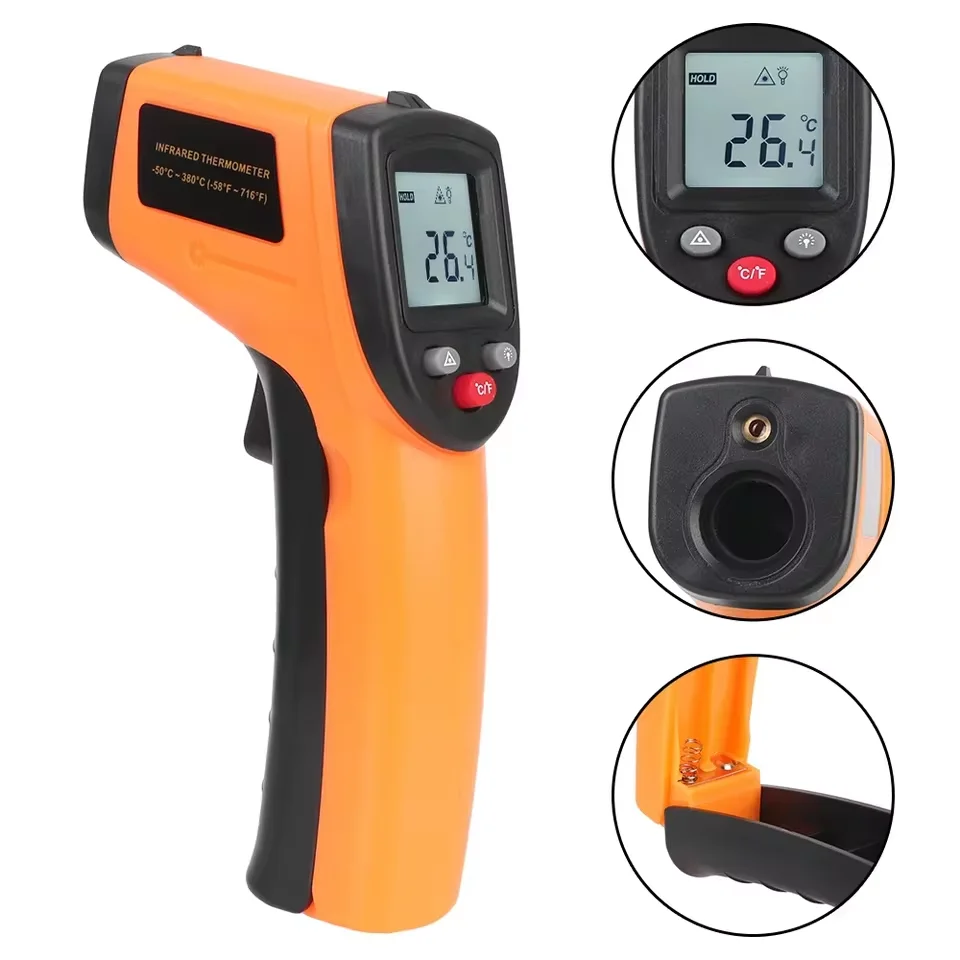
New T600 T600A Digital Infrared Thermometer Gun -58°F to 1112°F (-50℃ to 600℃) Professiona
$20.09 $51.12 on AliExpress
Common Mistakes to Avoid
- Using “Ultra” or standard Class 10 cards: Basic consumer SD cards are built for photos, not continuous 100Mbps+ video streams. Always check for the V30 emblem.
- Deleting clips on the fly: Deleting bad takes while shooting heavily fragments the memory card. It is much better to let footage roll and format the card after offloading your media to a computer.
- Leaving the camera in direct sunlight before filming: Starting a recording session with a pre-heated camera drastically shortens the time before thermal throttling forces a shutdown.
- Ignoring dirty battery contacts: Oxidation or dust on battery pins creates resistance, causing premature low-voltage cutoffs. Clean the metal contacts occasionally with isopropyl alcohol.
Frequently Asked Questions
Why does my action camera stop recording after 10 to 15 minutes?
This is almost always due to either thermal shutdown (overheating in stationary conditions) or file chaptering. If the camera stays powered on and immediately starts a new file, it is chaptering. If the camera powers off completely with a heat warning, thermal throttling is the culprit.
Can a fast SD card fix camera freezing issues?
Yes. When the camera cannot write buffered video frames to the card quickly enough, the software may lock up entirely, requiring a hard battery pull to reset. Switching to a verified U3/V30 card typically resolves these freeze events.
Does recording in 4K 60fps cause cameras to shut down faster?
Yes. 4K at 60fps or 120fps requires double to quadruple the processing power of standard 1080p video, generating substantially more heat and requiring high write throughput, which accelerates both battery drain and thermal limits.
Conclusion
When an action camera stops recording, the root cause is almost always traceable to storage bottlenecks, thermal buildup, or power delivery limits rather than a broken device. By investing in genuine V30-rated memory cards, regularly formatting inside the camera, managing thermal conditions, and keeping your firmware updated, you can ensure reliable recording on every adventure. Explore our How to Fix a Wireless Charger That Stopped Working for more gear maintenance guides and troubleshooting tips to keep your setup running smoothly.