As an Amazon Associate and an AliExpress affiliate, TechGurl earns from qualifying purchases. Some links on this page are affiliate links — if you buy through them we may receive a commission, at no extra cost to you. This never affects which products we cover or what we say about them.
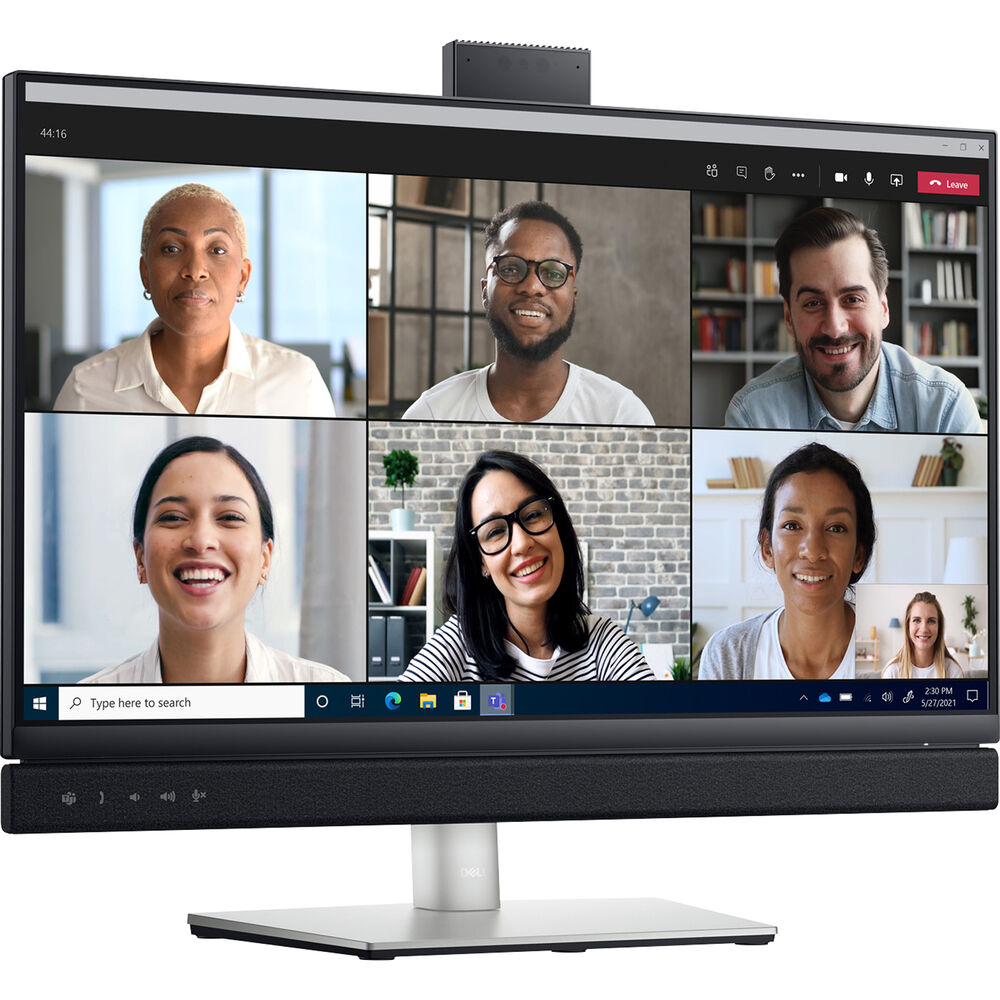
The Dell C2722DE monitor is a 27-inch QHD (2560 x 1440) monitor with an integrated pop-up camera, dual 5W speakers and a dedicated Microsoft Teams button. It is designed for video conferencing and collaboration, with features such as ComfortView Plus (low blue light filter), Easy Arrange (organize multiple applications on one screen), USB-C connectivity (power delivery up to 90W) and RJ45 port (Ethernet connection).
Some similar products are the Dell UltraSharp 27 USB-C Hub Monitor (U2722DE) and the HP EliteDisplay E273m. The U2722DE has the same screen size, resolution and USB-C hub as the C2722DE, but it lacks the pop-up camera, speakers and Microsoft Teams button3. It also has a higher color gamut (99% sRGB vs 95% sRGB) and brightness (350 nits vs 300 nits) than the C2722DE. The HP EliteDisplay E273m has lower resolution (1920 x 1080) and lower brightness (250 nits) than the C2722DE, but it has a pop-up webcam, speakers and Skype for Business certification.
Whether you would recommend to buy the Dell C2722DE monitor or not depends on your needs and preferences. If you are looking for a monitor that can enhance your video conferencing experience with Microsoft Teams, then the C2722DE might be a good choice. However, if you are looking for a monitor that can deliver better color accuracy and brightness for creative work or gaming, then you might want to consider other options.
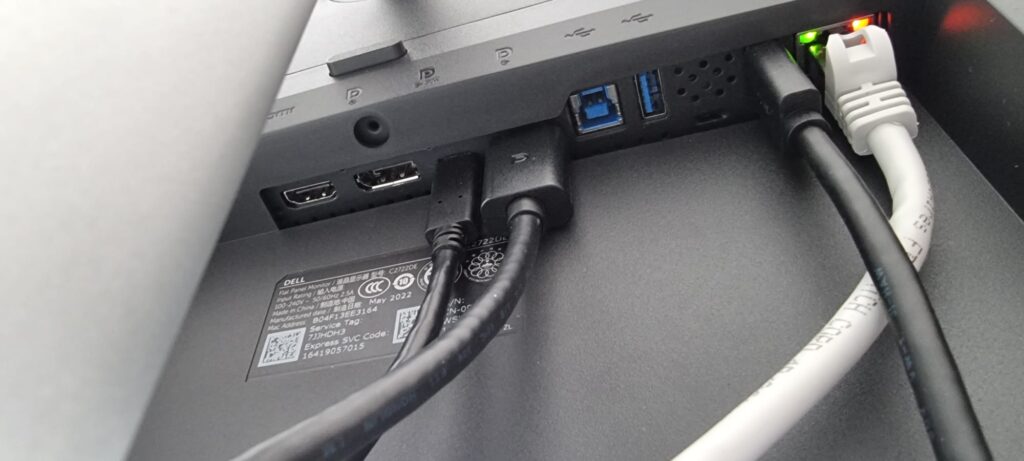
The built-in docking station functionality of the Dell C2722DE monitor allows you to connect your laptop and other devices to the monitor with a single USB-C cable. This cable can deliver up to 90W of power to your laptop, as well as Ethernet, audio and video signals1. You can also charge your laptop even when the monitor is off with the Always On Power Delivery feature1. The monitor has a USB-C hub that offers various ports for your convenience, such as RJ45 (Ethernet), HDMI, DisplayPort, USB-A and USB-B12. This way, you can reduce cable clutter and save workspace while enjoying a seamless connection.
There are some other monitors with built-in dock models that you might want to consider for a similar price range as the Dell C2722DE monitor. For example:
The Dell UltraSharp U2723QE is a 27-inch 4K monitor with a USB-C hub that offers up to 90W power delivery, RJ45 port, HDMI port, DisplayPort and USB-A ports1. It also has a high color accuracy and wide color gamut (99% sRGB, 95% DCI-P3) for professional work1. However, it does not have a pop-up camera, speakers or Microsoft Teams button like the C2722DE.
The Lenovo ThinkVision P27u-20 is another 27-inch 4K monitor with a Thunderbolt 4 hub that offers up to 100W power delivery, RJ45 port, HDMI port, DisplayPort and USB-A ports2. It also has a high brightness (over 400 nits) and wide color gamut (99.1% DCI-P3) for creative work2. However, it also lacks a pop-up camera, speakers or Microsoft Teams button.
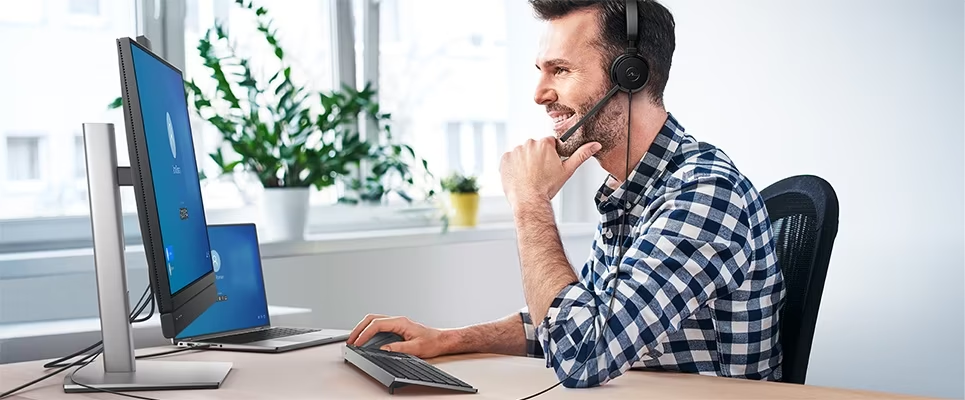
The Dell P2722HE is a cheaper alternative to the C2722DE monitor. It has the same screen size and resolution as the C2722DE monitor, but it has a lower power delivery (65W) and brightness (300 nits) than the C2722DE monitor 3. It also has a USB-C hub with RJ45 port, HDMI port, DisplayPort and USB-A ports3. It does have a pop-up camera and speakers like the C2722DE monitor, but it does not have a Microsoft Teams button.
These are some of the monitors with built-in dock models that you can compare with the Dell C2722DE monitor.
Dell C2722DE Specs at a Glance
- 27″ QHD (2560×1440) IPS panel, 60Hz
- Built-in USB-C dock: 90W power delivery, RJ45 Ethernet, HDMI, DisplayPort, USB-A/USB-B
- Integrated pop-up 5MP camera with Windows Hello IR support
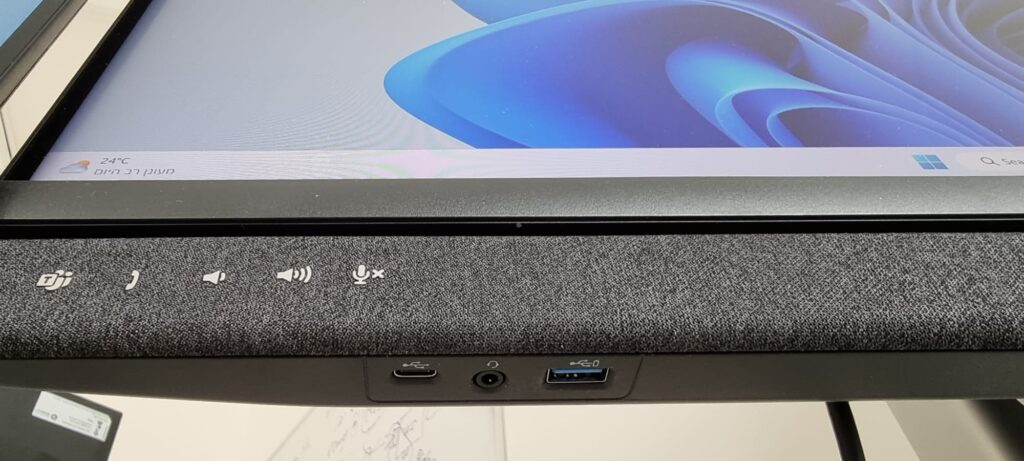
- Dual 5W built-in speakers and dedicated Microsoft Teams button
- ComfortView Plus low blue-light filter, height/tilt/swivel adjustable stand
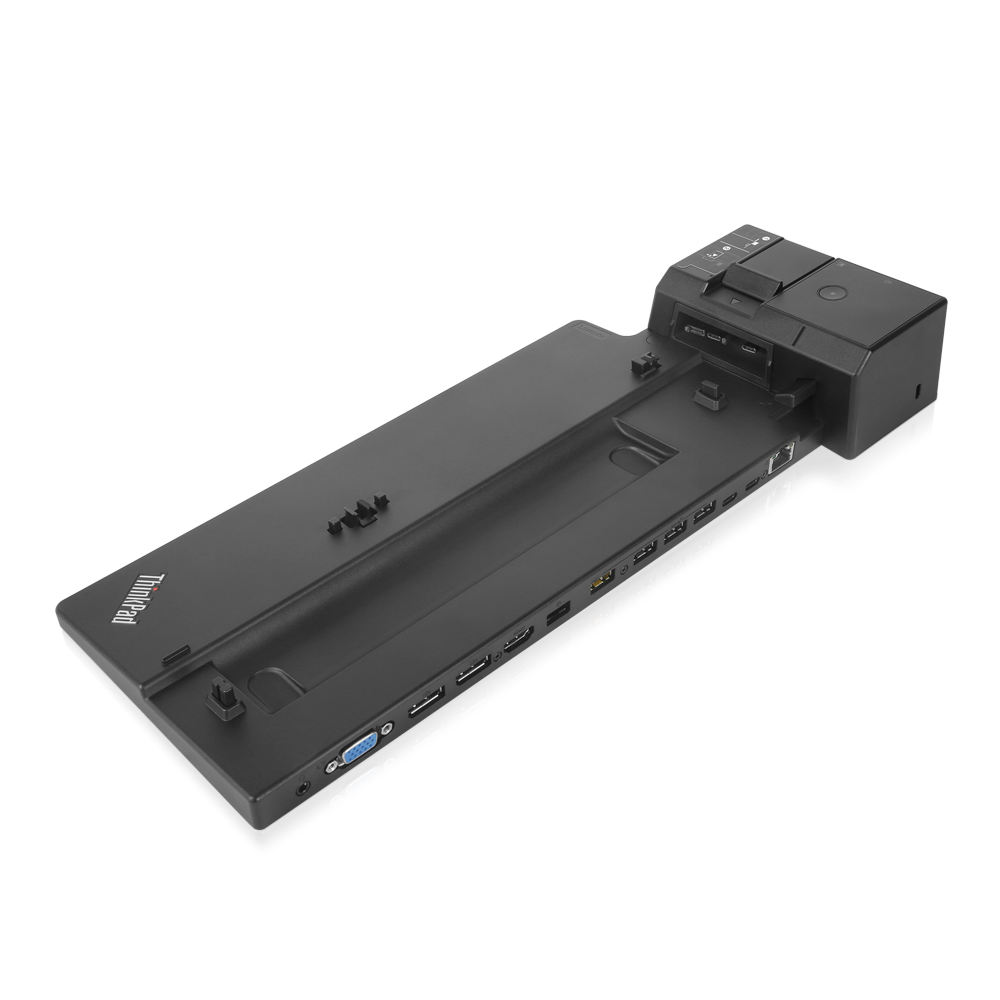
The single-cable setup is really the whole point of the Dell C2722DE: connect one USB-C cable from your laptop and you get video, power, network and a webcam/speakers all at once, which is exactly the same problem a standalone dock like the ThinkPad USB-C Dock solves separately – except here the dock is built into the monitor itself, so there’s one less box on your desk and one less power brick.
Who Should Buy the Dell C2722DE?
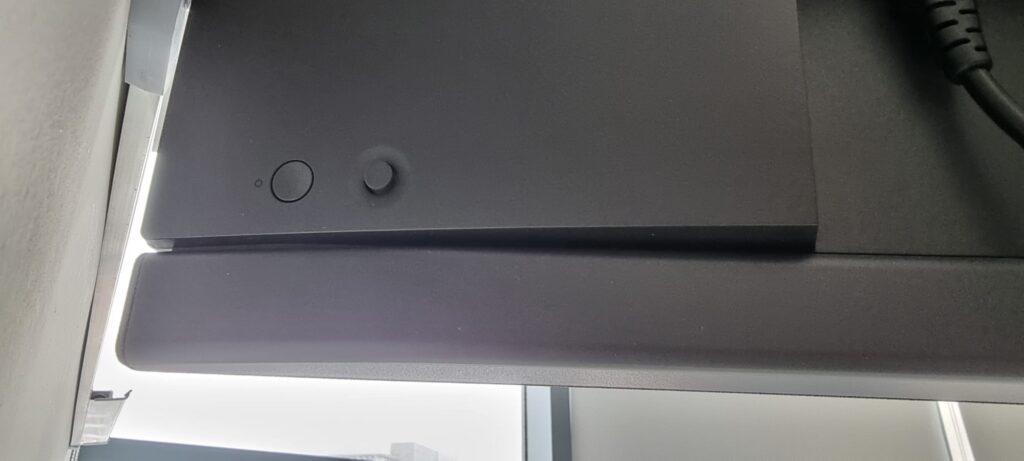
If you’re setting up a home office or hot-desk station and want to reduce cable clutter to a single USB-C connection, the Dell C2722DE is one of the cleanest ways to do it. It’s aimed squarely at video calls and office productivity rather than color-critical creative work or gaming – the 60Hz refresh rate and 95% sRGB coverage are fine for spreadsheets and Teams calls, but a designer or gamer will get more out of the higher-refresh or wider-gamut alternatives mentioned above. Common setup notes from real users: make sure your laptop’s USB-C port actually supports DisplayPort Alt Mode and enough wattage for charging, or you’ll get video and Ethernet but not power delivery through the same cable. The pop-up camera mechanism is mechanical, so treat it gently and don’t force it down.
Dell C2722DE – Common Questions
Does it work with a Mac?
Yes – MacBooks with USB-C/Thunderbolt ports can use the single-cable connection for video and charging, though power delivery wattage and Ethernet passthrough behavior can vary by MacBook model, so it’s worth checking your exact model’s supported charging wattage first.
Does the pop-up webcam need extra drivers?
No – it shows up as a standard UVC webcam to Windows and macOS, so it works out of the box in Teams, Zoom, and most other video call software without installing anything extra.
Can I daisy-chain a second monitor off the DisplayPort output?
Yes, if your laptop’s GPU and driver support DisplayPort MST (Multi-Stream Transport). This is a laptop/GPU limitation, not a monitor one – some integrated GPUs don’t support MST even though the monitor’s DisplayPort-out port works fine.
What’s the warranty like?
Dell ships the C2722DE with a standard 3-year advance exchange warranty in most regions, which is fairly generous for a monitor in this price bracket and covers the built-in dock electronics as well as the panel itself.
Is 60Hz a dealbreaker?
Not for the use case this monitor is built for. 60Hz is completely fine for office work, video calls and general productivity. If you’re planning to use the same desk setup for competitive gaming on the side, you’ll notice the difference compared to a 144Hz gaming monitor, but that’s simply not what the C2722DE is designed for.
Setting Up the Dell C2722DE in Under 5 Minutes
- Plug the monitor into power and connect the single USB-C cable to your laptop.
- Windows/macOS should detect the display, webcam, speakers and Ethernet automatically – no drivers needed for basic functionality.
- If you want the Windows Hello IR camera to work for face login, install Dell’s optional Peripheral Manager utility, which also lets you customize the Microsoft Teams button behavior.
- Set the monitor as your default video/audio device inside Teams, Zoom, or whichever call app you use, since Windows sometimes defaults back to the laptop’s built-in webcam and mic.
- If power delivery isn’t charging your laptop, double check the cable is plugged into the monitor’s upstream USB-C port (usually labeled) rather than one of the downstream USB-A ports.