As an Amazon Associate and an AliExpress affiliate, TechGurl earns from qualifying purchases. Some links on this page are affiliate links — if you buy through them we may receive a commission, at no extra cost to you. This never affects which products we cover or what we say about them.
Disclosure: This article contains affiliate links. If you buy through them we may earn a small commission at no extra cost to you.
Welcome to TechGurl’s ultimate guide to finding the best 4K monitors for 2026! As technology continues its relentless march forward, 4K resolution has become the standard for anyone seeking unparalleled visual clarity, whether for intense gaming sessions, professional content creation, or simply boosting everyday productivity. With four times the pixels of a Full HD display, 4K monitors deliver breathtaking detail, vibrant colors, and expansive screen real estate that can transform your computing experience. But with so many options flooding the market, how do you choose the right one?

Our experts have spent countless hours researching, testing, and evaluating the latest models to bring you a curated list of the top contenders for 2026. We’ve considered everything from panel technology and refresh rates to connectivity options and ergonomic design. Whether you’re a hardcore gamer, a meticulous graphic designer, or a busy professional, our comprehensive guide will help you navigate the features and find the perfect 4K monitor to suit your needs and budget. Prepare to immerse yourself in a world of stunning visuals!
The Best 4K Monitors for Every Need in 2026
1. Dell UltraSharp U2723QE
The Dell UltraSharp U2723QE continues Dell’s legacy of delivering exceptional monitors for professionals. This 27-inch 4K monitor is a productivity powerhouse, featuring Dell’s IPS Black panel technology, which offers significantly deeper blacks and higher contrast ratios compared to traditional IPS panels. This results in incredibly sharp text, vibrant colors, and excellent viewing angles, making it ideal for graphic designers, video editors, and anyone who demands color accuracy and detail in their work. With extensive connectivity, including USB-C with 90W power delivery, multiple USB-A ports, DisplayPort, and HDMI, it’s a true hub for your workstation. The ergonomic stand allows for tilt, swivel, pivot, and height adjustments, ensuring comfortable viewing during long workdays. While not designed for high-refresh-rate gaming, its superb image quality and connectivity make it a top choice for professional use.
Dell UltraSharp U2723QE — check today’s price
2. LG 27GN950-B UltraGear
For gamers who demand the absolute best, the LG 27GN950-B UltraGear is a legendary choice among the best 4K monitors. This 27-inch display combines a stunning 4K resolution with a blazing-fast 144Hz refresh rate and a 1ms GTG response time, ensuring silky-smooth gameplay without motion blur. It supports NVIDIA G-Sync Compatible and AMD FreeSync Premium Pro, eliminating screen tearing and stuttering for a seamless gaming experience. The Nano IPS panel delivers vibrant colors and wide viewing angles, while VESA DisplayHDR 600 certification means bright highlights and deep shadows for immersive HDR gaming. It’s packed with gamer-centric features like Sphere Lighting 2.0, which syncs ambient lighting with in-game action, and various gaming modes. If you have a powerful graphics card and want to experience 4K gaming at its finest, this LG monitor is hard to beat.
LG 27GN950-B UltraGear — check today’s price
3. Samsung M8 Smart Monitor
The Samsung M8 Smart Monitor stands out as a unique hybrid, blending the functionality of a smart TV with a high-resolution 4K monitor. This 32-inch display is perfect for those who want a versatile screen for both work and entertainment without needing a separate TV. It runs on Samsung’s Tizen OS, allowing you to stream Netflix, YouTube, and other services directly without connecting to a PC. It also features a built-in webcam, making it excellent for video calls and remote work. With USB-C connectivity (65W power delivery), HDMI, and Wi-Fi, it offers ample options for connecting devices. While its refresh rate is standard at 60Hz, making it less suitable for competitive gaming, its vibrant VA panel delivers excellent contrast and rich colors, making movies and everyday tasks look fantastic. Its sleek, minimalist design and range of smart features make it a compelling choice for a modern, connected lifestyle.
Samsung M8 Smart Monitor — check today’s price
4. BenQ PD2705U
Creative professionals, rejoice! The BenQ PD2705U is specifically engineered to meet the stringent demands of designers, photographers, and video editors. This 27-inch 4K monitor boasts exceptional color accuracy, covering 99% sRGB and 99% Rec.709 color spaces, and comes factory-calibrated with a report to ensure out-of-the-box precision. It supports HDR10 and features BenQ’s AQCOLOR technology for consistent and accurate color reproduction. The USB-C port offers 65W power delivery, video, and data transfer through a single cable, streamlining your workspace. Practical features like a KVM switch, CAD/CAM mode, Animation mode, and Darkroom mode cater to specific professional workflows, enhancing productivity and detail visibility. Its ergonomic stand allows for extensive adjustments, and its robust build quality ensures durability. For those whose livelihood depends on color accuracy and detail, the BenQ PD2705U is an outstanding investment.
BenQ PD2705U — check today’s price
5. Gigabyte M28U
The Gigabyte M28U offers a fantastic balance of performance and value, making it one of the most highly recommended best 4K monitors for both gaming and general use. This 28-inch IPS panel delivers crisp 4K visuals with a 144Hz refresh rate and a 1ms MPRT response time, ensuring fluid motion in fast-paced games. It’s AMD FreeSync Premium Pro certified, providing tear-free gaming, and its IPS panel ensures wide viewing angles and good color reproduction. A standout feature is its built-in KVM switch, allowing you to control multiple devices (e.g., a PC and a laptop) with a single keyboard and mouse connected to the monitor – a huge convenience for hybrid setups. Connectivity includes HDMI 2.1, DisplayPort 1.4, and USB-C with 18W power delivery. While the HDR performance isn’t its strongest suit, its overall package of high refresh rate 4K, KVM, and competitive pricing makes it an incredibly versatile and appealing option for a wide range of users.
Gigabyte M28U — check today’s price
Comparison Table: Top 4K Monitors for 2026
| Model | Size | Panel Type | Resolution | Refresh Rate | Response Time | Key Feature |
|---|---|---|---|---|---|---|
| Dell UltraSharp U2723QE | 27-inch | IPS Black | 3840×2160 | 60Hz | 5ms GtG | IPS Black, USB-C 90W PD |
| LG 27GN950-B UltraGear | 27-inch | Nano IPS | 3840×2160 | 144Hz | 1ms GtG | 144Hz, HDR600, G-Sync/FreeSync |
| Samsung M8 Smart Monitor | 32-inch | VA | 3840×2160 | 60Hz | 4ms GtG | Smart TV OS, Built-in Webcam |
| BenQ PD2705U | 27-inch | IPS | 3840×2160 | 60Hz | 5ms GtG | Factory Calibrated, USB-C 65W PD |
| Gigabyte M28U | 28-inch | IPS | 3840×2160 | 144Hz | 1ms MPRT | 144Hz, KVM Switch, HDMI 2.1 |

Best value picks on AliExpress
For those looking for more budget-friendly 4K monitor options without compromising too much on quality, AliExpress offers a vast selection. You can often find great deals on monitors that deliver solid 4K performance for everyday tasks, office work, or casual gaming. Remember to check seller reviews and product specifications carefully.
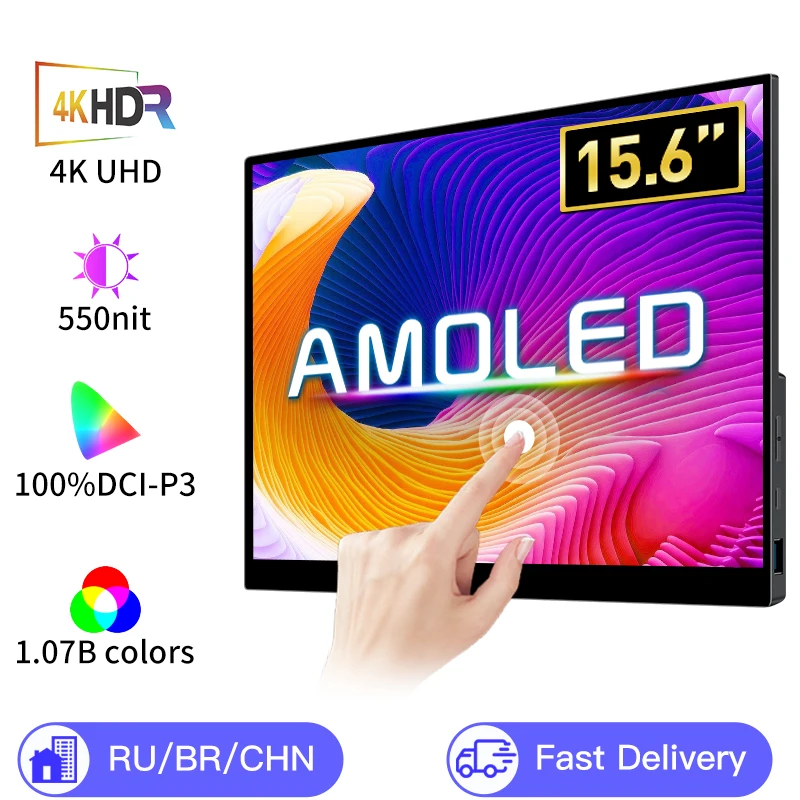
15.6 / 13 Inch 4K OLED Touch Screen Portable Monitor 550Nit USB-C HDMI-Compatible External
$208.45 $353.30 on AliExpress
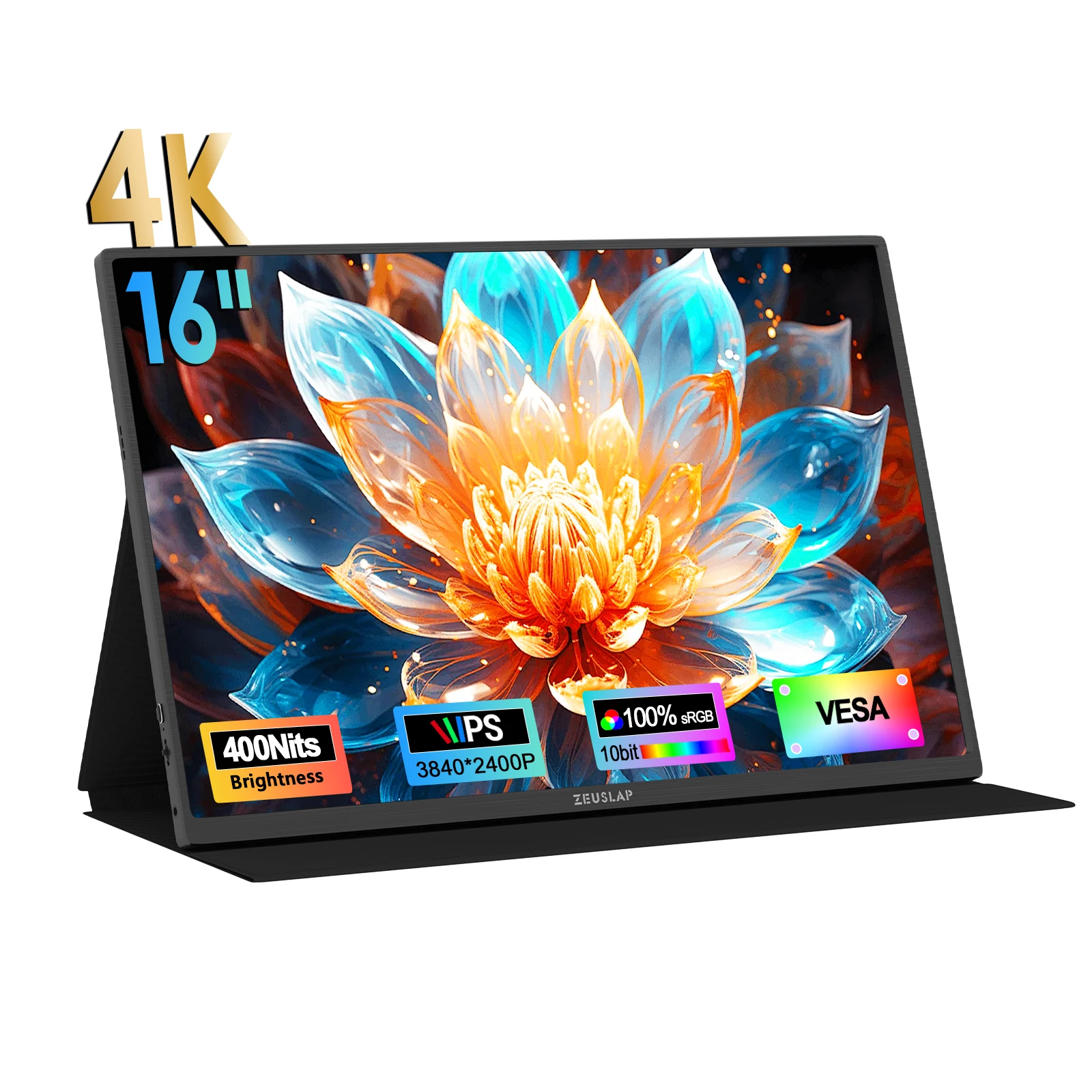
ZEUSLAP-Z16K 16" 4K Portable Monitor 3840×2400 100% DCI-P3 Thunderbolt USB-C HDMI for Phon
$209.26 $463.22 on AliExpress
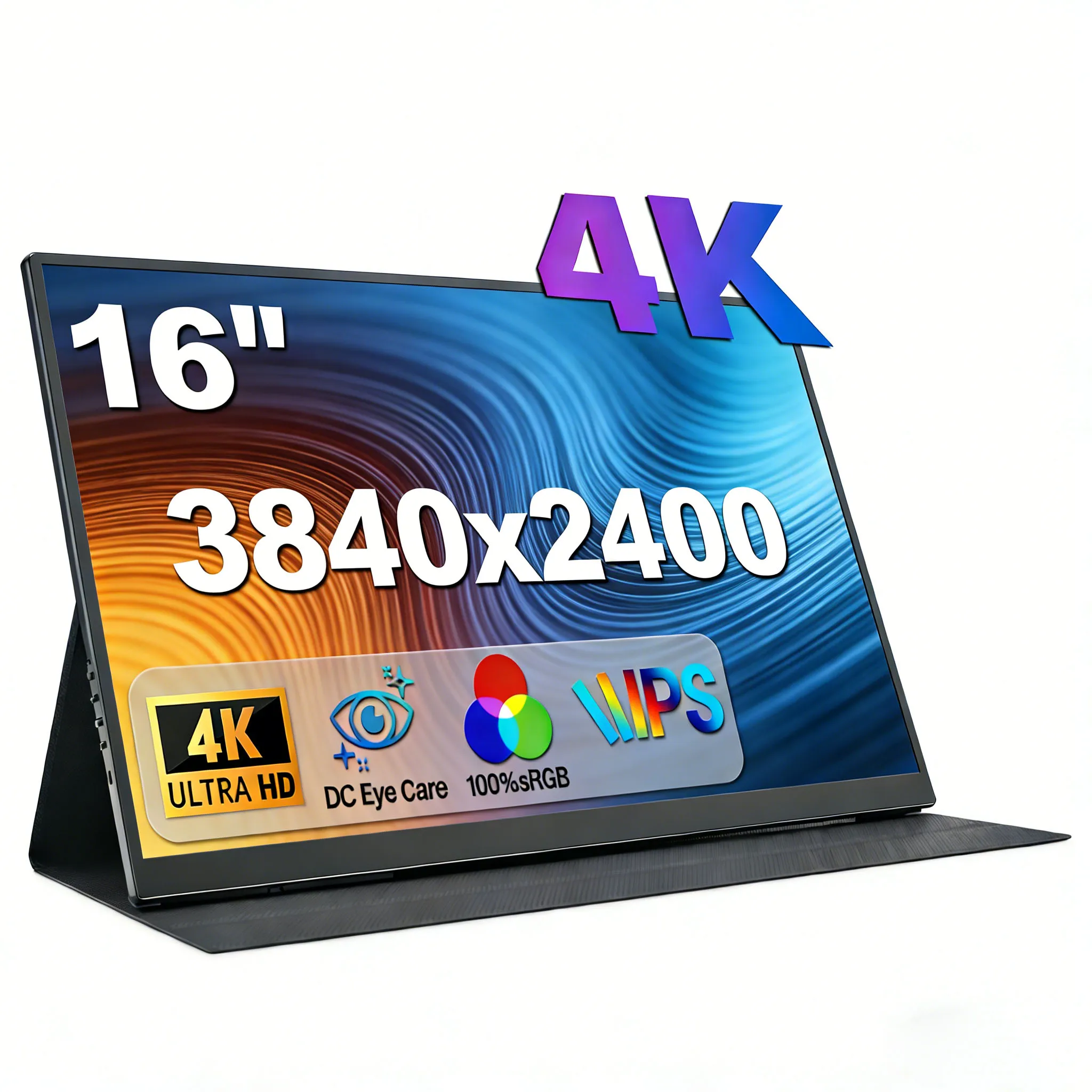
16" 4K Portable Monitor 3840×2400 16:10 UHD 1500:1 Contrast 100% DCI-P3 , External Second
$148.97 $316.96 on AliExpress
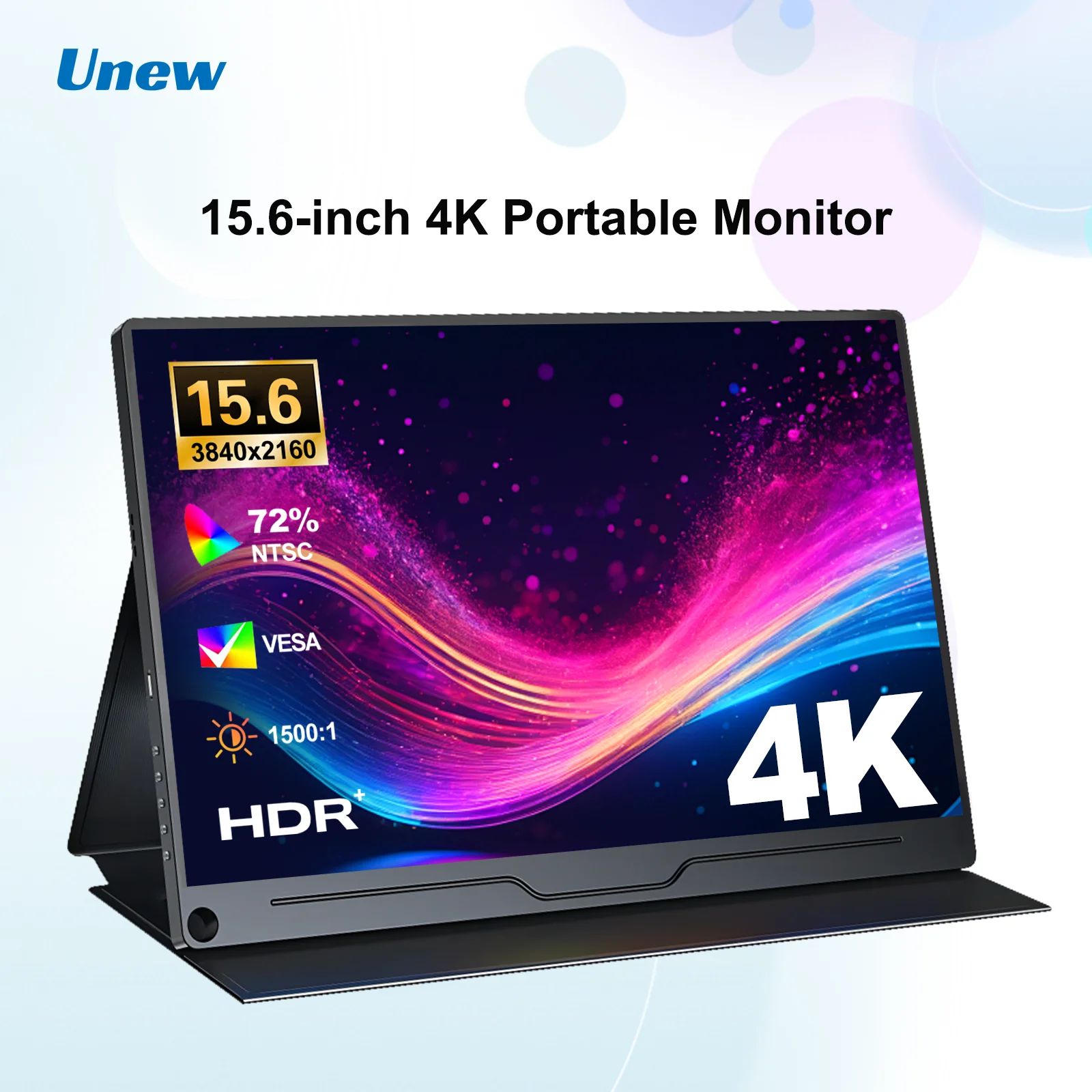
15.6 inch Portable Gaming Monitor 3840X2160 Ultra-Thin 4K IPS Screen for PC Laptop Externa
$167.75 $335.50 on AliExpress
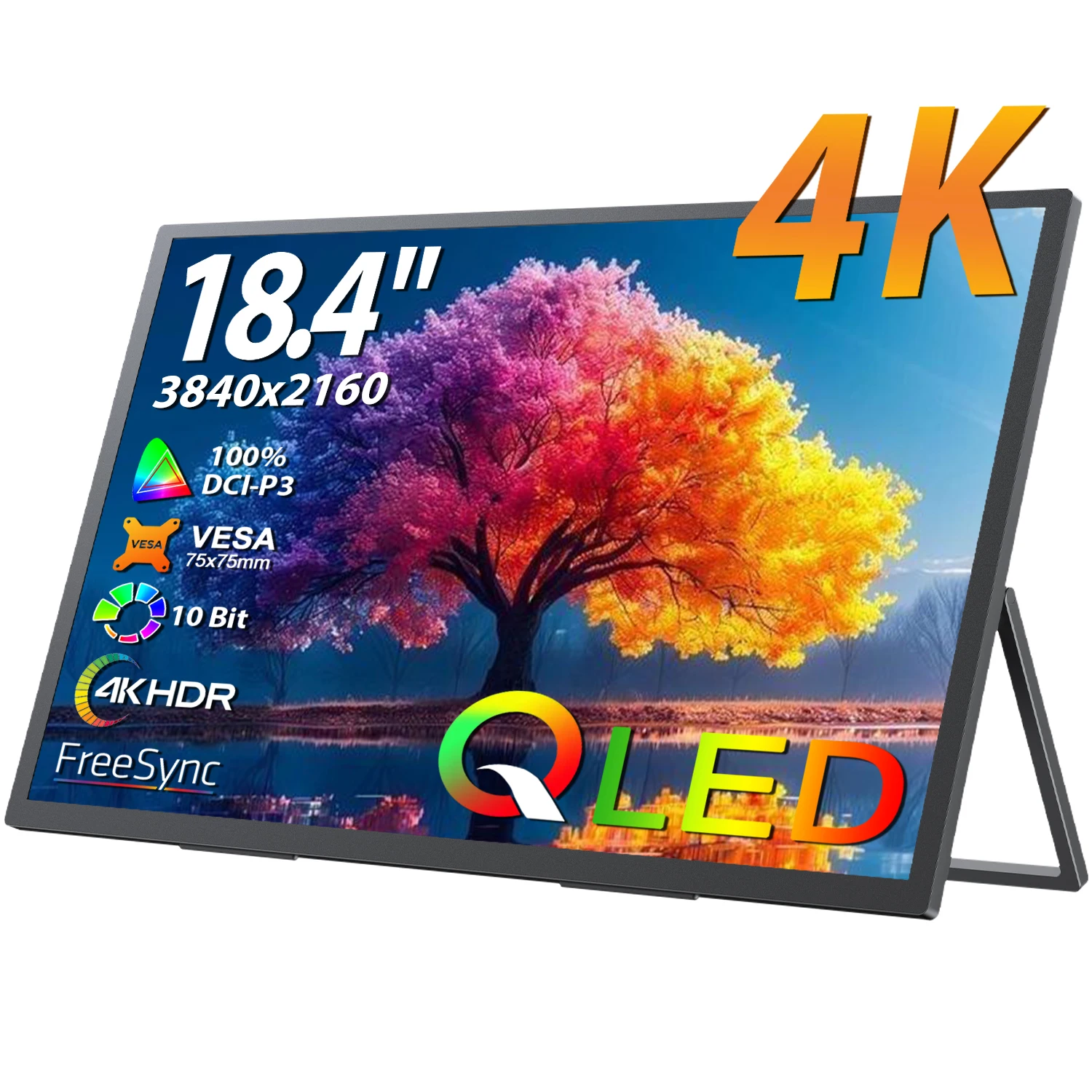
UPERFECT 18.4 inch 4K QLED Portable Monitor Gaming Computer Display Ultra-Slim Extend Scre
$233.81 $508.28 on AliExpress

How to Choose the Best 4K Monitor for You
Selecting the ideal 4K monitor involves understanding several key specifications and matching them to your primary use case. Here’s a breakdown of what to consider:
-
Panel Type: IPS, VA, or OLED?
- IPS (In-Plane Switching): Offers the best color accuracy and widest viewing angles, making it great for content creation and general use. Response times have improved significantly, making them suitable for gaming too.
- VA (Vertical Alignment): Known for superior contrast ratios and deeper blacks, ideal for immersive movie watching and dark room gaming. Viewing angles and response times can sometimes be a trade-off.
- OLED (Organic Light Emitting Diode): The pinnacle of display technology, offering infinite contrast, perfect blacks, and instantaneous response times. However, they are typically the most expensive and carry a small risk of burn-in.
-
Refresh Rate & Response Time
- Refresh Rate (Hz): How many times per second the image on the screen is updated. Higher is better for gaming (120Hz, 144Hz, or even 240Hz for 4K are now available). For productivity, 60Hz is usually sufficient.
- Response Time (ms): How quickly pixels can change color. Lower is better, especially for gaming, to reduce motion blur (1ms GtG or MPRT is excellent).
-
HDR (High Dynamic Range)
HDR support enhances contrast and color range, delivering more lifelike images. Look for VESA DisplayHDR certifications (e.g., HDR400, HDR600, HDR1000) for a quantifiable measure of performance. Higher numbers indicate brighter highlights and better local dimming capabilities.
-
Connectivity
Ensure the monitor has the ports you need. Common options include HDMI (look for HDMI 2.1 for 4K 120Hz+), DisplayPort (1.4 is standard), and USB-C (especially useful for laptops, offering video, data, and power delivery via a single cable). USB hubs are a bonus for peripheral connectivity.
-
Ergonomics & Stand Features
A good stand allows for height adjustment, tilt, swivel, and pivot (portrait mode). This is crucial for comfort during long sessions. VESA mount compatibility is also important if you plan to use a monitor arm.
-
Additional Features
Consider features like built-in KVM switches (for controlling multiple PCs with one keyboard/mouse), integrated webcams, smart TV functionality, or specialized modes for specific tasks (e.g., CAD/CAM mode for design).
FAQ: Your 4K Monitor Questions Answered
Is a 4K monitor worth it for everyday use?
Absolutely! Even for everyday tasks like browsing, email, and office work, a 4K monitor provides significantly more screen real estate and sharper text. You can comfortably fit multiple windows side-by-side without feeling cramped, boosting productivity. The clarity of images and videos is also noticeably superior, making the overall experience more enjoyable and less fatiguing for your eyes.
Do I need a powerful graphics card to run a 4K monitor?
For basic desktop use and video playback, most modern integrated graphics or entry-level dedicated GPUs can handle a 4K resolution at 60Hz. However, if you plan on gaming at 4K, especially at higher refresh rates (120Hz+), you will definitely need a high-end dedicated graphics card (e.g., NVIDIA RTX 4070/4080/4090 or AMD Radeon RX 7800 XT/7900 XT/XTX) to achieve playable frame rates.
What’s the ideal screen size for a 4K monitor?
For most users, 27 to 32 inches is the sweet spot for a 4K monitor. At 27 inches, the pixel density is very high, resulting in incredibly sharp images, but you might need to use scaling in your operating system. At 32 inches, the pixels are slightly larger, often allowing for comfortable viewing without much scaling, and providing a more immersive experience for media consumption and gaming. Anything smaller than 27 inches might make the benefits of 4K less noticeable.
What is the difference between UHD and 4K?
The terms UHD (Ultra High Definition) and 4K are often used interchangeably, but there’s a technical distinction. UHD refers to a resolution of 3840×2160 pixels, which is the standard for most consumer monitors and TVs. True 4K, also known as DCI 4K (Digital Cinema Initiatives 4K), has a resolution of 4096×2160 pixels and is primarily used in professional cinema. For practical purposes in the consumer market, when you see ‘4K monitor,’ it almost always refers to a UHD (3840×2160) display. You can learn more about 4K resolution on Wikipedia.
Conclusion
Choosing the best 4K monitors for 2026 involves balancing your specific needs, whether it’s for high-fidelity gaming, precise content creation, or enhanced productivity, with the array of features available. From the professional-grade clarity of Dell and BenQ to the blistering speed of LG and Gigabyte, and the versatile smart features of Samsung, there’s a perfect 4K display out there for everyone. By considering panel type, refresh rate, connectivity, and ergonomic design, you can make an informed decision that will elevate your visual experience for years to come. Don’t forget to check out our other ThinkPad USB-C Dock guides for more tech recommendations!