As an Amazon Associate and an AliExpress affiliate, TechGurl earns from qualifying purchases. Some links on this page are affiliate links — if you buy through them we may receive a commission, at no extra cost to you. This never affects which products we cover or what we say about them.
Disclosure: This article contains affiliate links. If you buy through them we may earn a small commission at no extra cost to you.
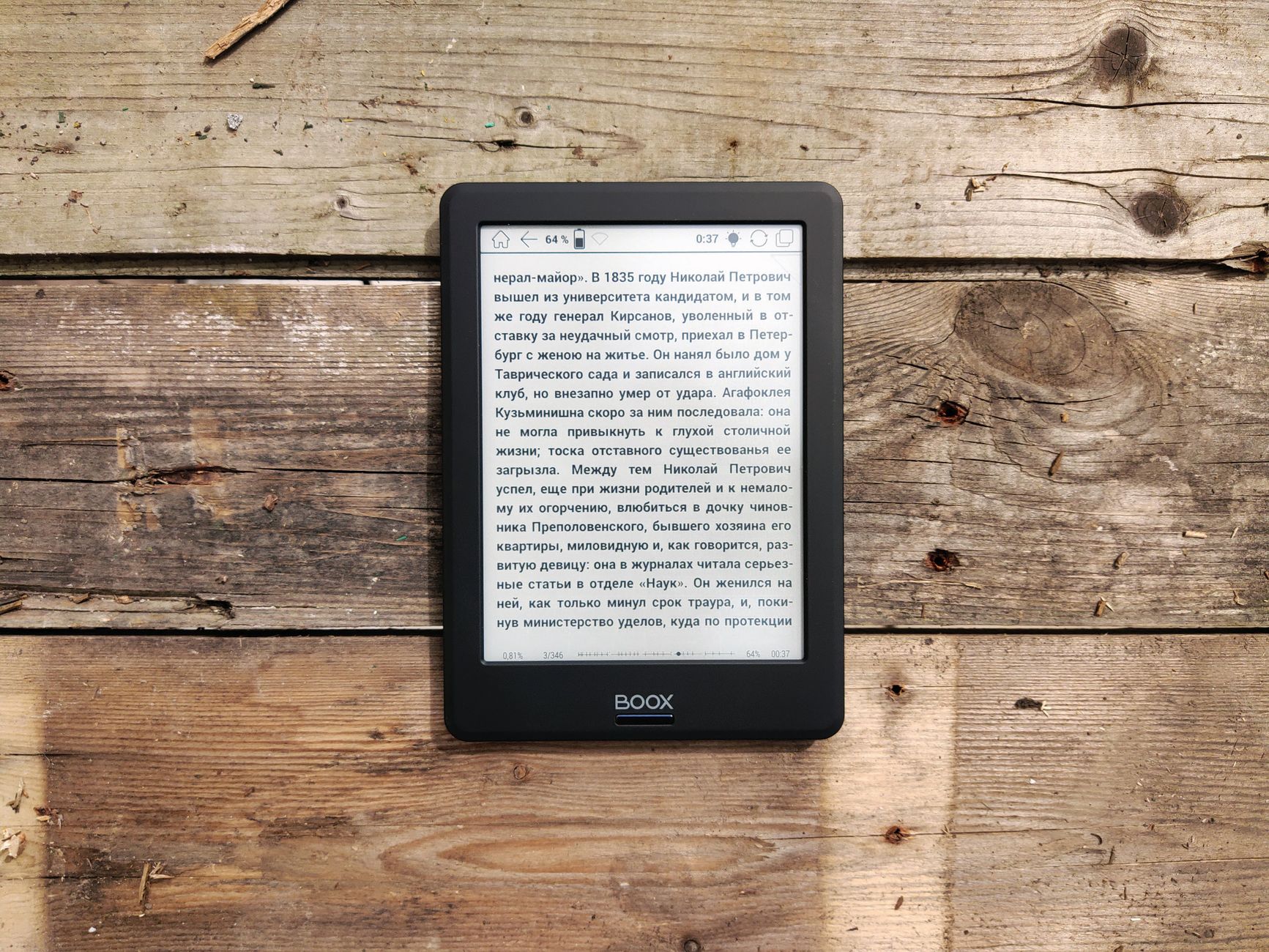
Choosing between an e-reader vs. tablet can be a tough decision, especially with so many devices blurring the lines between dedicated reading and versatile computing. Both offer portable access to digital content, but they are designed with fundamentally different priorities in mind. An e-reader excels at providing a distraction-free, paper-like reading experience, while a tablet is a multi-functional device capable of everything from browsing the web and streaming video to productivity tasks and gaming. Understanding these core distinctions is key to making the right purchase for your lifestyle.
E-Ink vs. LCD/OLED: The Screen Experience
The most significant difference between an e-reader and a tablet lies in their screen technology. E-readers, like the Amazon Kindle Paperwhite, utilize E-Ink displays. These screens mimic the appearance of ink on paper, offering high contrast and excellent readability even in direct sunlight, much like a physical book. They are also incredibly power-efficient, only consuming energy when the screen refreshes. This technology is gentle on the eyes, reducing strain during long reading sessions, and typically features a frontlight for reading in the dark, rather than a backlight that shines into your eyes.
Tablets, such as the Apple iPad (10th Gen), feature LCD or OLED screens. These vibrant, backlit displays are designed to showcase rich colors, high resolutions, and smooth animations, making them ideal for multimedia consumption, gaming, and graphic-intensive applications. However, their reflective surfaces can be challenging to read in bright sunlight, and the blue light emitted can contribute to eye strain and disrupt sleep patterns, especially with prolonged use. While many tablets offer features like ‘Night Shift’ or ‘True Tone’ to adjust color temperature, they can’t replicate the E-Ink experience for dedicated reading.
Battery Life: Weeks vs. Hours
Battery life is another major differentiator. E-readers are legendary for their longevity. Devices like the Kindle Paperwhite (11th Gen) can last for weeks on a single charge, with Amazon’s published specs indicating up to 10 weeks based on 30 minutes of reading per day with Wi-Fi off and the light setting at 13. This remarkable endurance is due to the E-Ink technology, which only draws power when changing pages. This makes e-readers ideal for travel or for users who dislike frequent charging.
Tablets, in contrast, require much more frequent charging. With their powerful processors, bright displays, and constant connectivity, tablets like the iPad (10th Gen) typically offer around 10 hours of active use, according to Apple’s published specifications for surfing the web on Wi-Fi or watching video. While sufficient for a day’s heavy use, this means daily or every-other-day charging for most users, especially if they engage in demanding tasks like gaming or video editing.
Primary Use Cases: Reading vs. Everything Else
E-Reader vs. Tablet for Reading
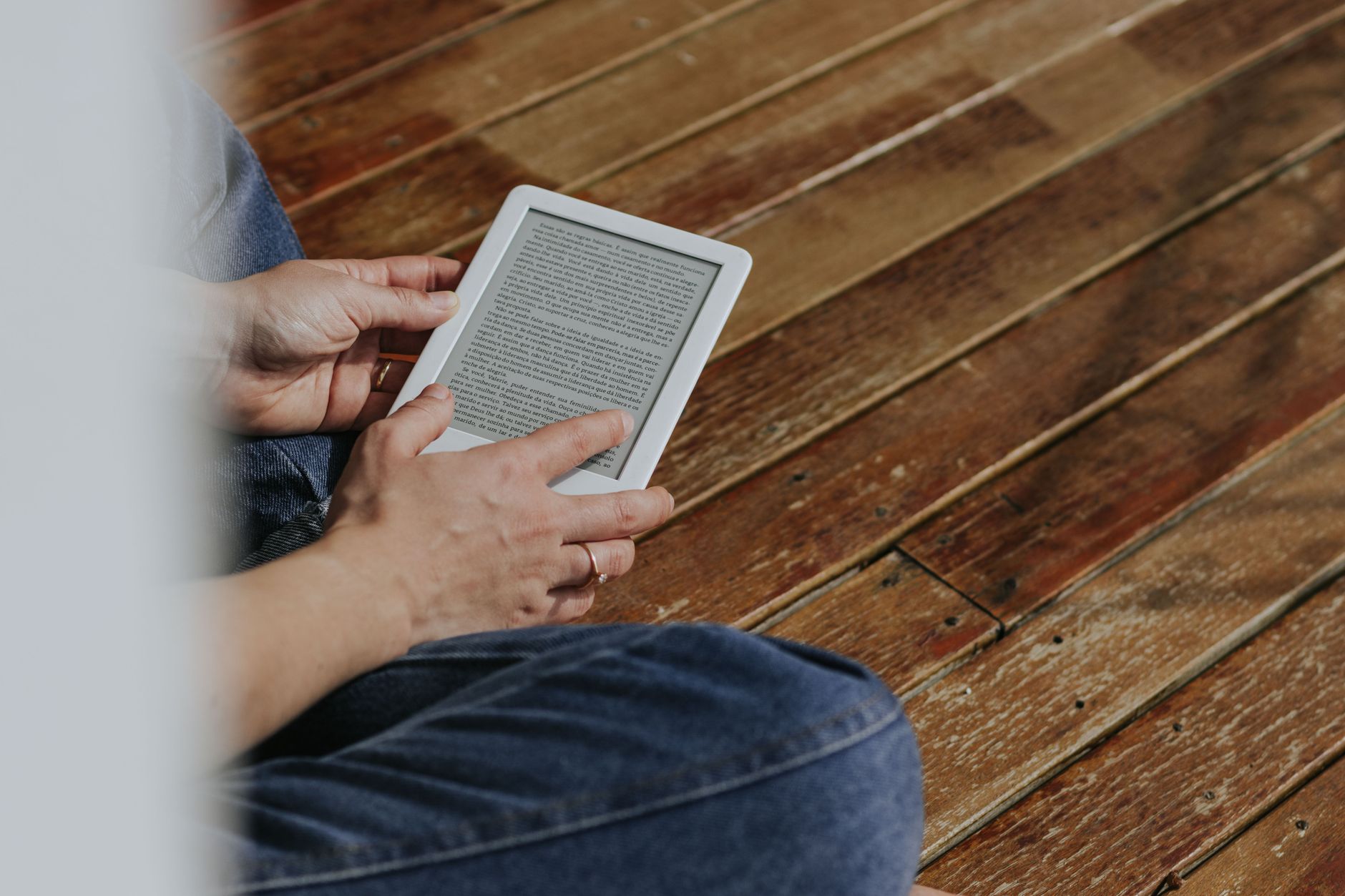
If your primary goal is reading, an e-reader is hard to beat. Its E-Ink screen, long battery life, lightweight design, and singular focus create an unparalleled reading experience. Most e-readers also offer features tailored for readers, such as adjustable font sizes, dictionaries, highlighting, and note-taking capabilities. They are designed to minimize distractions, helping you immerse yourself in your book.
Tablets can certainly be used for reading, and their larger, color screens are great for magazines, graphic novels, or children’s books. However, the backlit screen, potential for notifications, and access to countless apps mean they are inherently more distracting. While you can install reading apps like Kindle or Libby, the overall experience isn’t as focused or comfortable for extended text reading as a dedicated e-reader.
Beyond Reading: Productivity and Entertainment
This is where tablets truly shine. An iPad (10th Gen) can serve as a portable computer, capable of web browsing, email, video conferencing, photo and video editing, document creation, and much more. With access to millions of apps through the App Store, you can transform your tablet into a drawing pad, a gaming console, a music studio, or a productivity powerhouse. Accessories like keyboards and styluses further enhance their versatility, making them suitable for light-to-moderate work tasks.
E-readers, by design, offer very limited functionality beyond reading. While some may have basic web browsers or integration with services like Goodreads, they are not built for general computing or entertainment. Their monochrome E-Ink screens are unsuitable for video, and their processors are not designed for complex applications.
App Ecosystem and Connectivity
Tablets boast a rich app ecosystem, with platforms like Apple’s iPadOS and Google’s Android offering millions of applications for virtually every purpose. This vast selection allows for extensive customization and expands the device’s utility far beyond its basic functions. Tablets also typically offer robust connectivity options, including Wi-Fi 6 and optional 5G cellular, providing fast internet access almost anywhere.
E-readers have a much more constrained app ecosystem, primarily focused on accessing digital books from their respective stores (e.g., Amazon’s Kindle Store). While some e-readers might support other formats or public library services (like Libby), their functionality is largely confined to reading. Connectivity is usually limited to Wi-Fi, sufficient for downloading books but not for general web browsing or streaming.
Portability, Durability, and Price
E-readers are generally lighter and more compact than tablets, making them incredibly easy to slip into a bag or even a large pocket. Many are also water-resistant, making them suitable for reading by the pool or in the bath. Their simpler construction often translates to greater durability for everyday bumps and drops.
Tablets vary in size and weight, but even smaller models are typically heavier than e-readers. While some tablets offer a degree of water resistance, it’s less common than in e-readers. They are also generally more delicate due to their larger, glass screens. In terms of price, e-readers are significantly more affordable, with popular models often costing under $150. Tablets, especially from premium brands, start at around $300-$450 and can go much higher depending on specifications and accessories.
Comparison Table: Kindle Paperwhite (11th Gen) vs. Apple iPad (10th Gen)
| Specification | Kindle Paperwhite (11th Gen) | Apple iPad (10th Gen) |
|---|---|---|
| Screen Type | 6.8-inch E-Ink | 10.9-inch Liquid Retina IPS LCD |
| Resolution / PPI | 300 ppi | 2360 x 1640 (264 ppi) |
| Lighting | Adjustable warm frontlight | LED-backlit with True Tone |
| Storage Options | 8GB, 16GB | 64GB, 256GB |
| Battery Life (Approx.) | Up to 10 weeks (according to Amazon) | Up to 10 hours (according to Apple) |
| Connectivity | Wi-Fi | Wi-Fi 6, Optional 5G Cellular |
| App Ecosystem | Kindle Store (books) | iPadOS App Store (millions of apps) |
| Primary Use | Dedicated reading | General computing, entertainment, productivity |
| Price Range (Starting) | ~$139.99 | ~$449 |
As the table illustrates, the Kindle Paperwhite (11th Gen) and Apple iPad (10th Gen) are optimized for very different user experiences. The Kindle prioritizes a comfortable, long-lasting reading experience with its E-Ink screen and weeks-long battery. The iPad, on the other hand, offers a vibrant, versatile computing platform with a powerful processor, extensive app support, and a higher price point reflecting its multi-functional capabilities. Your choice will ultimately depend on whether your priority is a dedicated reading device or a general-purpose tablet.
1. For the Dedicated Reader: Kindle Paperwhite (11th Gen)
If reading is your passion and you spend hours immersed in books, the Kindle Paperwhite (11th Gen) is an exceptional choice. Its 6.8-inch E-Ink display with 300 ppi offers crisp, glare-free text that’s easy on the eyes, even in bright sunlight. The adjustable warm frontlight makes nighttime reading comfortable, and its impressive battery life, lasting weeks on a single charge according to Amazon’s published specifications, means you can take it on long trips without worrying about power outlets. It’s also lightweight, compact, and water-resistant, making it the perfect companion for any reading environment.
Kindle Paperwhite (11th Gen) — check today’s price
2. For Versatile Computing: Apple iPad (10th Gen)
For those who need a device that goes far beyond just reading, the Apple iPad (10th Gen) stands out. With its powerful A14 Bionic chip, vibrant 10.9-inch Liquid Retina display, and the extensive iPadOS App Store, it’s a true multi-tasker. Whether you’re streaming movies, video calling, drawing, taking notes, or tackling productivity tasks, the iPad offers a smooth and responsive experience. While its battery life of up to 10 hours (as stated by Apple on their official product page) is less than an e-reader, its versatility and access to millions of apps make it an indispensable tool for work, entertainment, and creativity.
Apple iPad (10th Gen) — check today’s price
Related picks on AliExpress
Looking for more budget-friendly alternatives or different takes on e-readers and tablets? AliExpress offers a wide range of options that might suit your needs, from affordable Android tablets perfect for basic browsing and video to specialized E-Ink devices.
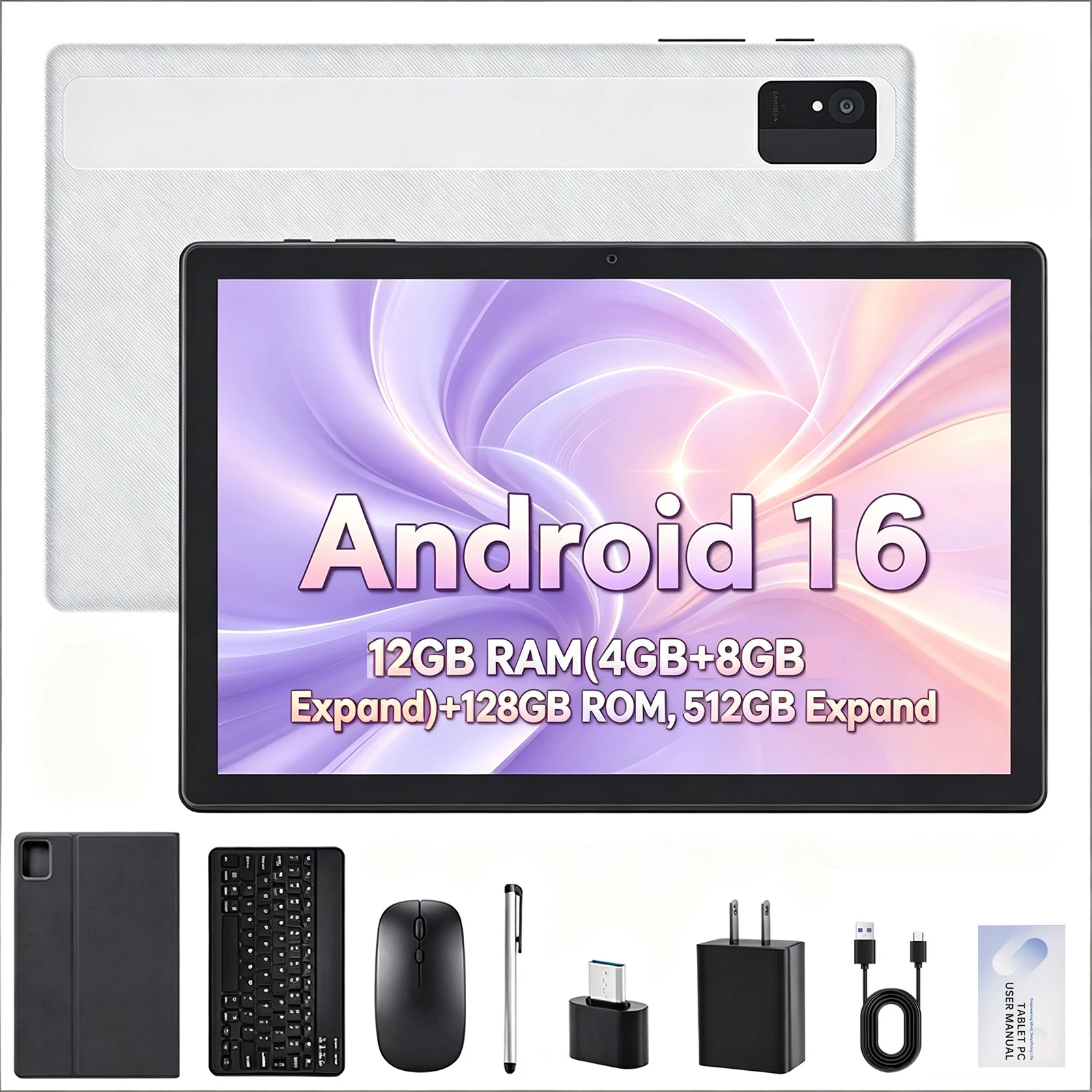
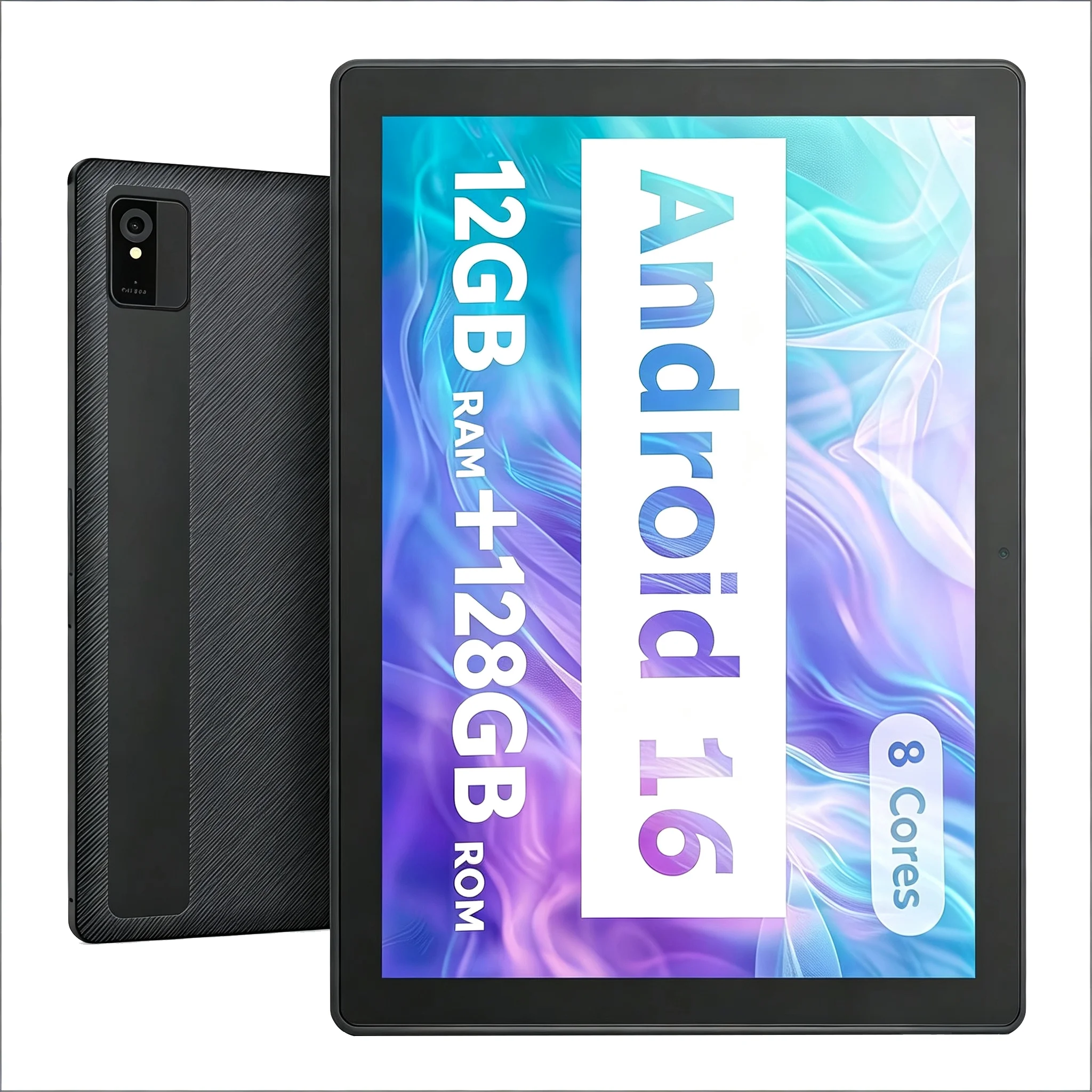
Paitanry Android 16 Tablet 10 Inch IPS HD Touch Screen Octa Core 12GB RAM 128GB ROM 5000mA
$115.93 $252.03 on AliExpress
Paitanry Tablets CH10 Android 16 IPS Display 10.1 Inch 12GB(4+8 Expand RAM+128GB ROM 5000M
$107.27 $233.19 on AliExpress
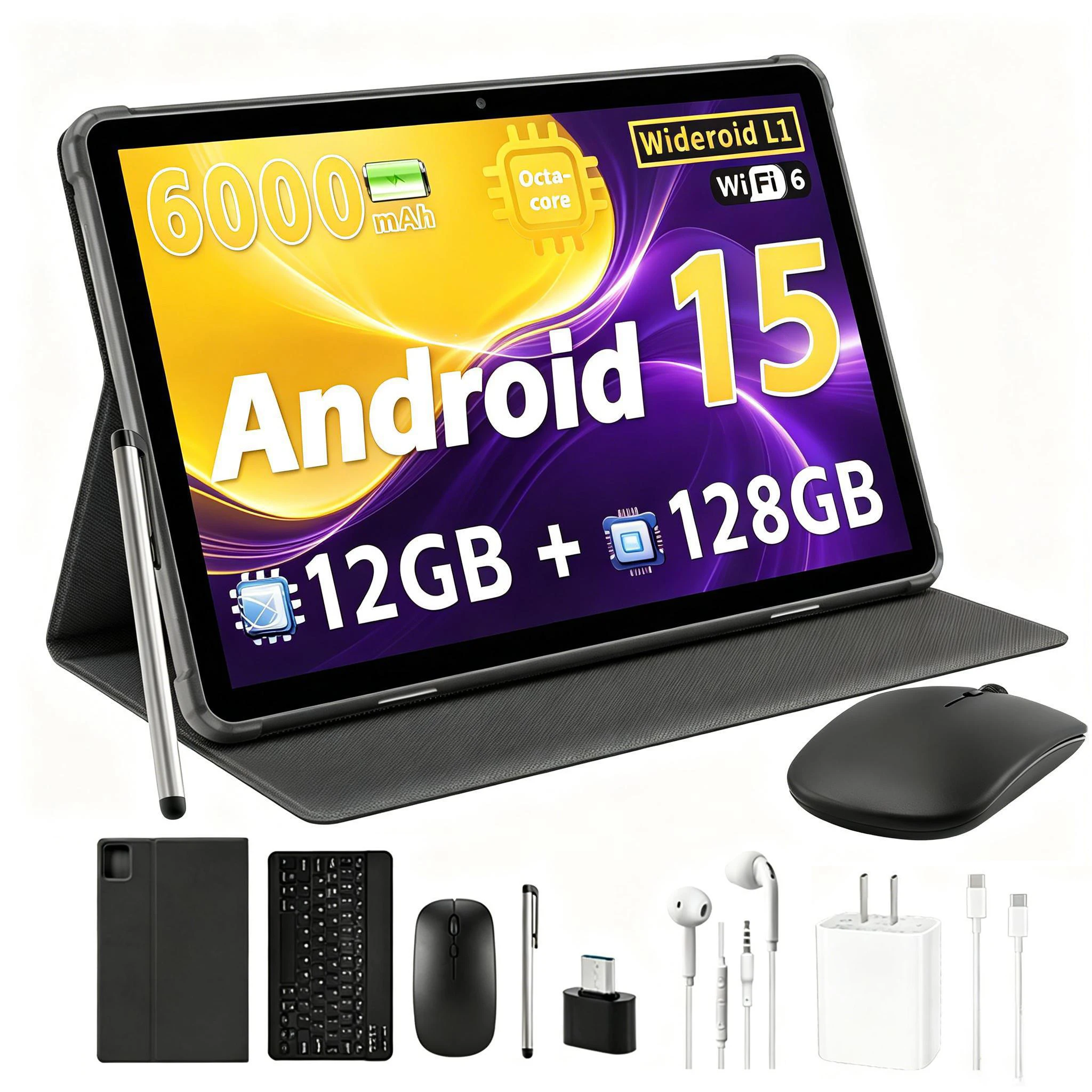
Paitanry Budget Android 15 Tablet 10.1 Inch HD Touch Screen 12GB RAM 128GB ROM 1TB Expand
$103.47 $240.63 on AliExpress
Which one should you buy?
The choice between an e-reader and a tablet boils down to your primary use. If you’re a voracious reader who values eye comfort, long battery life, and a distraction-free experience, an e-reader like the Kindle Paperwhite is the clear winner. If you need a versatile device for web browsing, streaming, gaming, productivity, and occasional reading, a tablet like the Apple iPad (10th Gen) is the better investment. Think about what you’ll use it for most often, and let that guide your decision.
FAQ
Can I read books on a tablet just as well as an e-reader?
While you can certainly read books on a tablet using various apps, the experience is generally not as comfortable for extended periods as it is on an e-reader. Tablets have backlit LCD/OLED screens that can cause eye strain and glare in bright light, unlike the paper-like E-Ink display of an e-reader.
Are e-readers only for books?
Primarily, yes. E-readers are designed and optimized for reading digital books. While some may offer basic web browsing or support for other document types, their functionality beyond reading is very limited compared to a multi-purpose tablet.
Which device is better for students?
For students, a tablet often provides more utility due to its versatility. It can handle textbooks, note-taking, research, presentations, and communication, making it a powerful educational tool. An e-reader is excellent for leisure reading or reading specific course materials, but it lacks the broader functionality required for most academic tasks.
Is a tablet worth the extra cost over an e-reader?
A tablet is worth the extra cost if you intend to use it for a wide range of activities beyond just reading, such as watching videos, playing games, browsing the internet, or productivity tasks. If your main goal is reading, the additional features and higher price of a tablet might not be justified for your needs.
Conclusion
Ultimately, the decision between an e-reader vs. tablet depends entirely on your personal needs and priorities. For dedicated bookworms seeking an authentic, eye-friendly reading experience with minimal distractions and incredible battery life, an e-reader is an unmatched companion. For users who crave a versatile device capable of handling a spectrum of tasks from entertainment and communication to productivity and creative work, a tablet offers unparalleled flexibility. Consider your daily habits and budget, and you’ll easily find the perfect portable device to enhance your digital life. For more detailed comparisons on specific tech, check out our other Handheld Gaming PC vs Laptop: Which Should You Buy for Portable Gaming? product reviews.