As an Amazon Associate and an AliExpress affiliate, TechGurl earns from qualifying purchases. Some links on this page are affiliate links — if you buy through them we may receive a commission, at no extra cost to you. This never affects which products we cover or what we say about them.
Disclosure: This article contains affiliate links. If you buy through them we may earn a small commission at no extra cost to you.
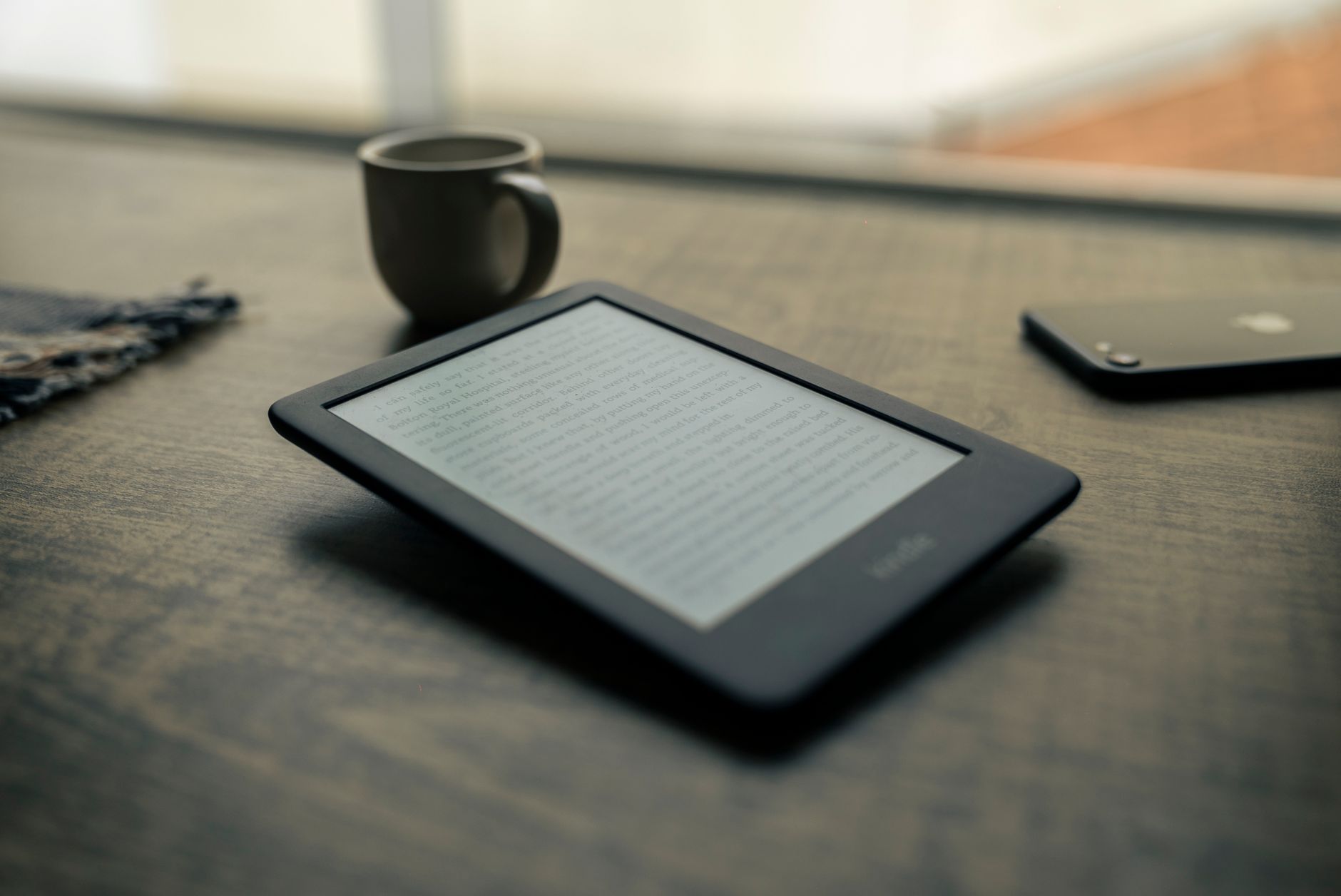
Understanding the difference between a dedicated third-party e-reader vs kindle can save you both money and frustration before you invest in a digital library. While many shoppers use the terms interchangeably, "Kindle" refers strictly to Amazon’s proprietary line of hardware and services, whereas "e-reader" covers an expansive landscape of devices powered by brands like Rakuten Kobo, Onyx Boox, and PocketBook. Choosing the right device comes down to how you source your books, which file types you need, and whether you prefer an open ecosystem or a streamlined, single-store experience.
E-Reader vs Kindle: Understanding the Ecosystem Differences
The core battle in the e-reader vs kindle debate is ecosystem philosophy. Amazon built the Kindle platform as a seamless, walled garden designed to funnel users directly into the Kindle Store, Kindle Unlimited subscriptions, and Audible audiobooks. Buying an ebook on a Kindle is virtually instant, syncing seamlessly across devices via Amazon’s Whispersync technology. However, this convenience comes with strict ecosystem restrictions, as Kindles prioritize Amazon’s proprietary AZW3 and KFX formats over universally standard options.
In contrast, non-Amazon e-readers like Kobo or Android-based Onyx Boox devices emphasize open interoperability. Devices from Kobo natively support the standard EPUB format alongside Adobe DRM, allowing users to buy digital books from independent bookstores, borrow titles directly from public libraries via integrated OverDrive/Libby support, or load personal documents without cumbersome conversion tools. For readers who want complete digital ownership of their files, an open platform represents a massive structural advantage.
Screen Technology and Reading Comfort
Both modern Kindles and competitive e-readers rely on E Ink display technology, which mimics the appearance of printed paper using microscopic microcapsules filled with charged black and white pigments. Unlike reflective, backlit LCD or OLED smartphone screens, E Ink panels reflect ambient light, eliminating harsh glare and reducing eye strain during long reading sessions.
Modern devices across both categories feature 300 PPI (pixels per inch) sharpness, front-lit screen arrays, and adjustable color temperature systems. Warm lighting shifts the screen hue from cool blue-white to amber, minimizing melatonin suppression during nighttime reading. While Amazon calls this feature "Adjustable Warm Light" on its Paperwhite and Oasis models, Kobo labels its equivalent "ComfortLight PRO." In day-to-day text sharpness, both approaches deliver virtually identical reading clarity.
Hardware Specifications Comparison
To highlight the practical differences between a mainstream Kindle and a direct competing open e-reader, the table below compares the standard Amazon Kindle Paperwhite against Rakuten Kobo’s mainstream Clara BW model using publicly available manufacturer data.
| Feature / Specification | Amazon Kindle Paperwhite (12th Gen) | Rakuten Kobo Clara BW |
|---|---|---|
| Display Size | 7.0 inches | 6.0 inches |
| Display Type & Resolution | E Ink Carta 1300 (300 PPI) | E Ink Carta 1300 (300 PPI) |
| Front Light System | Adjustable white-to-amber front light | ComfortLight PRO (auto warm light) |
| Water Resistance Rating | IPX8 (up to 2 meters for 60 mins) | IPX8 (up to 2 meters for 60 mins) |
| Standard Storage Capacity | 16 GB | 16 GB |
| Charging & Connectivity | USB-C, Dual-band Wi-Fi | USB-C, Dual-band Wi-Fi |
| Native Library Integration | Send-to-Kindle (via Libby app in US only) | Direct OverDrive integration on-device |
| Native Format Support | Kindle Format 8 (AZW3), KFX, TXT, PDF, MOBI | EPUB, EPUB3, FlePub, PDF, MOBI, TXT, CBR, CBZ |
| Rated Battery Life | Up to 12 weeks (manufacturer rated) | Up to 53 days (manufacturer rated) |
| Weight | 211 grams | 174 grams |
File Format Support and Sideloading Flexibility
One critical factor when evaluating an e-reader vs kindle is your existing digital book collection. For years, Kindles did not natively handle standard EPUB files. While Amazon’s cloud-based "Send to Kindle" service now converts EPUB files on the fly for delivery to your library, it still processes them through Amazon servers rather than letting you drag and drop raw files over a simple USB cable.
According to Rakuten Kobo’s official product specifications, their devices support fifteen different file formats out of the box, including comic book formats (CBR and CBZ) and rich-text files. If you manage an extensive offline library using software like Calibre, an open e-reader allows seamless plug-and-play synchronization without any forced cloud conversion or account linking.
Library Borrowing and Subscription Ecosystems
If borrowing books from your local public library is a central part of your routine, the winner of the e-reader vs kindle showdown depends heavily on your geographic location. In the United States, Kindle users can browse the Libby app on their smartphone or computer and send borrowed titles to their Kindle via Amazon’s system. However, this functionality is restricted strictly to US library systems.
Kobo handles public borrowing on a global scale through direct, on-device OverDrive integration. Users in countries including Canada, the UK, Australia, New Zealand, and the US can search their local library catalog, place holds, and download ebooks directly from the device’s main menu without needing a secondary phone or computer.
Subscription services also represent a key differentiator. Amazon offers Kindle Unlimited, a massive lending library covering millions of self-published and backlist titles for a monthly fee. Kobo counters with Kobo Plus, an all-you-can-read subscription model available in expanding global markets that allows both ebook and audiobook streaming without restrictive device locks.
1. Amazon Kindle Paperwhite (12th Gen)
The Amazon Kindle Paperwhite (12th Gen) remains the benchmark for readers who want seamless shopping, robust battery longevity, and expansive catalog access. According to Amazon’s published hardware specs, this model features a 7.0-inch 300 PPI display utilizing the latest Carta 1300 screen layer, delivering 25% faster page turns compared to the previous generation.
With IPX8 water protection, up to 12 weeks of battery endurance based on standard reading metrics, and deep integration with Audible via Bluetooth, the Paperwhite delivers a polished, trouble-free reading experience for users who are already invested in the Amazon digital ecosystem.
Amazon Kindle Paperwhite (12th Gen) — check today’s price
2. Kobo Clara BW
The Kobo Clara BW is the ultimate compact alternative for readers who want liberation from proprietary ecosystems. Built around a crisp 6.0-inch 300 PPI E Ink Carta 1300 screen, the Clara BW combines pocketable dimensions with deep customization, including advanced typography adjustments and sideloading support.
With native OverDrive library borrowing, 16 GB of onboard storage, and an IPX8 waterproof chassis made from recycled plastics, this device is ideal for public library power-users and readers who prefer an open, privacy-respecting hardware platform.
Kobo Clara BW — check today’s price
Related picks on AliExpress
If you are looking for versatile, alternative E Ink devices including open Android readers and pocket-sized digital notepads, consider these popular options available on AliExpress.
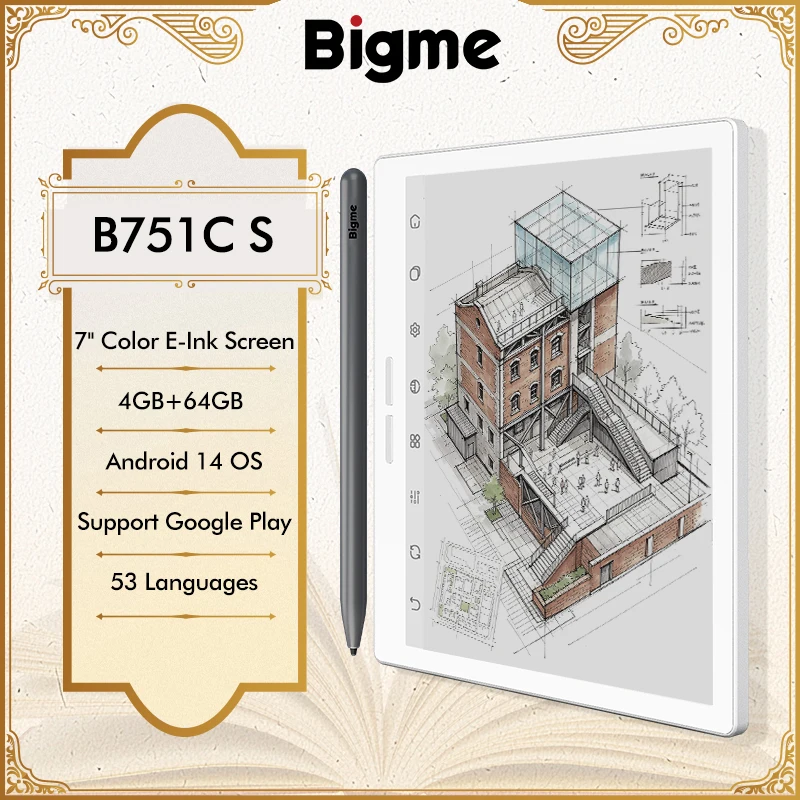
Bigme B751C 7-inch Color E-Ink Screen E-Book Reader Electronic Paper Book Reading E Ink Eb
$357.49 $446.86 on AliExpress
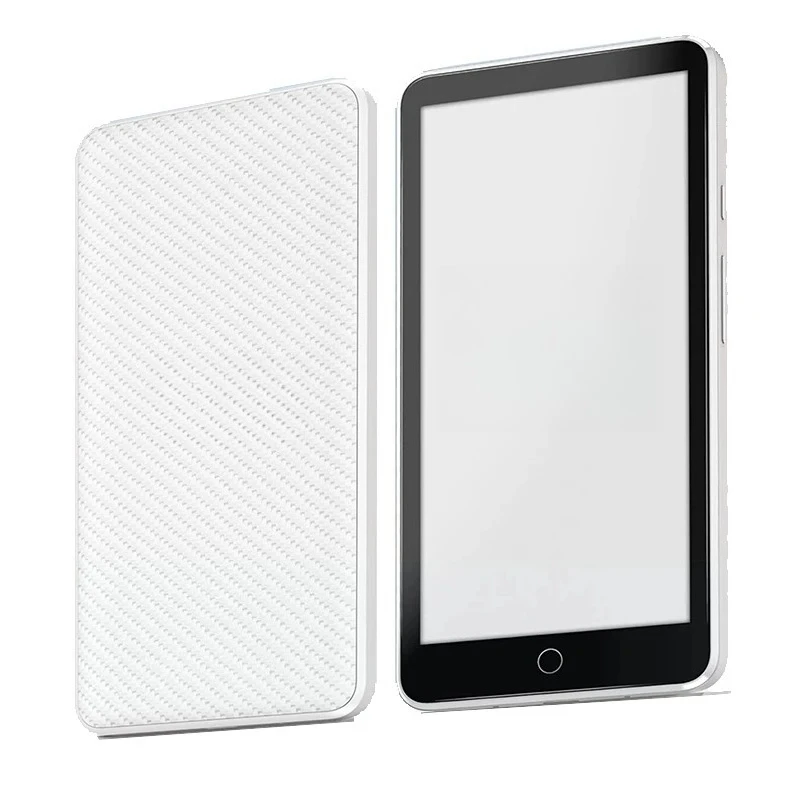
Ebook Reader 5.84" E-ink Screen E-reader InkPalm Minipower Tablet Android 11,4+64GB 6000m
$256.82 $273.21 on AliExpress
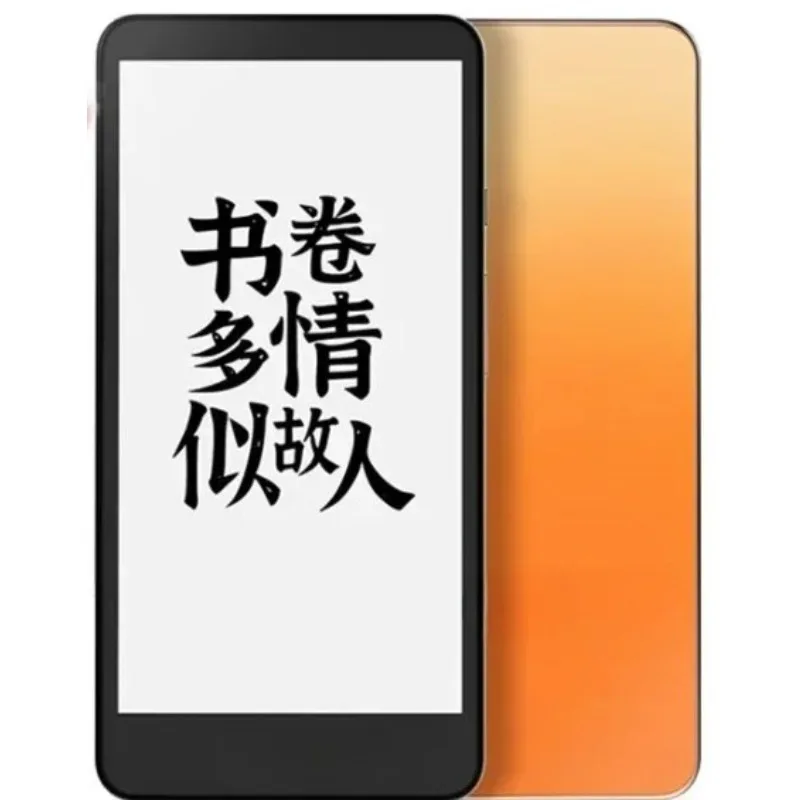
300PPI Screen Tablet Android 8.1 Smartphone E-book Moaan InkPalm 5 Mini 5.2-inch E-ink E-b
$153.81 $320.44 on AliExpress
Frequently Asked Questions
Can I read Kindle books on a non-Kindle e-reader?
Generally, no. Ebooks purchased from the Amazon Kindle Store are protected by proprietary DRM and formatted as AZW3 or KFX files, which cannot be natively opened on standard e-readers like Kobo or PocketBook without complex format stripping. However, Android-based e-ink tablets (such as Onyx Boox) can run the official Kindle Android app directly from the Google Play Store.
Is an e-reader better than reading on an iPad or smartphone?
Yes, dedicated e-readers offer massive ergonomic advantages over backlit tablets. E Ink displays reflect ambient light naturally, virtually eliminating eye fatigue during extended sessions. Furthermore, while tablets require daily recharging, dedicated e-readers feature battery life measured in weeks rather than hours.
Do I need to pay a subscription to use an e-reader or Kindle?
No. Neither Amazon Kindles nor third-party e-readers require paid subscriptions to function. Subscriptions like Kindle Unlimited or Kobo Plus are completely optional. You can purchase individual ebooks, sideload royalty-free public domain titles, or borrow library books for free.
Which One Should You Buy?
When deciding between an e-reader vs kindle, your choice hinges on how you value ecosystem convenience versus file freedom. If you already subscribe to Amazon Prime, rely on Kindle Unlimited, and want the fastest, simplest storefront checkout with seamless audiobook integration, the Amazon Kindle Paperwhite is the undisputed champion.
However, if you want direct library borrowing anywhere in the world, prefer drag-and-drop EPUB support without cloud conversion, and want full control over your digital library, a dedicated open platform like the Kobo Clara BW is the smarter long-term investment. Check out our E-Reader vs. Tablet: Which Should You Buy? to learn more about setting up your ideal reading setup and optimizing your digital workflow.