As an Amazon Associate and an AliExpress affiliate, TechGurl earns from qualifying purchases. Some links on this page are affiliate links — if you buy through them we may receive a commission, at no extra cost to you. This never affects which products we cover or what we say about them.
{“title”:”Fix Wireless Earbuds One Side Not Working: Complete Troubleshooting Guide”,”seo_title”:”Fix Wireless Earbuds One Side Not Working: 2026 Step-by-Step Guide”,”meta_description”:”Learn how to fix wireless earbuds when only one side works with this complete troubleshooting guide. Covers cleaning, pairing resets, firmware updates, and hardware checks.”,”focus_keyword”:”fix wireless earbuds”,”category”:”How-To Guides”,”tags”:”wireless earbuds troubleshooting, bluetooth audio issues, earbud repair guide, one earbud not working, audio troubleshooting tips”,”featured_query”:”wireless earbuds charging case”,”img1_query”:”dirty earbuds cleaning”,”img1_alt”:”Dirty wireless earbuds showing wax buildup that can cause one side to stop working”,”img2_query”:”earbuds reset button”,”img2_alt”:”Resetting wireless earbuds to fix one side not working issue”,”img3_query”:””,”img3_alt”:””,”ae1_query”:”precision screwdriver set”,”ae2_query”:”usb multimeter tester”,”ae3_query”:””,”ae4_query”:””,”ae5_query”:””,”ae_minprice”:”15″,”content_html”:”
Disclosure: This article contains affiliate links. If you buy through them we may earn a small commission at no extra cost to you.
\n
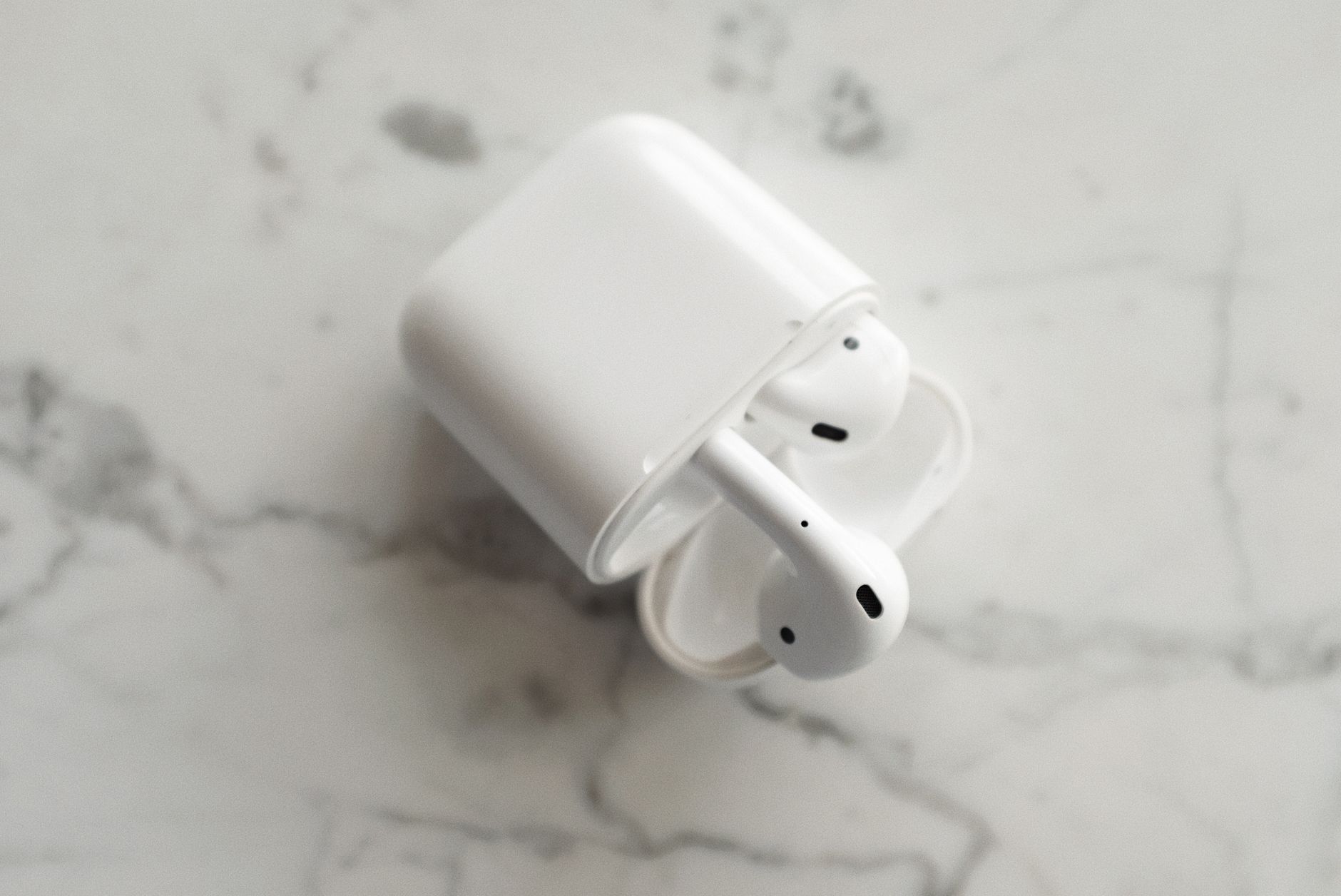
When you need to fix wireless earbuds that only play sound in one ear, the cause is usually simple: debris blocking the driver mesh, a stale Bluetooth pairing, outdated firmware, or a drained battery in one bud. This guide walks through every diagnostic step in order of likelihood so you can restore stereo audio without guessing.
\n
\n
Why Only One Earbud Works: Common Root Causes
\n
Before diving into repairs, understand the three main failure categories. Mechanical blockages (earwax, skin oils, pocket lint) are the most frequent culprit because the driver mesh is tiny and faces the ear canal. Software glitches—corrupted pairing records or mismatched firmware between buds—rank second. Hardware faults like a dead cell, broken antenna, or detached coil wire are rarer but require different handling.
\n
Step 1: Clean the Driver Mesh and Charging Contacts
\n
Power off both buds and remove them from the case. Use a dry, soft-bristled brush (a clean children’s toothbrush works) to gently sweep the metal mesh on each bud. Do not press hard; you only want to dislodge surface debris. Next, lightly dampen a cotton swab with 70% isopropyl alcohol and wipe the charging pins on the buds and inside the case. Let everything air-dry for two minutes before reseating.
\n
Pro tip: If you see compacted wax deep in the nozzle, a iFixit cleaning guide shows how to use a wooden toothpick wrapped in microfiber to avoid puncturing the diaphragm.
\n
Step 2: Verify Individual Battery Levels
\n
Place each bud in the case separately and watch the case LED. Many models (AirPods, Galaxy Buds, Pixel Buds) flash a distinct color per bud. If one bud never shows a charging indicator, its cell may be deeply discharged. Leave it in the case for 30 minutes; lithium-ion cells sometimes recover after a slow trickle charge.
\n
Step 3: Reset the Bluetooth Pairing
\n
On your phone, open Bluetooth settings, tap the \”i\” or gear icon next to the earbuds, and choose \”Forget This Device.\” Put both buds in the case, close the lid, wait ten seconds, then open the lid. Hold the case pairing button (or touch sensors on stem models) until the status light flashes white/amber. Re-pair from your phone’s Bluetooth menu. This clears stale encryption keys that can mute one channel.
\n
\n
Step 4: Update Firmware via Companion App
\n
Manufacturers push fixes for left/right balance bugs through firmware. Open the official app (Apple Find My / Settings, Samsung Wearable, Google Pixel Buds app, Sony Headphones Connect, etc.), connect the buds, and check for updates. Install any available update and keep the case near the phone until the progress bar finishes. A reboot of both buds usually follows automatically.
\n
Step 5: Check Audio Balance and Mono Settings
\n
Accessibility features can accidentally route all audio to one side. On iOS: Settings \u2192 Accessibility \u2192 Audio/Visual \u2192 Balance slider centered. On Android: Settings \u2192 Accessibility \u2192 Audio adjustment \u2192 Mono audio OFF, balance centered. Windows 11: Settings \u2192 System \u2192 Sound \u2192 More sound settings \u2192 Properties \u2192 Levels \u2192 Balance.
\n
Step 6: Test with Another Source Device
\n
Pair the buds to a different phone, tablet, or laptop. If the problem follows the buds, the issue is in the hardware or bud firmware. If the problem stays with the original phone, the source’s Bluetooth stack or codec negotiation (AAC vs. LDAC vs. aptX) is at fault.
\n
Step 7: Inspect for Physical Damage
\n
Examine the stem, nozzle, and case pins under bright light. Hairline cracks, corrosion (green/white powder on pins), or a loose nozzle grille suggest impact or liquid ingress. If you spot damage and the buds are under warranty, open a claim immediately. Out-of-warranty repairs rarely make economic sense unless you have microsoldering skills.
\n
Common Mistakes to Avoid
\n
- \n
- Blowing compressed air directly into the mesh\u2014pressure can rupture the diaphragm.
- Using metal tools to scrape wax\u2014shorts the coil or punctures the driver.
- Skipping the 30-minute trickle charge for a seemingly dead bud.
- Forgetting to disable \”Mono Audio\” after a system update re-enables it.
\n
\n
\n
\n
\n
Handy tools on AliExpress
\n
Two inexpensive tools make deep cleaning and battery diagnostics much easier:
\n

Worx 4V Mini Electrical Screwdriver Set WX242 WX241 WX240 Smart Cordless Electric Screwdri
$37.97 $80.79 on AliExpress
\n
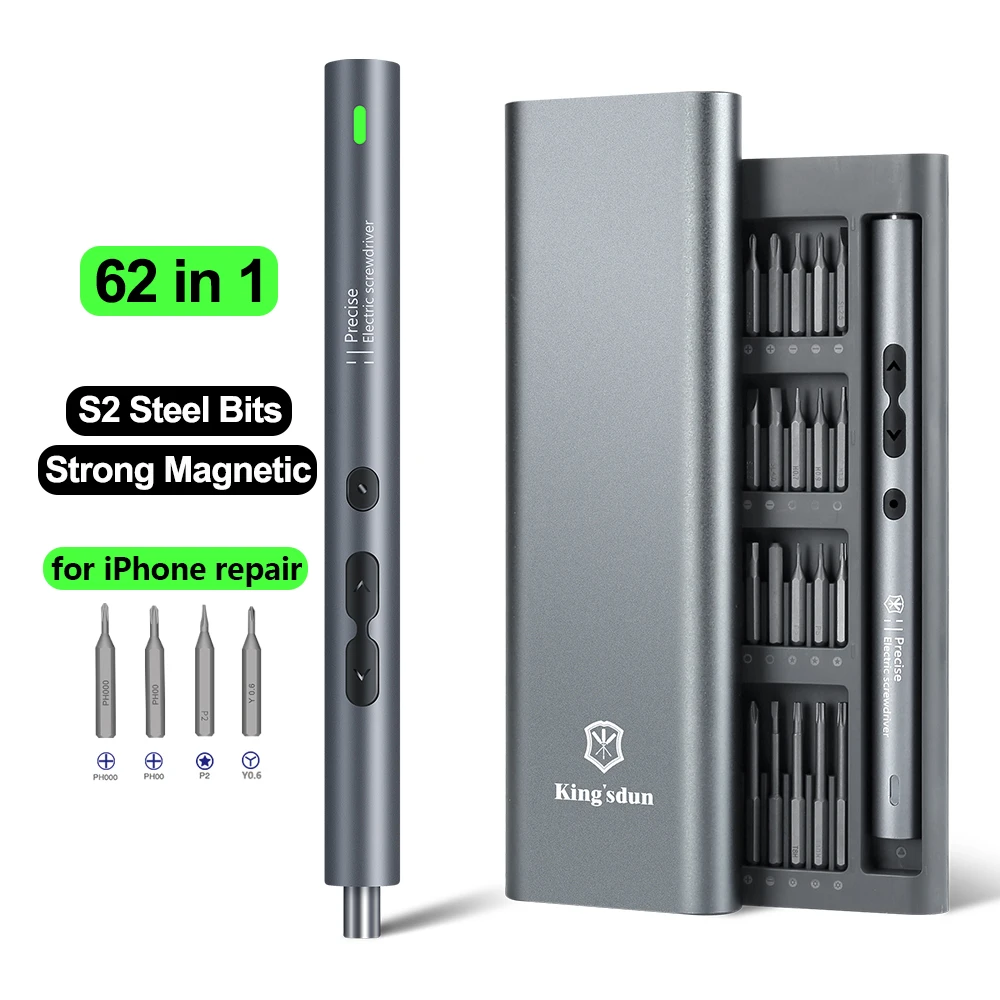
62/6 in 1 Electric Screwdriver Set Precision Handle Portable Power Tool Kits Wireless Cord
$17.28 $37.57 on AliExpress
\n
When to Replace Instead of Repair
\n
If cleaning, resets, firmware updates, and cross-device testing all fail, the fault is almost certainly a dead battery cell, fractured antenna flex, or open voice-coil wire. Replacement single buds are sold by Apple, Samsung, Sony, and Jabra, but cost 50\u201370% of a new set. For budget brands (Soundcore, EarFun, TOZO), buying a fresh pair is usually cheaper than sourcing a single OEM bud.
\n
FAQ
\n
Can I fix wireless earbuds that got wet?
\n
Immediately power off, shake out excess water, and bury the buds in a sealed container with silica gel packets for 24\u201348 hours. Do not use rice\u2014dust enters the mesh. If they work after drying but one side is quiet, corrosion on the coil pads is likely; ultrasonic cleaning by a repair shop may help.
\n
Why does my left earbud disconnect in crowds?
\n
The 2.4 GHz band is congested. Bodies absorb signal, and the left bud (often the secondary) relies on the right bud’s relay. Keep the phone on the right side, or switch to a 5 GHz-capable model (e.g., aptX Adaptive / LE Audio) for better coexistence.
\n
Is it safe to open the bud casing myself?
\n
Only if you have a hot-air station, microscope, and 0.1 mm solder wire. The battery is glued directly to the PCB; prying risks puncture and fire. Most manufacturers use ultrasonic welds that cannot be resealed cleanly. Professional repair shops charge $40\u2013$80 and warranty their work.
\n
Do third-party replacement tips affect sound balance?
\n
Oversized tips can press the nozzle deeper into the ear, altering the acoustic seal and perceived volume. Stick to the manufacturer’s tip sizes or reputable brands (SpinFit, Comply) that publish insertion-depth specs.
\n
Most single-sided failures resolve with a thorough clean and a full pairing reset. If you’ve worked through every step and the bud remains silent, treat it as a hardware loss and recycle responsibly. For more audio troubleshooting tips, see our How to Set Up Action Camera Gear for Cinematic Video guide on Bluetooth codec selection.
\n
iFixit Pro Tech Toolkit — check today’s price
“}