As an Amazon Associate and an AliExpress affiliate, TechGurl earns from qualifying purchases. Some links on this page are affiliate links — if you buy through them we may receive a commission, at no extra cost to you. This never affects which products we cover or what we say about them.
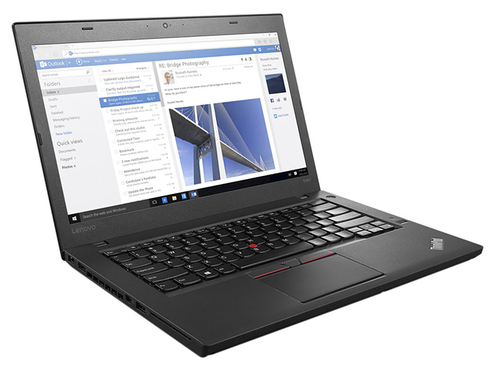
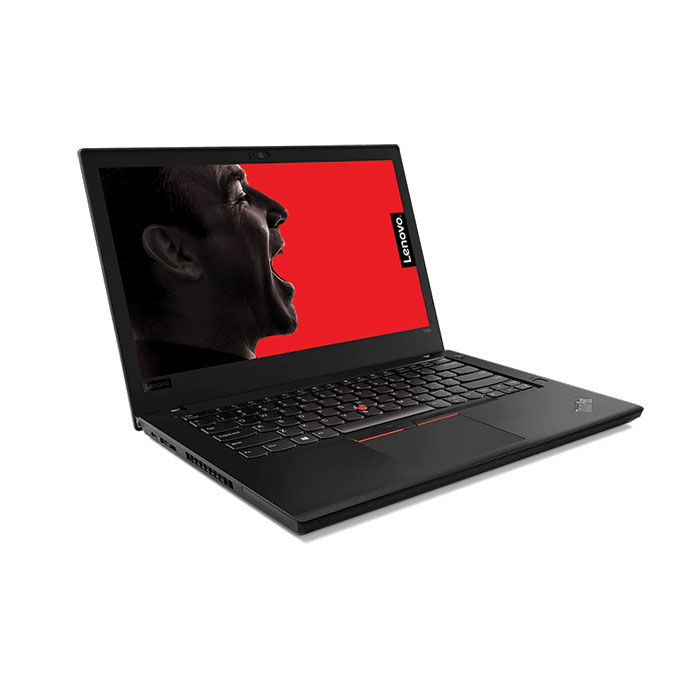
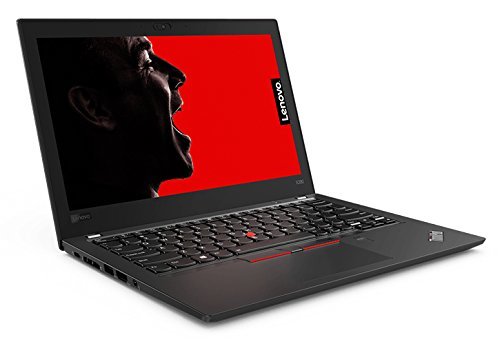
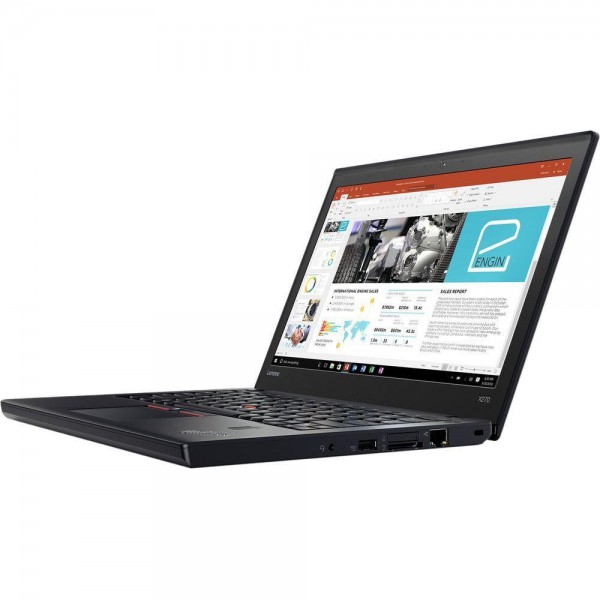
The Lenovo ThinkPad X270 is the fourth time Lenovo has reused the same case for this compact ThinkPad line. As always with ThinkPads, the great input devices, as well as the PowerBridge feature – which basically has not real competitors – are definite pros. Considering its size, the X270 has a lot of ports, which means that it is very flexible to use. The small size also means that it is easy and comfortable to handle. In this respect, there are no differences to its predecessors – after all it is basically the same device.
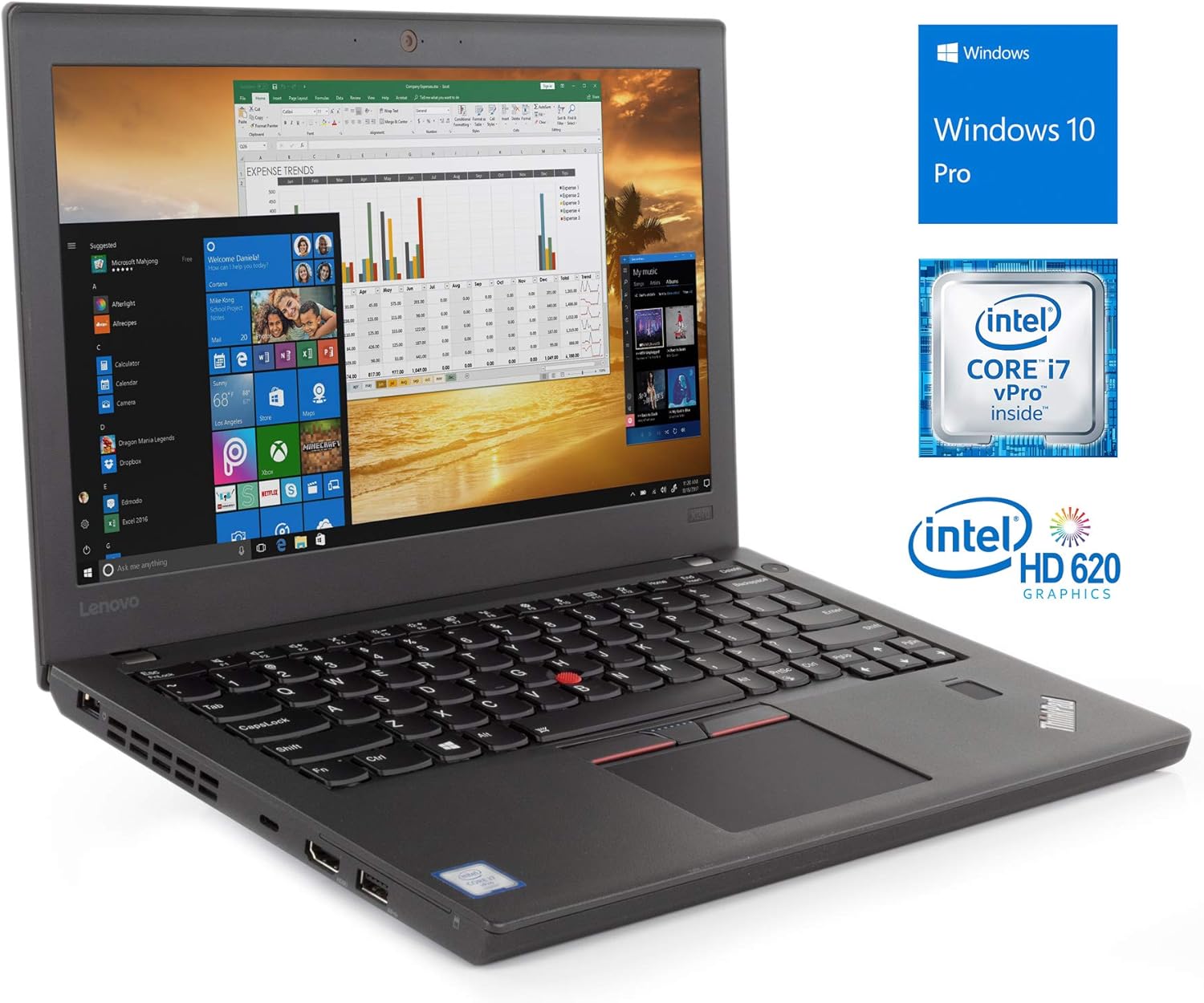
Unfortunately, Lenovo did mess up in some areas of the X270. First of all, the cooling system: It is a little alarming that a device equipped with a ULV processor reaches 60°C (140°F) surface temperature – despite the cooling fan running annoyingly often. Another downside is the full HD display, which is significantly darker than its predecessor’s, with a similar low color space coverage. The weaknesses in manufacturing are also similar to those of the previous versions. The maintenance design was already an issue for the X260: it is no fun to open the BaseCover. Surprisingly, the computer’s smaller external 3-cell batteries also offer shorter battery life than that of its predecessor.

Lenovo’s ThinkPad X2xx series urgently needs a makeover. Due to the many little problems, we cannot recommend the X270.

If you do not absolutely need a compact notebook which has a flexible battery configuration (PowerBridge), we cannot really recommend the ThinkPad X270. This is not just because of the various problems described above – although those alone would suffice for us to recommend taking a look at the direct competitors HP EliteBook 820 G4 and Dell Latitude 7280. General, it is difficult to find reasons for buying the X270, unless you need the PowerBridge and some features that are particularly important for big companies (smart card, docking port, Ethernet). The Dell XPS 13 and Lenovo’s largest in-house competitor, the ThinkPad X1 Carbon, for example, are models that offer higher quality and a bigger display, while still being very portable. That calls into question the whole existence of subnotebooks. One argument might be the price – although the classic 12-inch subnotebooks are not really low-cost either.

techgurl
Lenovo ThinkPad X270 Specs
- CPU: 7th-gen Intel Core i5-7200U/7300U or Core i7-7500U/7600U
- Display: 12.5″ FHD (1920×1080) IPS, touch or non-touch
- RAM: One DDR4 SO-DIMM slot, up to 16GB, plus onboard soldered memory on some configurations
- Storage: M.2 2280 NVMe/SATA slot
- Battery: Internal cell plus a removable rear PowerBridge battery (23Wh or 48Wh)
- Ports: USB 3.0, USB-C, HDMI, Ethernet, smart card reader (select SKUs), and optional docking port on the base
Should You Buy the ThinkPad X270 Today?
As our original hands-on impressions above make clear, the Lenovo ThinkPad X270 wasn’t a class leader even when new — the thermal behavior we measured and the mediocre display held it back against direct rivals. Years later, buying one still makes sense for one specific reason: the removable PowerBridge battery system remains genuinely useful in a way that’s largely disappeared from modern ultraportables, and it’s paired with a proper Ethernet port and docking capability that the smaller X280 dropped entirely in its redesign.
If PowerBridge hot-swapping and wired Ethernet aren’t priorities for you, we’d steer you toward a newer machine instead — but if you specifically need those two things in a 12.5-inch chassis, the X270 still delivers them better than most of what came after it in Lenovo’s own lineup, including the X280 we reviewed separately.
Upgrading a Used ThinkPad X270
The good news for a used purchase is that the X270 remains genuinely serviceable. If your unit’s battery has degraded, a ThinkPad X270 replacement battery is a straightforward swap thanks to the PowerBridge design — no soldering, no fully disassembling the chassis. Memory is similarly accessible through the single SO-DIMM slot; a ThinkPad X270 RAM upgrade 16GB kit is worth doing if your unit shipped with less, though double check your specific configuration first since some X270 SKUs pair the socketed slot with additional soldered memory rather than two open slots. On the storage side, an ThinkPad X270 NVMe SSD upgrade makes the single biggest felt difference of any single upgrade, especially if your unit originally shipped with a mechanical drive or a slow SATA SSD.
Bottom Line
Buy a Lenovo ThinkPad X270 today specifically for its PowerBridge battery and Ethernet port in a compact chassis — not for raw performance or display quality, where several rivals from the same era genuinely beat it, as our original review noted. If you want the same general form factor with a lighter chassis and Thunderbolt 3 but are willing to give up the removable battery and Ethernet, our Lenovo ThinkPad X280 review covers Lenovo’s next-generation take on the same compact ThinkPad concept.
Living With the X270’s Thermal Behavior
The 60°C surface temperature we measured under load is worth putting in context if you’re buying a used unit today rather than reading it as an automatic dealbreaker. In practice, that heat concentrates on a specific area of the underside chassis near the fan exhaust, not evenly across the whole bottom panel — using the laptop on a desk or a lap desk rather than directly on your legs during sustained workloads avoids most of the discomfort. It’s also worth checking, on any used unit you’re considering, whether the internal fan and heatsink have ever been cleaned; several years of dust buildup inside the thin chassis will make already-warm thermals noticeably worse, and a simple compressed-air cleaning (or a full repaste if you’re comfortable opening the machine) often recovers a meaningful chunk of the lost thermal headroom on an older unit.
The fan noise we noted in testing is the other side of the same coin — the cooling system works overtime specifically because the chassis doesn’t give it much thermal mass or airflow to work with, a direct consequence of Lenovo prioritizing the compact 12.5-inch footprint. If ambient noise during video calls is a concern for you, factor that into your buying decision alongside the display and battery trade-offs we covered above.
ThinkPad X270 vs. X260: Worth the Upgrade?
Since Lenovo reused the same basic chassis across several generations, as we noted at the top, the practical question for buyers browsing the used market isn’t just “X270 or X280” but often “X270 or X260.” The X260 predecessor generally runs slightly cooler thanks to its older, lower-power CPU generation, but gives up USB-C entirely and offers noticeably slower general performance. If you can find both at similar prices on the used market, the X270’s 7th-gen CPU and USB-C port make it the more future-proof pick for day-to-day use, even with the thermal quirks we’ve detailed here — you’re trading a bit of extra fan noise for meaningfully better performance and a more modern port selection.
Weigh that trade-off honestly against your own tolerance for fan noise, and pick whichever generation actually matches how and where you plan to use the machine day to day.
Either way, you’re getting a genuinely solid, serviceable compact business laptop that will keep going for years with basic maintenance.
Buy smart, upgrade what’s accessible, and this little ThinkPad will keep earning its place on your desk for a long time to come.