As an Amazon Associate and an AliExpress affiliate, TechGurl earns from qualifying purchases. Some links on this page are affiliate links — if you buy through them we may receive a commission, at no extra cost to you. This never affects which products we cover or what we say about them.
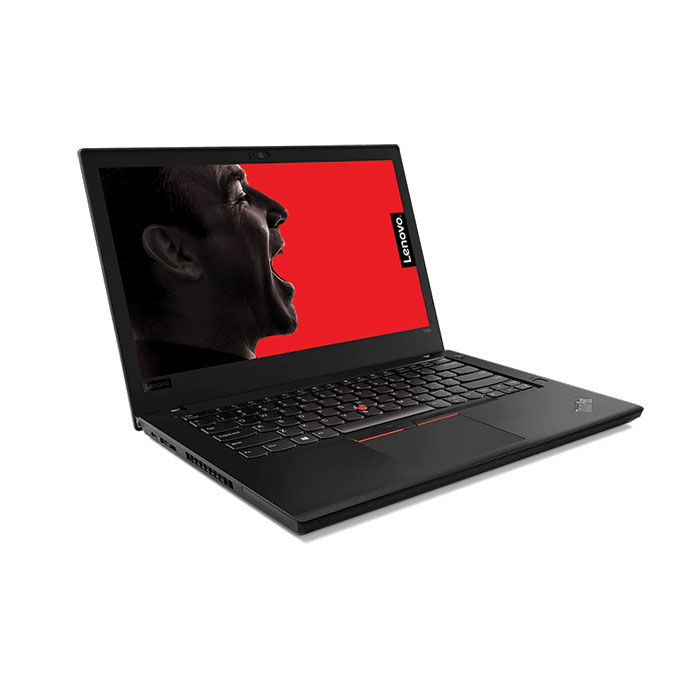
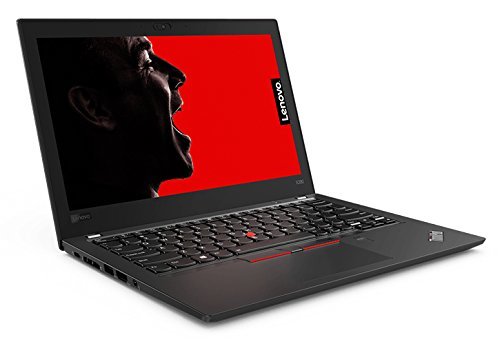
The Lenovo ThinkPad X280 is probably the most comprehensive redesign of the older generation of ThinkPads, a factor that excites us about this device. It is a conceptionally different laptop than the ThinkPad X270, which may well scare some of its fans. Overall, the X280 is a better laptop than its predecessor..

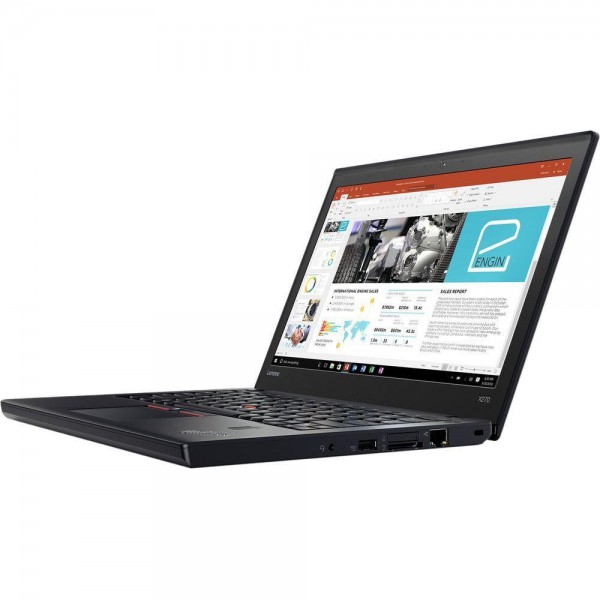
The most important aspect of this new design is the case, which is significantly better than its predecessor. The change in material from glass fibre plastic to magnesium and carbon fibre has worked in terms of reducing thickness and weight. The X280 roughly weighs the same as the X1 Carbon. This weight reduction has changed the anachronism of the X270, a 12-inch laptop thicker and heavier than its 14-inch siblings. The case is not only thinner and lighter but also easier to service as Lenovo have removed the annoying and easily broken clips from the bottom case. What’s more, Lenovo has accounted for most of the other problems we experienced with the X270. The fan runs less, the device runs cooler, power consumption has improved, and the display is brighter. The X280 has kept to the ThinkPad tradition of having excellent I/O, with the smallest ThinkPad finally supporting Thunderbolt 3. Better still and unlike its predecessors, the X280 benefits from its GPU’s maximum potential performance thanks to its Dual-Channel RAM.

Where there are good points there are also bad ones, with the bad occasionally outweighing the good. Interestingly, the X280’s weak points are that for which we praised the X270. The X280 is not as flexible as its predecessor without the expandable removable PowerBridge battery, while the decision to omit an RJ45 Ethernet port on a business device is difficult to understand. Downsizing from an SD to microSD card slot to save space is understandable, but its positioning and accessibility are not. The RAM is a victim of space saving too, with Lenovo opting for RAM soldered to the mainboard, rather than the removal RAM that the competition continues to offer. A further drawback is related to how the X280 manages CPU performance. Typically, when a CPU lowers its clock speed because of high temperatures, that clock speed will return to its previous state once temperatures have dropped. This is not the case with the X280, with the clock speed remaining low even when temperatures have dropped. This may be fixable with a BIOS update, but there has been no word yet as to whether Lenovo plans to address this. Additionally, the CPU is throttled on battery, Lenovo may have done this intentionally though. We expect more than the poor colour space average since the X280 is such an expensive laptop. This is a point on which we criticised the X270 and the wider pool of business class laptops too. Lastly, Lenovo could probably have fitted the X280 with a 13.3-inch display given the wide bezels that the 12-inch display has.

If you can survive without dedicated ethernet support and a removable battery, then the X280 is a much better package than last year’s model, which is why we recommend it.
We recommend the X280 because overall it is simply a successful subnotebook. The X280 is much cheaper than the X1 Carbon 2018, making the Campus Version an attractive choice for students. The competition has some interesting models too, such as the Dell Latitude 7290 and the HP EliteBook 830 G5, which we are yet to test. In some areas, these competitors have the X280 beat, such as the inclusions of an Ethernet port and expandable RAM. The X280 has, as is the case with ThinkPads, unmatched I/O, and is the lightest of the three laptops. While we recommend the Lenovo ThinkPad X280, potential buyers must make their choice based on their own needs and preferences.
techgurl
Lenovo ThinkPad X280 Specs
- CPU: 8th-gen Intel Core i5-8250U/8350U or Core i7-8550U/8650U
- Display: 12.5″ FHD (1920×1080) IPS, touch or non-touch
- RAM: 8GB or 16GB LPDDR3, soldered to the mainboard (not user-upgradeable)
- Storage: Single M.2 2280 NVMe/SATA slot
- Battery: Fixed internal cell only — no removable PowerBridge battery, unlike the X270
- Ports: Thunderbolt 3, two USB 3.1 Gen 1 Type-A, HDMI, microSD (no full-size Ethernet)
Living With the X280’s Soldered RAM and Fixed Battery
As we noted above, the two biggest concessions Lenovo made to shrink the Lenovo ThinkPad X280 down from the X270 are the ones that matter most for long-term ownership: the RAM is soldered rather than socketed, and the removable PowerBridge battery is gone in favor of a single fixed internal cell. Practically, that means you need to buy the configuration with the RAM capacity you’ll want for the machine’s entire lifespan — there’s no upgrading an 8GB unit to 16GB later the way you could with the X270 or the standard T-series. If you’re shopping used, prioritize finding a 16GB configuration over trying to save money on an 8GB unit and hoping you won’t need more memory down the road.
The lack of a swappable battery also changes how you think about longevity. Because you can’t hot-swap a spare cell for travel days the way you could on the X270 or T480, battery health matters more here than on almost any other ThinkPad from this era. If your X280’s battery has degraded significantly, a ThinkPad X280 replacement battery is a straightforward (if slightly more involved than a tool-less swap) internal replacement that can meaningfully extend the useful life of an otherwise excellent little laptop.
What You Can Still Upgrade
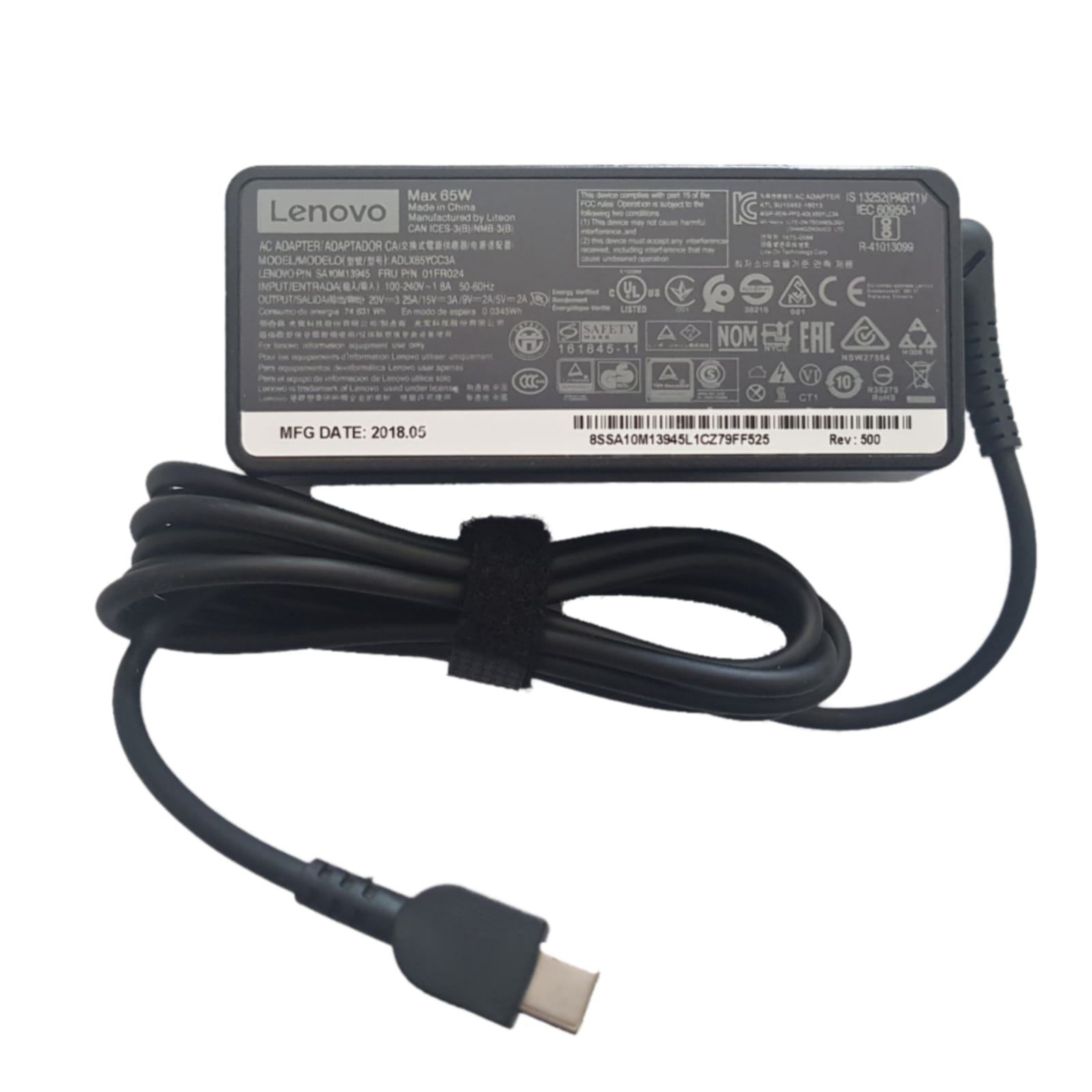
Storage is the one meaningful upgrade path Lenovo left open. The single M.2 2280 slot accepts standard NVMe or SATA drives, and swapping in a larger, faster ThinkPad X280 NVMe SSD upgrade is genuinely worthwhile — it’s a much bigger felt improvement than on machines that already shipped with a decent NVMe drive, since many X280 units in the wild were originally configured with a slower SATA SSD to hit a lower price point. If your original 65W charger has worn out after years of daily use, a properly rated ThinkPad X280 65W charger is a cheap fix rather than a reason to give up on an otherwise solid machine.
Is the Lenovo ThinkPad X280 Still Worth Buying?
For anyone who genuinely values the ultraportable form factor — sub-3-pound weight, a 12.5-inch chassis that’s easy to slip into a small bag — the Lenovo ThinkPad X280 still holds up well today, provided you go in accepting its two big trade-offs: buy the RAM capacity you need up front, and budget for a battery replacement if you’re buying an older used unit. If Ethernet and a removable battery matter more to you than the smallest possible footprint, the standard T480 we covered separately is the more flexible choice — you can compare our full Lenovo ThinkPad T480 review for the larger, more upgradeable alternative in the same lineup.
None of these trade-offs are dealbreakers on their own, but together they mean the X280 rewards buyers who plan their configuration carefully up front rather than expecting to grow the machine’s capabilities later, the way you could with the larger, more traditionally serviceable ThinkPad T-series.
Buy it with your eyes open about those two limitations, and the X280 remains a genuinely excellent ultraportable business laptop years after launch.