As an Amazon Associate and an AliExpress affiliate, TechGurl earns from qualifying purchases. Some links on this page are affiliate links — if you buy through them we may receive a commission, at no extra cost to you. This never affects which products we cover or what we say about them.
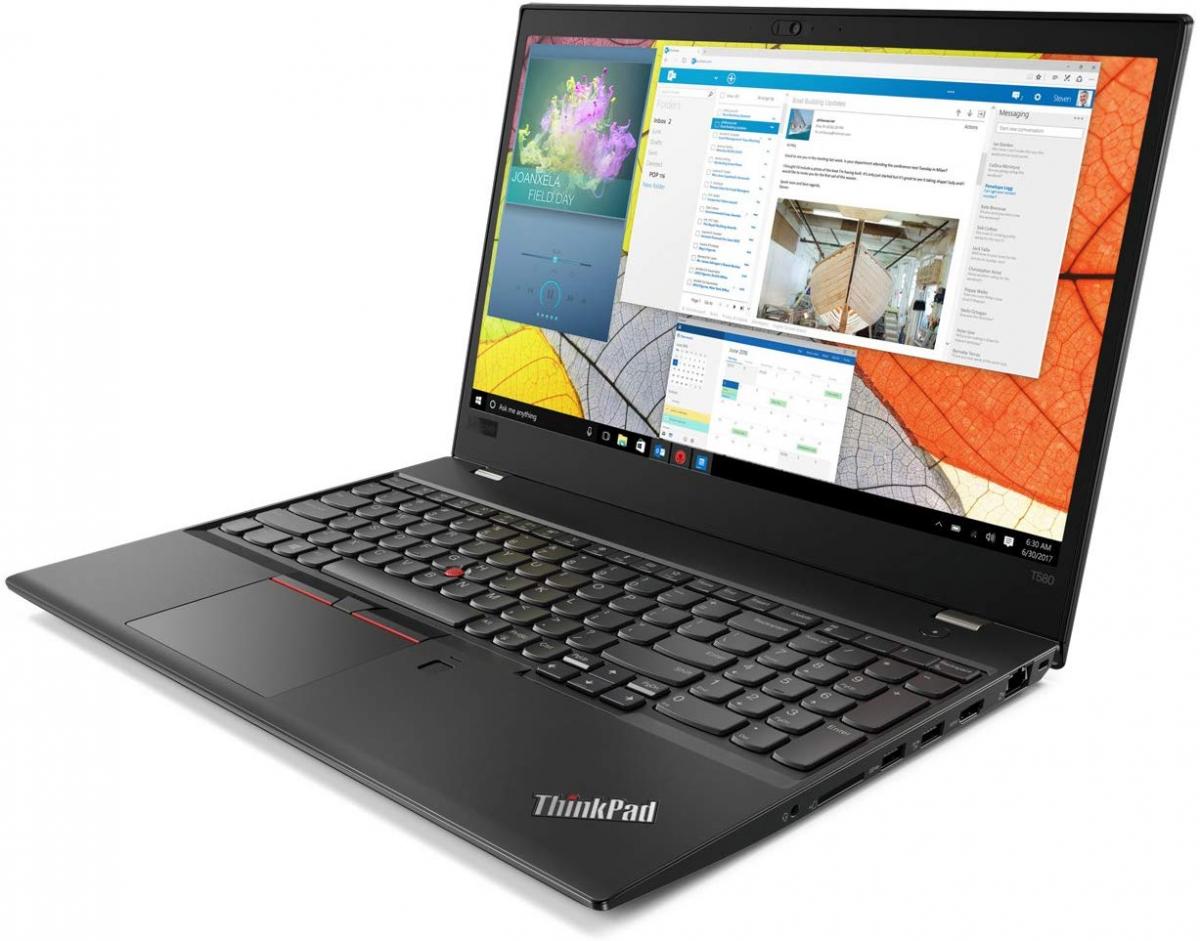
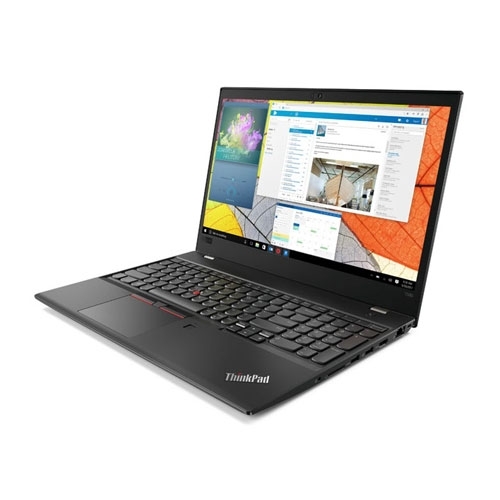
The Lenovo ThinkPad T580 is Lenovo’s 15-inch business laptop update to the T570, with strong performance and a few notable trade-offs. Here’s our full review.
Things that changed as compared to the ThinkPad T570
The Lenovo ThinkPad T580 is an update of the predecessor model ThinkPad T570. Because the T580 has the same black case made of fiber-reinforced plastic as the T570, we shall not focus on the case in this review. You can learn more about the case and the input devices in our review of the predecessor model ThinkPad T570.
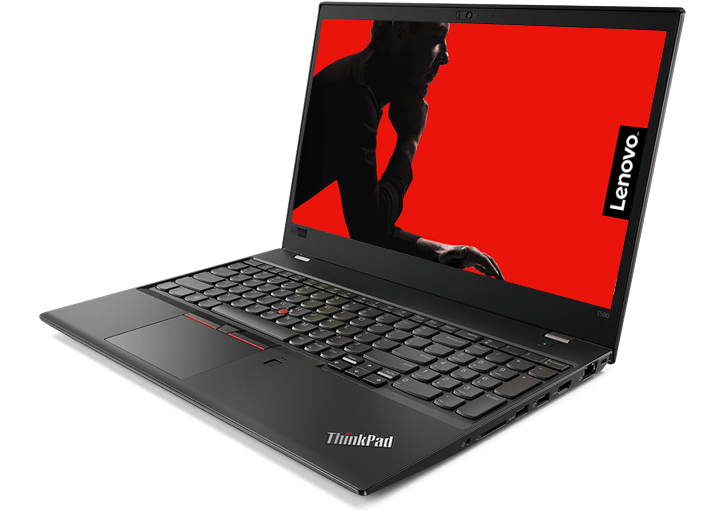
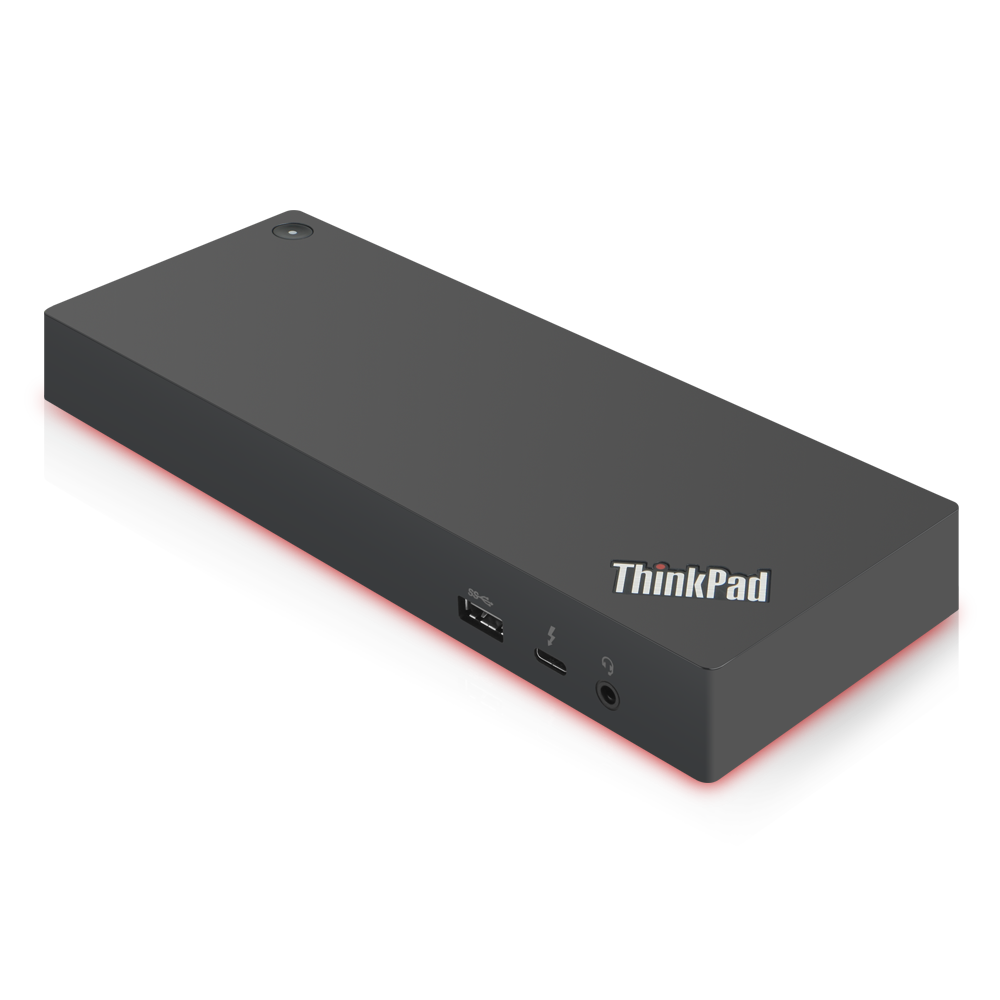
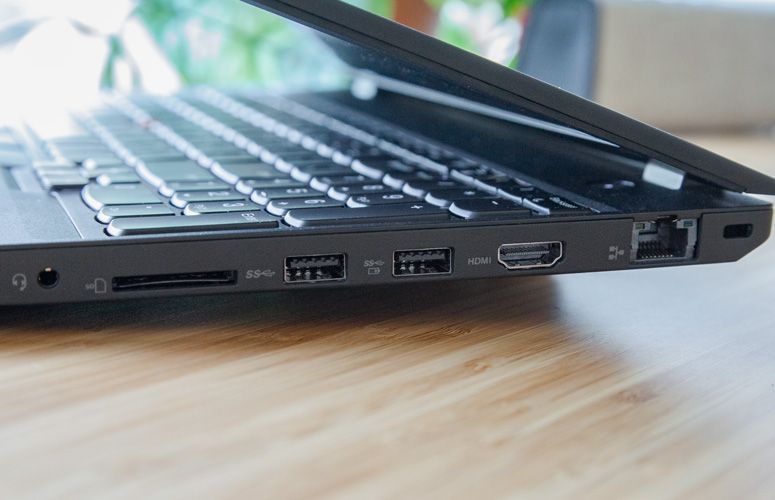
However, Lenovo has made a few important changes in terms of the ports. The T580 is the first model from the T500 series without a docking port on the underside. The Slim Tip charging port has also been removed. Instead, Lenovo relies on a USB Type-C port for charging, and the two USB Type-C ports on the side in combination with a proprietary Ethernet connector serve as the docking port – the new design still allows Lenovo to offer docking stations. Of course, users can also use a standard USB Type-C or Thunderbolt 3 dock, if they prefer to have a universal dock. All in all, the T580 offers two USB Type-A ports instead of three and two USB Type-C ports instead of one.
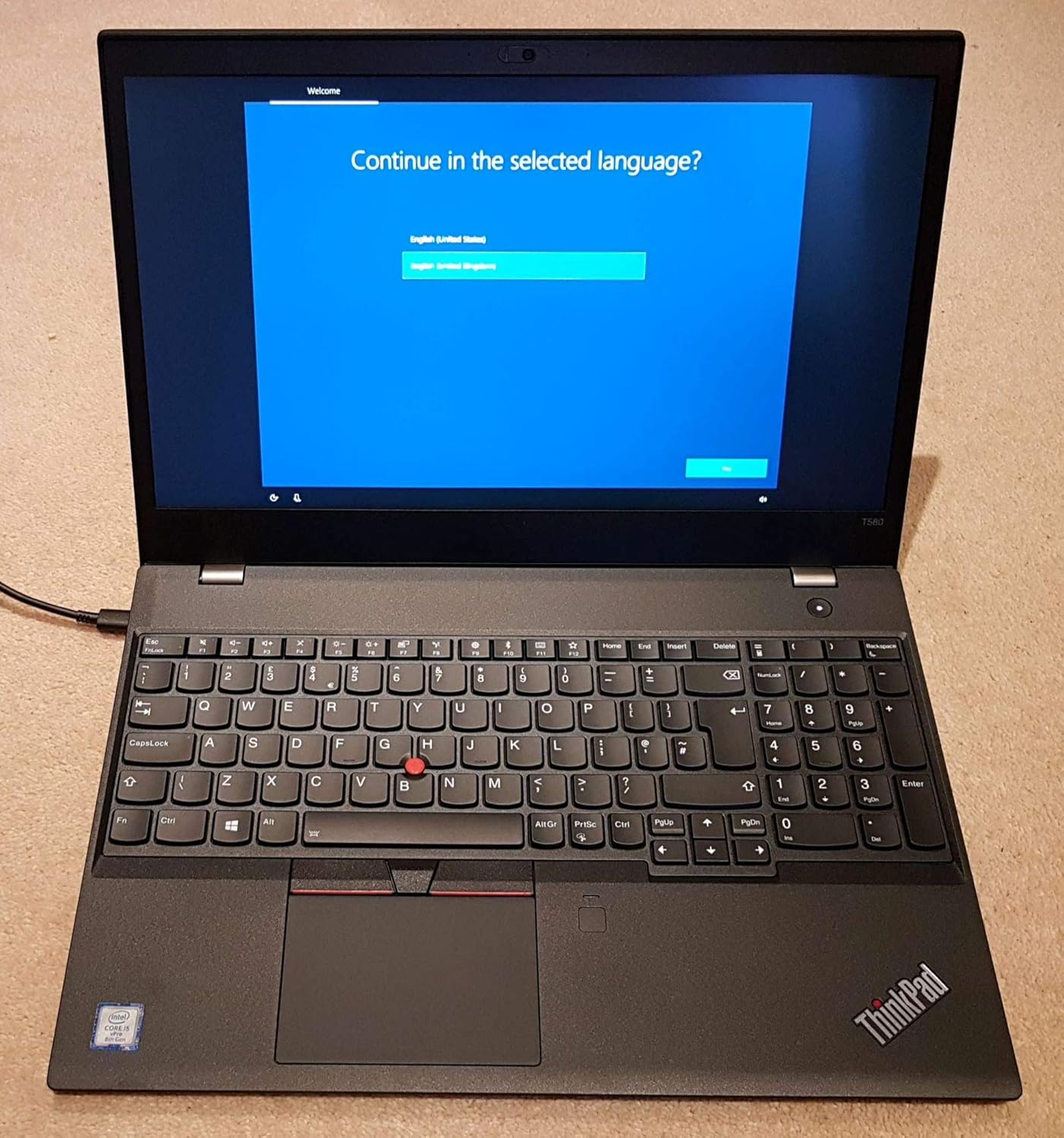
Another change concerns the Web camera. For the first time with this generation of the ThinkPads, Lenovo has made use of its propriety webcam cover “ThinkShutter”. This cover is supposed to protect users’ privacy and render “makeshift” covers like a sticker or a band-aid redundant.
With strong performance and some neat privacy features, the Lenovo ThinkPad T580 is a very good 15-inch business laptop.
FOR
- Comfortable keyboard
- Strong performance
- Good port selection
- Powerful speakers
- Outstanding battery life with extended battery
AGAINST
- Dull display
- Thick bezels
- Short battery life with default batt

techgurl
Lenovo ThinkPad T580 Specs
- CPU: 8th-gen Intel Core i5-8250U/8350U or Core i7-8550U/8650U
- GPU: Intel UHD Graphics 620, or optional NVIDIA GeForce MX150 2GB
- Display: 15.6″ FHD (1920×1080) or FHD touch, non-touch panels notably criticized for dull color output in our testing
- RAM: Two DDR4 SO-DIMM slots, up to 32GB
- Storage: M.2 2280 NVMe/SATA slot plus an optional 2.5″ SATA bay
- Battery: Internal cell plus a removable rear battery, available in standard or extended capacity
- Ports: Two USB-C (one Thunderbolt 3), two USB-A, HDMI, proprietary Ethernet extension connector, no full-size docking port on the underside
Battery Life: Extended vs. Standard
As we noted in our pros and cons above, battery life on the Lenovo ThinkPad T580 varies dramatically depending on which rear battery you’re using — the standard capacity cell delivers noticeably shorter runtime than we’d like for a business laptop this size, while the extended battery genuinely transforms the experience into all-day territory. If you’re buying used and battery life matters to you, specifically seek out a unit with (or budget separately for) an ThinkPad T580 extended battery rather than assuming the standard configuration will meet your needs — the difference between the two is large enough that it should factor directly into your purchase decision, not be an afterthought.
Upgrading the ThinkPad T580
The good news is that the T580 remains genuinely serviceable despite Lenovo dropping the traditional docking port with this generation. Both SO-DIMM slots sit under the bottom panel, so a ThinkPad T580 32GB RAM upgrade is straightforward if your unit shipped with less. Storage follows the same pattern as other T-series ThinkPads from this era — an ThinkPad T580 NVMe SSD upgrade in the M.2 slot delivers a big responsiveness improvement, and the optional second 2.5″ bay gives you room for bulk storage alongside a fast boot drive if your configuration includes it.
Since Lenovo moved docking duties to USB-C/Thunderbolt 3 rather than a proprietary underside connector on this generation, any standard Thunderbolt 3 dock works fine — you’re not locked into a single Lenovo-specific accessory the way earlier T-series ThinkPads with a bottom docking port were.
Is the Lenovo ThinkPad T580 Still Worth Buying?
If a 15-inch chassis, a full number pad, and Lenovo’s excellent keyboard feel matter to you, the Lenovo ThinkPad T580 still holds up well, provided you go in aware of the two trade-offs our original review flagged: the display is genuinely dull rather than vibrant, and standard-battery configurations fall short of all-day runtime. Prioritize a unit with the extended battery and add a fast NVMe drive, and this remains a very capable business laptop years after launch. For a smaller, ultraportable alternative from the same generation, our Lenovo ThinkPad T480 review covers the 14-inch sibling in the same lineup.
Living Without the Traditional Docking Port
For IT departments and long-time ThinkPad users coming from earlier T-series models, the loss of the bottom-mounted docking port is the change that generates the most discussion, and it’s worth understanding exactly what changed rather than treating it as a simple downgrade. Older ThinkPads used a proprietary rectangular connector on the underside of the chassis, letting you drop the laptop straight onto a desk dock with zero cables to plug in — genuinely convenient, but locked you into buying Lenovo-specific docks that couldn’t be reused across brands if your organization ever switched laptop vendors. The T580 replaces that with standard USB-C and Thunderbolt 3, which means any USB-C or Thunderbolt 3 dock on the market works, including third-party options that are often considerably cheaper than Lenovo’s own accessories.
The trade-off is that you now need to physically plug in a cable rather than simply setting the laptop down onto a docking cradle, which is a small daily inconvenience for people used to the old system. In practice, most users adapt within days, and the flexibility to use any standards-based dock — rather than being tied to Lenovo’s proprietary connector and pricing — is generally viewed as a net win once the initial adjustment period passes, especially for organizations managing a mixed fleet of laptop brands across different departments.
ThinkShutter: A Small Feature Worth Highlighting
We mentioned ThinkShutter above as one of the notable changes with this generation, and it’s worth calling out specifically because it solves a real, common problem elegantly. Rather than relying on an aftermarket sticker or tape covering the webcam (which can leave residue, fall off, or simply get forgotten), the built-in sliding cover is integrated directly into the lid, giving you a tactile, obviously-visible way to confirm your camera is physically blocked when you’re not on a video call. It’s a small feature, but for privacy-conscious buyers or any organization with a bring-your-own-device policy involving sensitive video calls, it’s a genuinely useful standard inclusion that many competing business laptops still don’t offer even today.
Between the flexible dock ecosystem, the added camera privacy, and genuinely strong core performance, the T580 aged into a well-rounded business laptop despite its initial display and battery criticisms.
Match your specific configuration and battery choice to your actual daily needs, and this ThinkPad will keep pace with modern office work for years to come.
It’s a dependable workhorse that still earns its place on a business desk.
Just remember to prioritize the extended battery and a fast NVMe drive when you’re shopping around for one.
Get those two details right, and you’ll be happy with this machine for a long time.
A worthy business laptop, plain and simple.