As an Amazon Associate and an AliExpress affiliate, TechGurl earns from qualifying purchases. Some links on this page are affiliate links — if you buy through them we may receive a commission, at no extra cost to you. This never affects which products we cover or what we say about them.
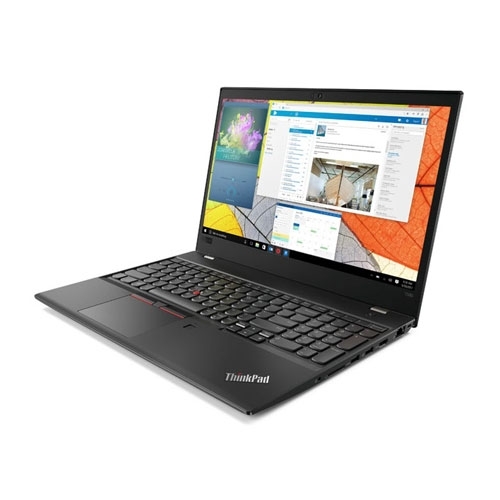
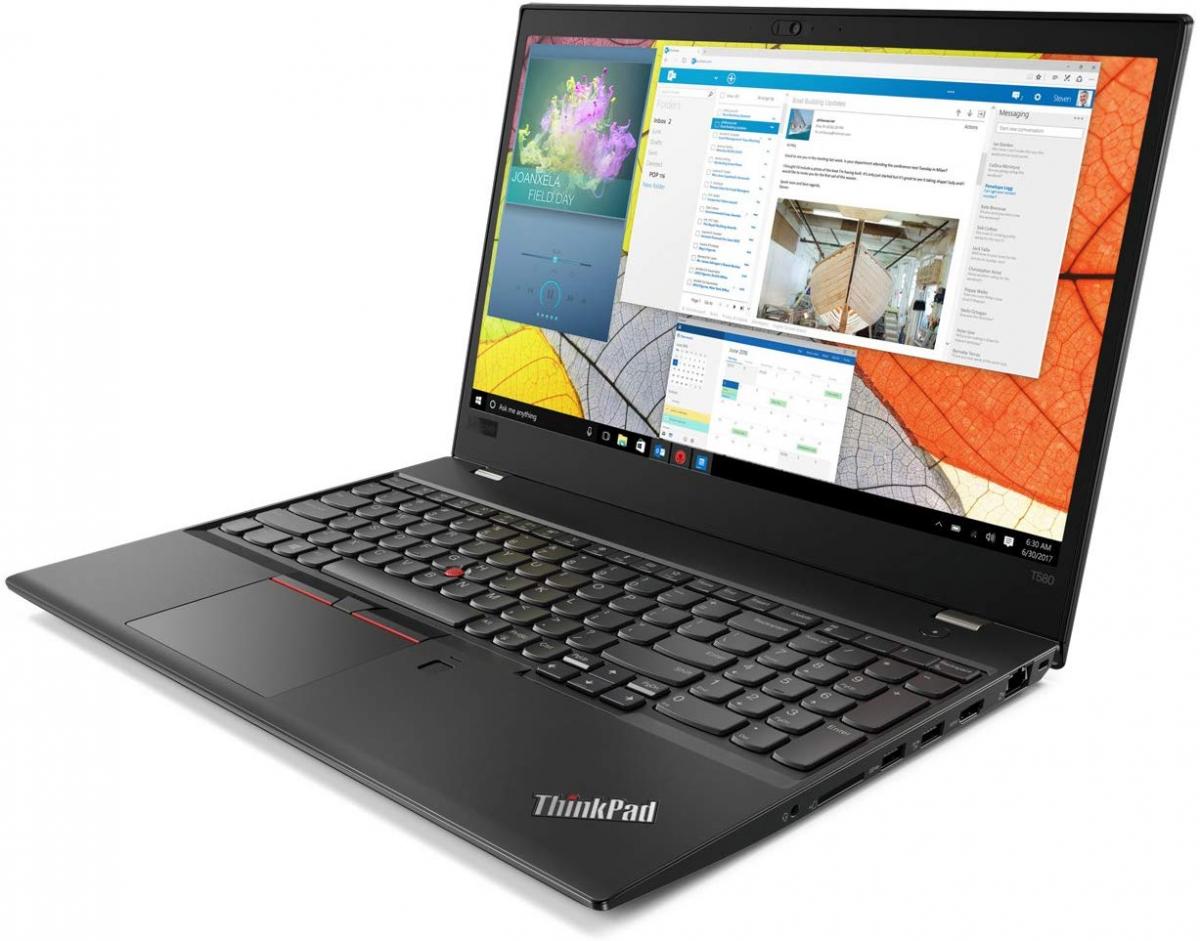
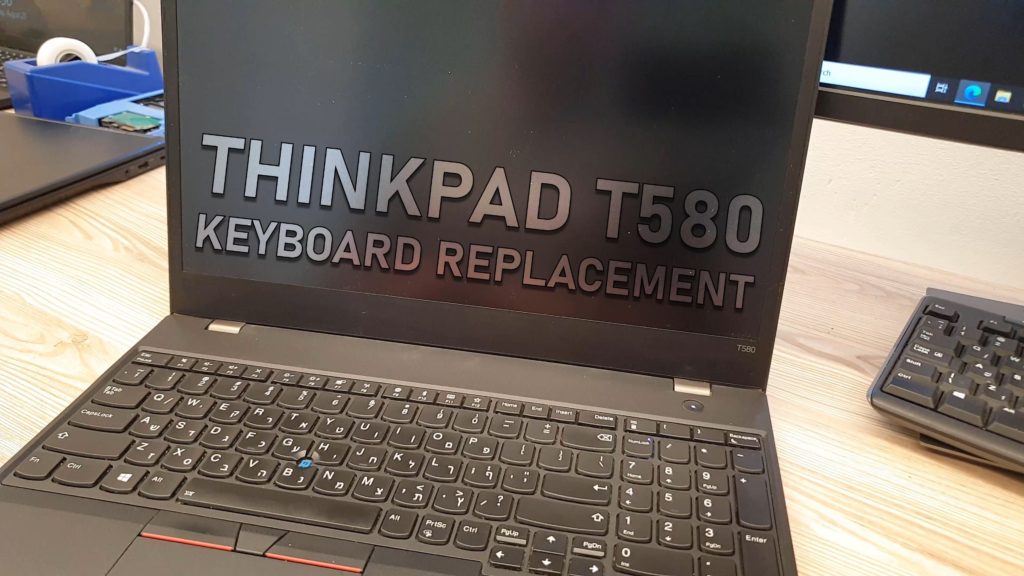
A ThinkPad T580 keyboard replacement is one of the more approachable laptop repairs — no soldering, no adhesive to fight, just screws and two ribbon cables — as long as you have the right spare part and a proper tool set.
So you need to replace your lenovo thinkpad keyboard? Don’t let it scare you, the process is rather simple if you got the spare part.
Before you begin, make sure to have a pro tool-set
techgurl
Tools You Need for a ThinkPad T580 Keyboard Replacement
Before starting a ThinkPad T580 keyboard replacement, gather a proper precision screwdriver set (the right bit sizes matter — stripping a screw head turns an easy repair into a frustrating one) and a plastic pry tool kit for popping the back cover without scratching the chassis. You’ll also need the actual ThinkPad T580 replacement keyboard itself before you start.
The ThinkPad T580 Keyboard Replacement Process
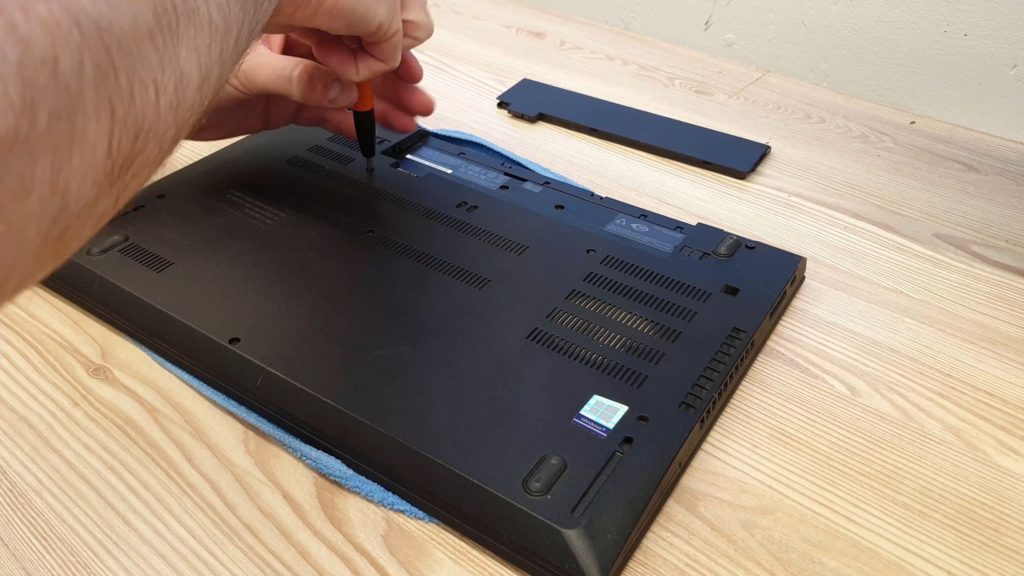
- Power off the laptop and remove the battery.
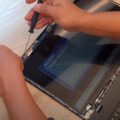
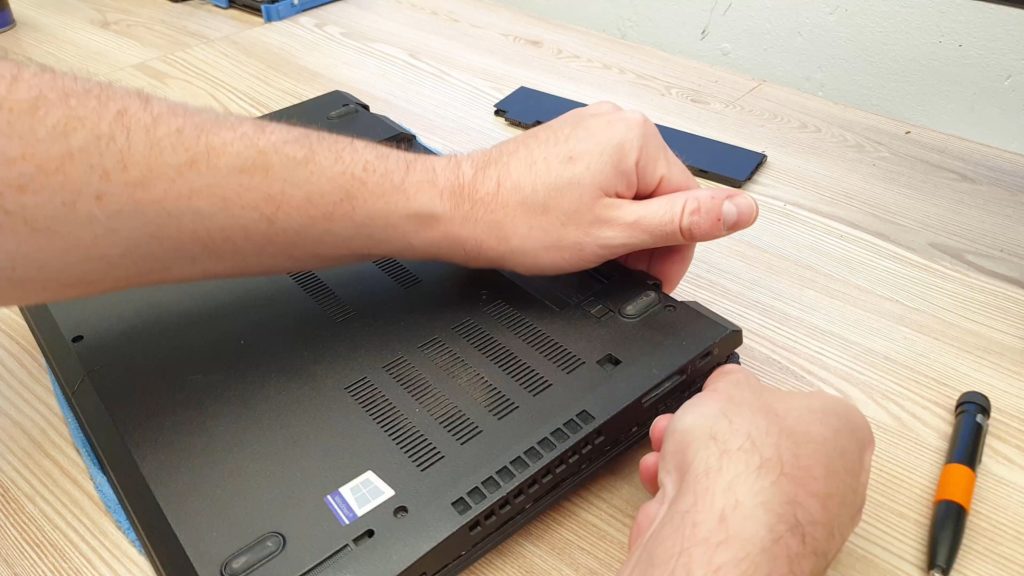
- Unscrew every screw on the back panel and set the cover aside.
- Gently pry the cover open to clear out accumulated dust while you’re in there.
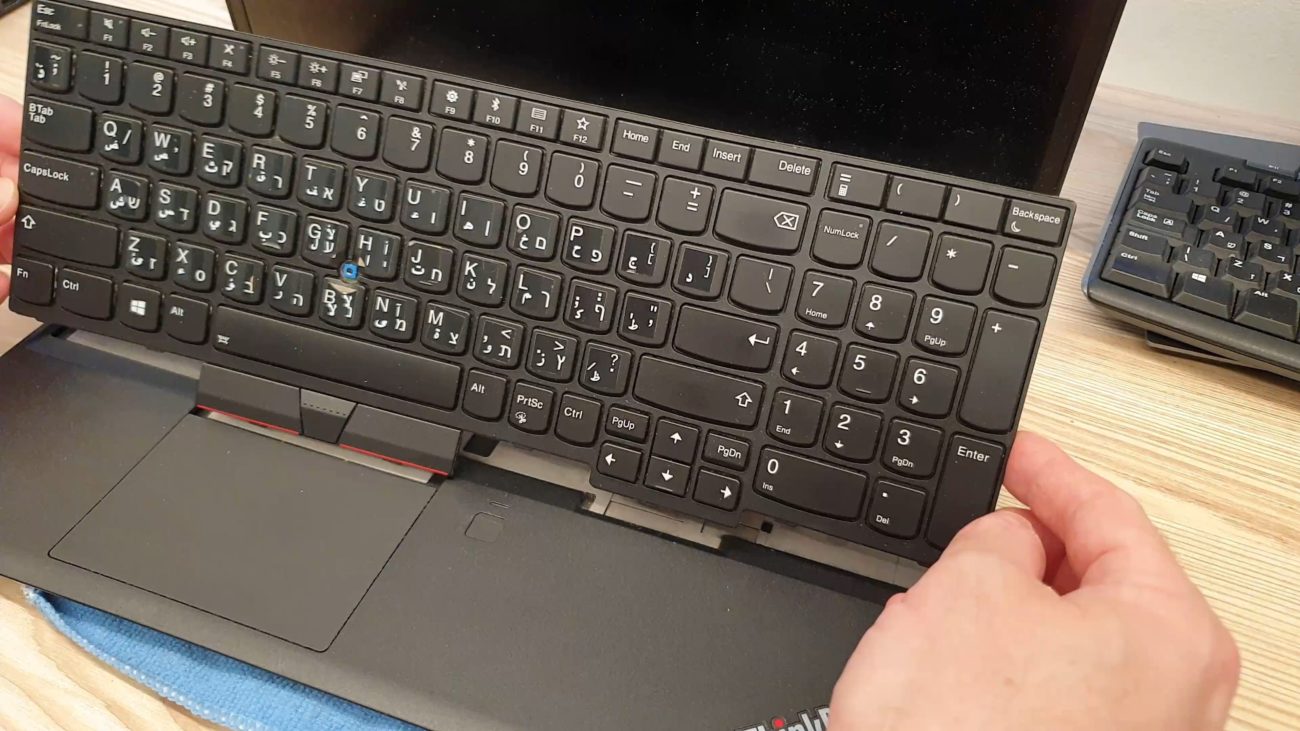
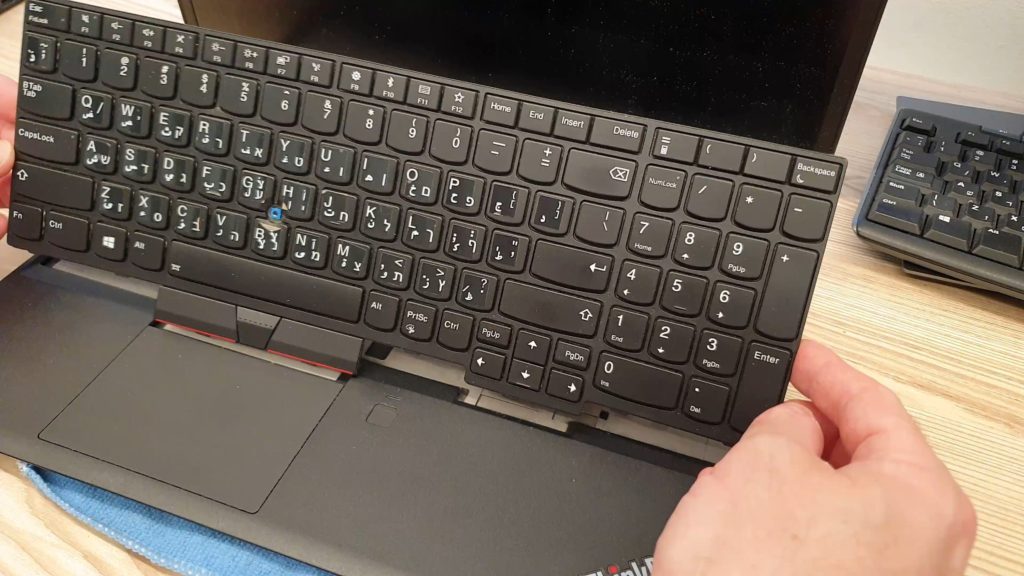
- Flip the faulty keyboard over carefully — the ribbon cables are still attached at this point.
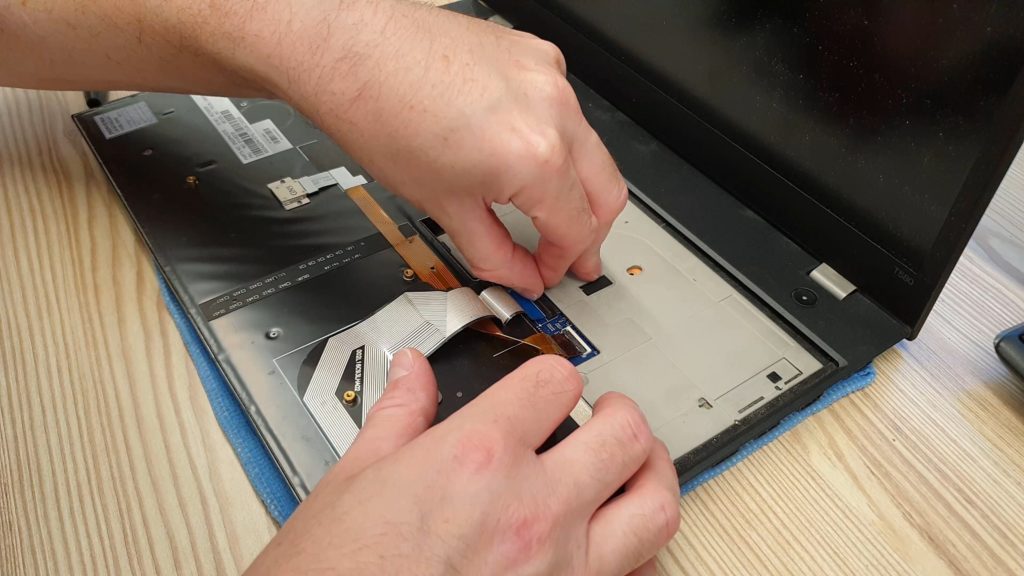
- Detach the two ribbon cables gently; they disconnect without excessive force if aligned correctly.
- Install the replacement keyboard and reverse the steps to close everything back up.
Common Signs You Need a ThinkPad T580 Keyboard Replacement
Sticky or unresponsive keys, a key that’s physically cracked or missing, or spilled liquid that’s caused erratic input are the usual reasons for a ThinkPad T580 keyboard replacement rather than just cleaning. Genuine replacement keyboards and other ThinkPad laptop parts are widely available and priced reasonably compared to a full repair-shop labor bill. iFixit‘s community repair guides are also worth checking if you run into a step that isn’t quite matching what you see on your own T580.
Frequently Asked Questions
Is a ThinkPad T580 keyboard replacement reversible if I make a mistake?
As long as you don’t force a ribbon cable connector, yes — the process only involves screws and cable connectors, nothing permanent or adhesive-based.
Do I need to disconnect the battery before a ThinkPad T580 keyboard replacement?
Yes, always remove the battery first when working near the keyboard ribbon cables to avoid any risk of a short circuit.
Related: Best Mechanical Keyboards for 2026
How Long a ThinkPad T580 Keyboard Replacement Actually Takes
For a first attempt, budget 30-45 minutes, most of it spent carefully removing screws and keeping track of which size goes where — ThinkPads use a few different screw lengths across the chassis, and mixing them up on reassembly is the most common mistake. On a second attempt, the same job usually takes under 15 minutes once you know the layout.
Buying the Right Replacement Keyboard
ThinkPad keyboards vary by region (US layout vs. international layouts) and by whether the model has a backlit keyboard, so double-check both details against your specific T580 before ordering a replacement — the wrong layout will physically fit but the key legends and a few key positions won’t match what you’re used to.
When to Call a Repair Shop Instead
If you’re not comfortable opening a laptop chassis, or if the keyboard issue turns out to be a damaged ribbon cable connector on the motherboard rather than the keyboard itself, a repair shop is the safer call. But for a straightforward “the keyboard itself is worn out or damaged” situation, a ThinkPad T580 keyboard replacement really is within reach for most people with basic tools and a bit of patience.
Testing the New Keyboard Before Fully Reassembling
Before screwing the back panel shut completely, it is worth reconnecting the battery and briefly powering on the laptop with the cover still loose, just to confirm every key registers correctly. Catching a misaligned ribbon cable connector at this stage takes thirty seconds to fix; discovering it after everything is screwed back together means undoing several steps you already finished.
Where to Source Genuine Replacement Parts
Lenovo sells official ThinkPad T580 replacement keyboards directly, and third-party sellers on Amazon and eBay carry compatible parts at a lower price — the tradeoff being slightly more variance in fit and key-feel quality on third-party parts compared to a genuine Lenovo component. For a laptop you plan to keep using for years, the price difference is usually small enough that genuine parts are the safer choice.
Preventing Future Keyboard Issues
Once you have completed a ThinkPad T580 keyboard replacement, a simple keyboard cover and being mindful about eating or drinking near the laptop meaningfully extends the life of the new keyboard — liquid spills are, by a wide margin, the most common reason a ThinkPad keyboard needs replacing in the first place.
Estimating Total Cost
Between a replacement keyboard part and a basic precision screwdriver set (which, once bought, works for future repairs on any device), a full ThinkPad T580 keyboard replacement typically costs a fraction of what a repair shop would charge for the same job, mostly because labor — not parts — is what drives shop repair pricing up.
Final Thoughts
A ThinkPad T580 keyboard replacement is a genuinely accessible repair for anyone willing to follow the steps carefully and keep track of screws as they come out. It is one of the more forgiving laptop repairs precisely because ThinkPads are designed with serviceability in mind, unlike many modern ultrabooks that glue components together.
One Last Practical Note
Take a photo of the screw layout before removing the back panel on your ThinkPad T580 — a quick reference photo on your phone is a simple safeguard against forgetting which screw came from which hole during reassembly.
Closing Thoughts
A ThinkPad T580 keyboard replacement, done carefully and with the right tools on hand, is a genuinely satisfying repair to complete yourself, and it saves real money compared to a repair shop for what is ultimately a straightforward job.
One Final Thought
Once you have completed one ThinkPad T580 keyboard replacement successfully, tackling other basic internal repairs on the same laptop — RAM upgrades, storage swaps, battery replacements — becomes far less intimidating, since the disassembly process shares many of the same steps.
That growing comfort with opening up your own hardware is, in a lot of ways, the most valuable outcome of a first successful ThinkPad T580 keyboard replacement — more valuable, long-term, than the money saved on this one specific repair alone.
Wrapping Up
Every laptop repair you complete successfully builds confidence for the next one, and a ThinkPad T580 keyboard replacement is genuinely one of the friendlier repairs to start that journey with, given how service-friendly Lenovo designed this particular chassis to be from the factory.
Start here, and the next repair on the list will feel a great deal less intimidating than this first one did.
Confidence built here carries forward into every future repair on this same machine.
One successful repair really does change how you look at the next one entirely.
That confidence alone makes the whole effort worthwhile in the end.
Confidence carries forward from here.
nFinal word.
One completed repair changes how approachable every future repair on this same machine will feel from that point onward.