As an Amazon Associate and an AliExpress affiliate, TechGurl earns from qualifying purchases. Some links on this page are affiliate links — if you buy through them we may receive a commission, at no extra cost to you. This never affects which products we cover or what we say about them.
Disclosure: This article contains affiliate links. If you buy through them we may earn a small commission at no extra cost to you.
In an increasingly digital and mobile world, the humble USB-C hub has become an indispensable tool for anyone looking to expand their device’s connectivity. As laptops become thinner and tablets more powerful, the number of built-in ports dwindles, making a reliable hub not just a convenience, but a necessity. For 2026, the market is brimming with innovative solutions that offer everything from high-speed data transfer and multiple display outputs to robust power delivery and advanced networking capabilities.
Why a USB-C Hub is Essential in 2026
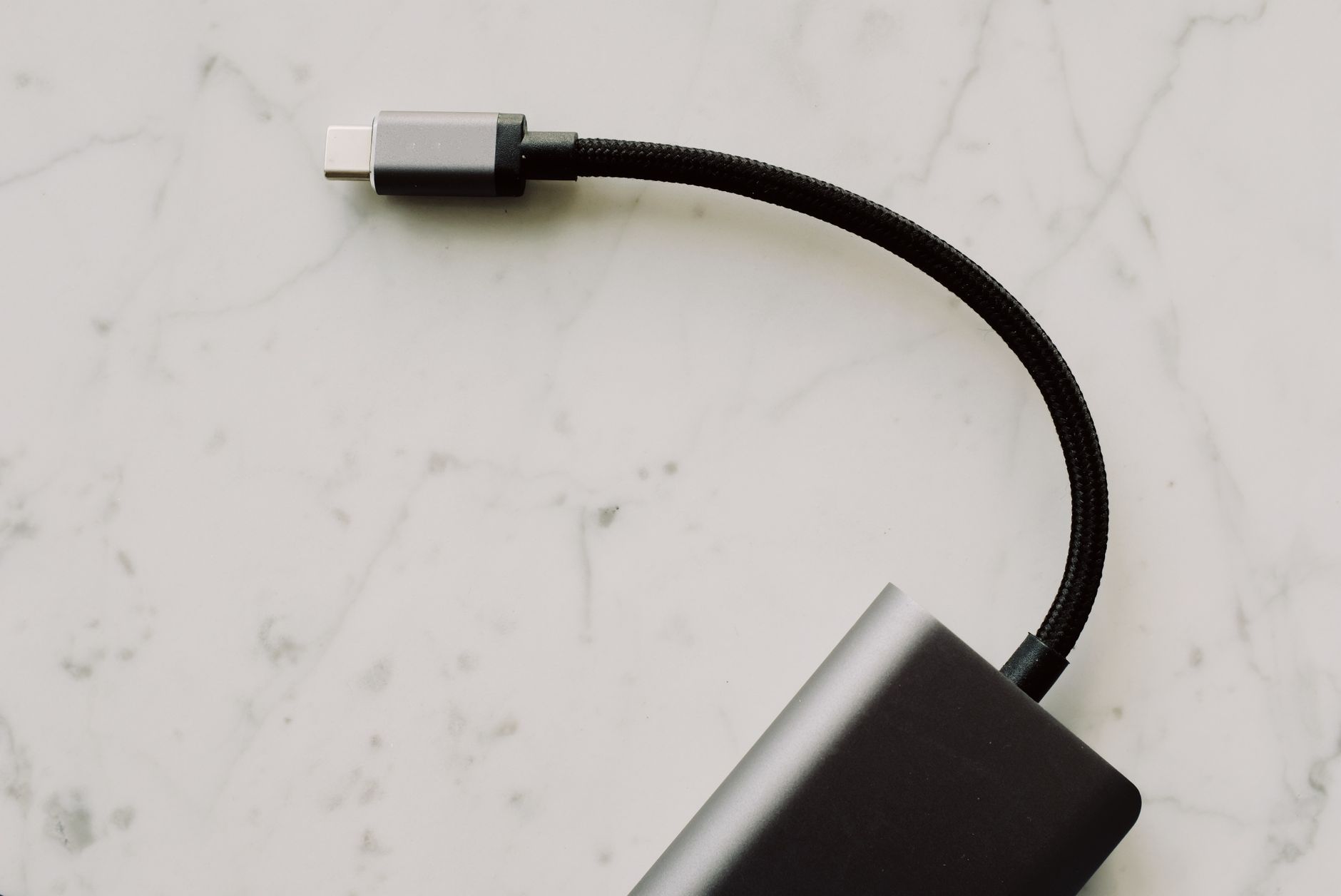
Modern devices, particularly sleek ultrabooks and tablets, often prioritize minimalist design over a wide array of ports. While a single USB-C or Thunderbolt port offers incredible versatility, it can be limiting when you need to connect external monitors, traditional USB-A peripherals, Ethernet cables, or SD cards. This is where a quality USB-C hub steps in, transforming that single port into a multi-functional docking station. It allows you to connect all your essential accessories simultaneously, streamlining your workflow and decluttering your workspace.
Beyond simple port expansion, today’s USB-C hubs are packed with advanced features. Many support Power Delivery (PD) to charge your laptop while you use the hub, high-resolution video output (up to 4K or even 8K), and blazing-fast data transfer speeds thanks to USB 3.2 Gen 2 or Thunderbolt 4 integration. Choosing the right hub means balancing your specific connectivity needs with performance, portability, and budget. Our guide will help you navigate the best options available in 2026 to ensure you find the perfect match for your setup.
Top 5 Best USB-C Hubs for 2026
1. Anker 555 USB-C Hub (8-in-1)
The Anker 555 is a fantastic all-rounder, striking a near-perfect balance between portability, features, and affordability. It’s an excellent choice for most users who need a reliable expansion for their laptop or tablet. This 8-in-1 hub offers a versatile array of ports, including an HDMI port supporting 4K@60Hz, a 100W Power Delivery USB-C input (with 85W pass-through to the host), two USB-A 3.0 ports for high-speed data, a USB-C data port, and both SD and microSD card slots. Its compact aluminum design makes it durable and easy to carry, perfect for both office and travel. Anker’s reputation for quality and reliability shines through with the 555, making it a safe and effective choice for daily use.
Anker 555 USB-C Hub (8-in-1) — check today’s price
2. CalDigit TS4 Thunderbolt 4 Dock
For power users and professionals demanding the absolute best in connectivity and performance, the CalDigit TS4 is unparalleled. While technically a full docking station, its reliance on Thunderbolt 4 (a USB-C compatible standard) makes it the ultimate USB-C hub experience. Boasting 18 ports, including three Thunderbolt 4 (40Gbps) ports, three USB-A 3.2 Gen 2 (10Gbps) ports, five USB-A 2.0 ports, two DisplayPort 1.4, an HDMI 2.0, 2.5 Gigabit Ethernet, and dual card readers, it can drive up to dual 6K displays and deliver 98W of power to your host laptop. Its robust build and extensive feature set justify its premium price, making it the go-to for video editors, designers, and anyone with a complex workstation setup.
CalDigit TS4 Thunderbolt 4 Dock — check today’s price
3. Plugable USB-C Triple Display Docking Station (UD-ULTC4K)
If multi-monitor setups are your priority, the Plugable UD-ULTC4K is specifically engineered to deliver. This docking station, designed around USB-C, excels at driving up to three external displays, making it ideal for productivity enthusiasts and traders. It features two HDMI ports and one DisplayPort, allowing for flexible display configurations. Beyond video, it offers 100W Power Delivery to your host laptop, a Gigabit Ethernet port, four USB-A 5Gbps ports, and a USB-C 10Gbps data port. It’s a slightly larger desktop solution, but its ability to transform a single USB-C port into a comprehensive triple-display workstation is unmatched in its category, especially for Windows users.
Plugable USB-C Triple Display Docking Station (UD-ULTC4K) — check today’s price
4. HyperDrive GEN2 18-Port USB-C Hub
The HyperDrive GEN2 18-Port Hub is a powerhouse for those who need a vast array of connections in a relatively compact form factor. This hub takes versatility to another level, offering an impressive 18 ports including HDMI, DisplayPort, Gigabit Ethernet, multiple USB-A and USB-C data ports (up to 10Gbps), and even legacy VGA for older displays. It also includes SD/microSD card slots and a 3.5mm audio jack. With 100W Power Delivery pass-through, it’s capable of charging most modern laptops while expanding their capabilities significantly. Its robust feature set and solid build quality make it an excellent choice for professionals who frequently need to connect a diverse range of peripherals and displays.
HyperDrive GEN2 18-Port USB-C Hub — check today’s price
5. Satechi USB-C Multi-Port Adapter V2
For users seeking a sleek, elegant, and highly portable USB-C hub, the Satechi Multi-Port Adapter V2 is a perennial favorite. Its premium aluminum finish perfectly complements Apple devices, though it works flawlessly with any USB-C compatible laptop. This adapter provides essential ports: 4K HDMI, Gigabit Ethernet, USB-C Power Delivery (up to 60W), and three USB-A 3.0 ports. It’s designed for simplicity and efficiency, offering the most commonly needed ports without unnecessary bulk. If you value aesthetics and require a reliable, compact solution for presentations, light work, or travel, the Satechi V2 is an excellent choice that doesn’t compromise on quality.
Satechi USB-C Multi-Port Adapter V2 — check today’s price
USB-C Hub Comparison Table
| Feature | Anker 555 (8-in-1) | CalDigit TS4 | Plugable UD-ULTC4K | HyperDrive GEN2 (18-Port) | Satechi V2 |
|---|---|---|---|---|---|
| Total Ports | 8 | 18 | 9 | 18 | 7 |
| Video Output | 1x HDMI 4K@60Hz | 3x TB4 (up to 2x 6K) | 2x HDMI, 1x DP (up to 3x 4K) | 1x HDMI, 1x DP, 1x VGA | 1x HDMI 4K@30Hz |
| Power Delivery (PD) | 100W (85W pass-through) | 98W | 100W | 100W | 60W |
| Ethernet | No | 2.5GbE | Gigabit | Gigabit | Gigabit |
| USB-A Data Ports | 2x USB-A 3.0 | 3x 10Gbps, 5x 2.0 | 4x 5Gbps | 3x 10Gbps, 2x 2.0 | 3x USB-A 3.0 |
| USB-C Data Ports | 1x USB-C Data | 3x TB4 (40Gbps) | 1x 10Gbps | 1x 10Gbps, 1x 5Gbps | No dedicated data |
| Card Reader | SD/microSD | SD/microSD | No | SD/microSD | No |
| Primary Use Case | General Purpose, Portable | Pro Workstation, High-End | Triple Monitor Setup | Extensive Port Expansion | Portable, Aesthetic |

Best value picks on AliExpress
For those on a tighter budget or looking for specialized functions not covered by mainstream brands, AliExpress offers a vast selection of USB-C hubs. While quality can vary, many vendors provide excellent value, especially for basic expansion needs. Always check seller ratings and product reviews before purchasing.

ZEUSLAP-HM16 Plus 16" USB C HDMI Hub Touch Portable Monitor, Built-in USB 3.0, Card Reader
$223.36 $446.71 on AliExpress
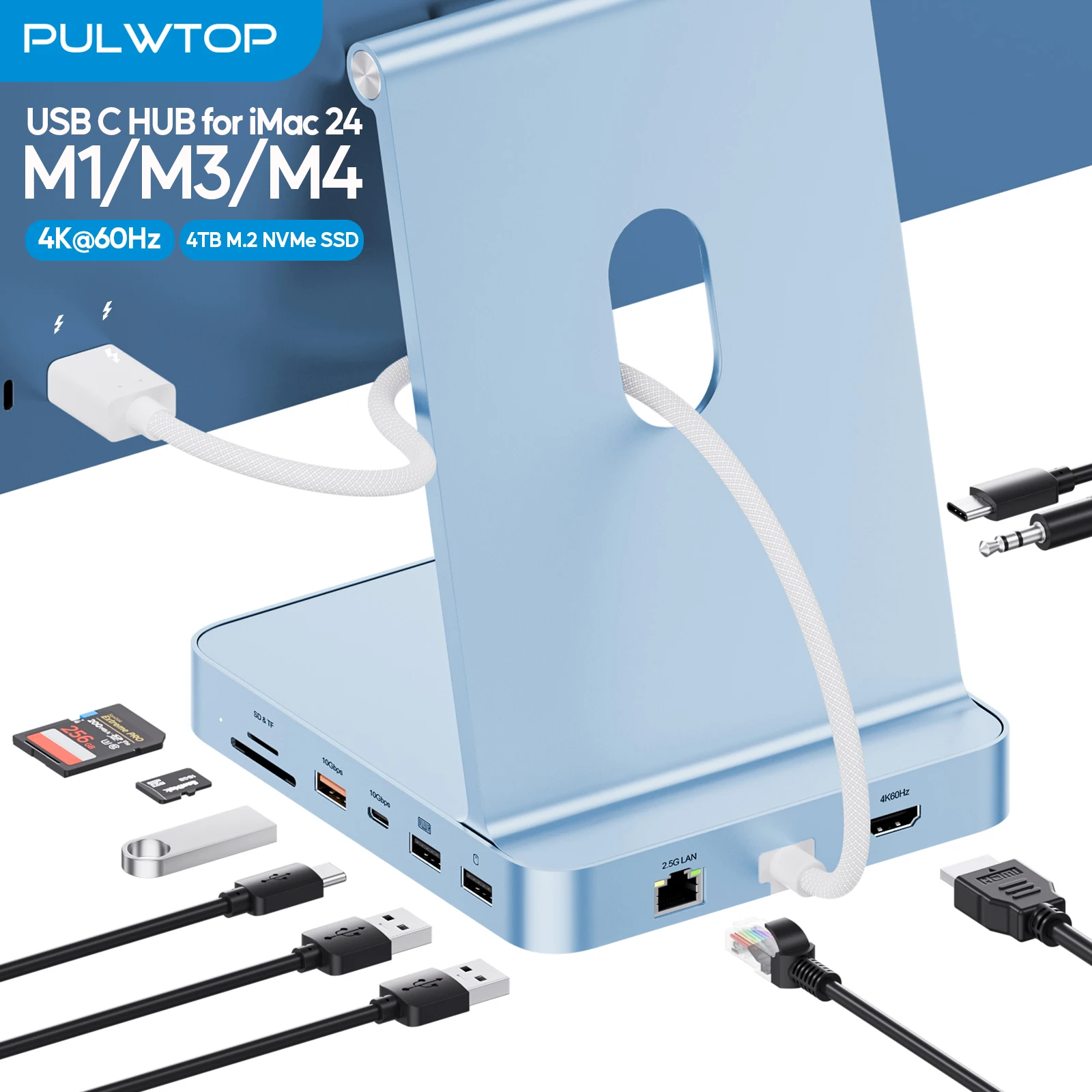
PULWTOP Upgraded 11 in 1 USB C Hub for iMac 24 inch USB Hub M1 M3 M4, Support M.2 SSD, 4K
$76.54 $162.86 on AliExpress
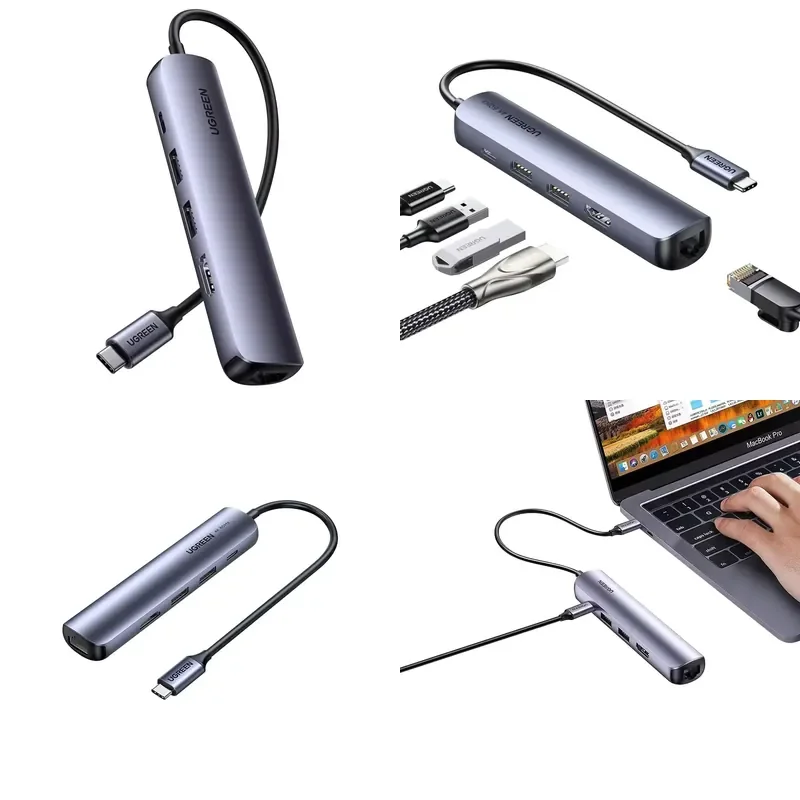
UGREEN CM418 10919 USB-C DC 5-in-1 for Gigabit Ethernet Laptop Expansion Dock-Brand New
$47.91 on AliExpress
How to Choose the Best USB-C Hub for Your Needs
Selecting the ideal USB-C hub involves more than just picking one with the most ports. It requires a careful consideration of your specific workflow, devices, and future needs. Here’s a detailed guide to help you make an informed decision:
-
Port Selection: What do you need to connect?
This is often the first and most critical consideration. List all the peripherals you regularly use. Do you need a traditional USB-A port for a mouse or keyboard? An HDMI or DisplayPort for an external monitor? An Ethernet port for a stable wired connection? SD/microSD card slots for photographers? A 3.5mm audio jack? Some hubs even include VGA for legacy projectors or specific USB-C data ports for high-speed external SSDs. Ensure the hub you choose has all the necessary ports to avoid carrying multiple adapters.
-
Power Delivery (PD): Can it charge your laptop?
Many USB-C hubs offer Power Delivery (PD) pass-through, meaning they can accept power from your laptop’s charger and deliver it to your laptop while also powering the hub and connected peripherals. Check the wattage supported by the hub (e.g., 60W, 100W). It should meet or exceed your laptop’s charging requirements to ensure efficient charging. For example, if your laptop uses a 65W charger, a hub with 60W PD might charge slowly, or not at all under heavy load.
-
Data Transfer Speeds: How fast do you need to go?
USB-C hubs come with varying data transfer speeds. USB 3.0 (also known as USB 3.2 Gen 1) offers up to 5Gbps, while USB 3.2 Gen 2 provides 10Gbps. Thunderbolt 3 and 4 ports, which share the USB-C connector, offer a blazing 40Gbps. If you frequently transfer large files to external SSDs, a hub with 10Gbps USB-C or Thunderbolt ports will significantly speed up your workflow. For basic peripherals like mice and keyboards, 5Gbps is usually sufficient.
-
Display Outputs: Single, Dual, or Triple Monitors?
The number and type of display outputs are crucial for multi-monitor setups. Most basic hubs offer a single HDMI port (usually 4K@30Hz or 4K@60Hz). More advanced hubs and docking stations can support dual or even triple monitors, often with higher resolutions and refresh rates (e.g., 4K@60Hz, 5K, or 6K). Be aware of your laptop’s display output capabilities and the hub’s specifications. Some hubs use DisplayLink technology to achieve multiple displays, which requires software installation but works with a wider range of devices. For more technical details on USB-C, you can refer to the Wikipedia article on USB-C.
-
Compatibility: Mac, Windows, Chromebook, or Tablet?
While USB-C is a universal standard, not all hubs are equally compatible with all devices. Some hubs are optimized for specific operating systems (e.g., macOS or Windows) or particular features like Apple’s Sidecar. Always check the product specifications for compatibility with your device model and operating system. Ensure your device’s USB-C port supports DisplayPort Alternate Mode (Alt Mode) for video output and Power Delivery if you intend to use those features.
-
Portability vs. Desktop Use: Where will you use it?
Consider whether you need a highly portable hub for travel and on-the-go use, or a more robust, stationary docking station for your desk setup. Portable hubs are typically smaller, lighter, and have fewer ports, often without an external power adapter. Desktop docks are larger, require external power, but offer significantly more ports, higher power delivery, and advanced features like multi-monitor support and faster Ethernet.
-
Build Quality & Brand Reputation: Longevity and Reliability
Investing in a hub from a reputable brand like Anker, CalDigit, Plugable, or Satechi often translates to better build quality, reliable performance, and better customer support. Cheaper, generic hubs might save you money upfront but can lead to issues like overheating, unreliable connections, or even damage to your devices. Look for hubs with aluminum casings for better heat dissipation and durability.
Frequently Asked Questions About USB-C Hubs
What is the difference between a USB-C hub and a docking station?
While often used interchangeably, a USB-C hub is generally a more compact, portable device designed for basic port expansion, often drawing power directly from the host device. A docking station, on the other hand, is typically larger, requires its own power supply, offers a much wider array of ports (including specialized ones), and provides higher power delivery to the host laptop. Docking stations are designed for creating a full desktop workstation experience, while hubs are more for on-the-go connectivity.
Can a USB-C hub charge my laptop?
Yes, many USB-C hubs come with Power Delivery (PD) pass-through. This means you can plug your laptop’s USB-C power adapter into the hub, and the hub will then pass that power through to charge your laptop while also powering itself and any connected peripherals. Always check the hub’s PD wattage rating to ensure it meets your laptop’s charging requirements.
Do all USB-C ports support video output?
No, not all USB-C ports support video output. For a USB-C port to output video to an external display via a hub, it must support DisplayPort Alternate Mode (Alt Mode). This is a feature of the USB-C standard that allows non-USB signals, like video, to be transmitted over the cable. Most modern laptops and tablets with USB-C ports support Alt Mode, but it’s always good to check your device’s specifications.
Will a USB-C hub slow down my internet speed?
A USB-C hub itself should not inherently slow down your internet speed if it includes a dedicated Gigabit Ethernet port. However, if you are using a Wi-Fi connection through your laptop and simultaneously running multiple high-bandwidth devices through the hub (e.g., external 4K monitors, fast SSDs), the overall data traffic on the single USB-C port could theoretically lead to some congestion. For optimal wired internet speed, ensure your hub has a Gigabit Ethernet port.
Choosing the best USB-C hub for 2026 comes down to understanding your personal workflow and the specific demands of your devices. Whether you’re a minimalist traveler needing just a few extra ports or a power user building a comprehensive workstation, there’s a hub designed to meet your needs. By considering port selection, power delivery, data speeds, and compatibility, you can unlock the full potential of your modern devices and enjoy a seamless, productive experience. Don’t forget to check out our other guides for more The Best Microscopes for 2026: Top Picks for Every Budget tech reviews!