As an Amazon Associate and an AliExpress affiliate, TechGurl earns from qualifying purchases. Some links on this page are affiliate links — if you buy through them we may receive a commission, at no extra cost to you. This never affects which products we cover or what we say about them.
Disclosure: This article contains affiliate links. If you buy through them we may earn a small commission at no extra cost to you.
Electric scooters have revolutionized personal urban transport, offering an eco-friendly and fun way to navigate city streets. However, like any mechanical and electronic device, they can develop issues over time. Understanding common electric scooter problems and how to fix them can save you time, money, and the frustration of being stranded. This guide will walk you through diagnosing and resolving common issues related to your scooter’s throttle, battery, and charging port.
Diagnosing and Fixing Electric Scooter Problems
Before diving into specific fixes, always ensure your scooter is powered off and disconnected from any charging source. Safety first!
Throttle Malfunctions
A malfunctioning throttle can range from an unresponsive acceleration to erratic speed control, making your ride unpredictable and unsafe.
Symptoms:
- No acceleration when throttle is engaged.
- Erratic or inconsistent speed despite steady throttle input.
- Throttle feels sticky or doesn’t return to its original position.
- Scooter accelerates on its own without throttle input.
Common Causes:
- Loose or Damaged Wiring: Connections between the throttle and the controller can become loose or corroded.
- Faulty Hall Sensor: Most modern throttles use a Hall effect sensor to detect rotation. If this sensor fails, the throttle won’t send correct signals.
- Debris or Water Damage: Dirt, dust, or moisture can get into the throttle housing, causing mechanical or electrical issues.
- Controller Issue: Less common, but a faulty motor controller might misinterpret or ignore throttle signals.
Troubleshooting and Fixes:
- Check Physical Connections: Carefully inspect the throttle cable where it connects to the handlebar and where it enters the scooter’s main body (often near the front wheel or deck). Ensure all connections are snug.
- Inspect Throttle Housing: Look for any physical damage, debris, or stickiness. Use compressed air to clean out any dust or grit.
- Test Throttle Sensor (Advanced): If you have a digital multimeter, you can test the throttle’s output voltage. With the scooter on (but not running the motor), the throttle should typically output a voltage that changes smoothly (e.g., from 1V to 4V) as you twist it. A jumpy or absent reading indicates a faulty sensor. A reliable AstroAI Digital Multimeter can be invaluable for this.
- Replace the Throttle: If the sensor is faulty or the throttle is physically damaged beyond repair, a replacement is often the most straightforward solution. Throttles are usually plug-and-play, but ensure you get one compatible with your scooter model.
Battery Problems
The battery is the heart of your electric scooter. Issues here can significantly impact performance, range, and even prevent your scooter from turning on.
Symptoms:
- Significantly reduced range or battery life.
- Slow charging or failure to charge completely.
- Scooter shuts down unexpectedly during use.
- Battery pack appears swollen or shows signs of leakage.
- Error codes related to battery on the display.
Common Causes:
- Age and Cycle Life: All batteries degrade over time and charging cycles.
- Overcharging/Over-discharging: Leaving a battery fully charged or completely drained for extended periods can accelerate degradation.
- Physical Damage: Falls or impacts can damage battery cells or the Battery Management System (BMS).
- Poor Connections: Loose terminals or corroded contacts can prevent proper power delivery.
- Faulty BMS: The BMS protects the battery. If it malfunctions, it can prevent charging or discharge.
Troubleshooting and Fixes:
- Visual Inspection: Check the battery pack for any signs of swelling, punctures, or corrosion on the terminals. Swelling is a serious safety concern and indicates the battery should be replaced immediately.
- Check Connections: Ensure all battery terminals and connectors are clean and securely attached.
- Proper Charging Habits: Always use the charger provided with your scooter. Avoid leaving the battery at 0% or 100% for long periods. Store your scooter with the battery around 50-70% charge if not using it for an extended time. For more on lithium-ion battery care, refer to Wikipedia’s Lithium-ion Battery article.
- Temperature Management: Batteries perform best and last longest when operated and stored within their recommended temperature range. Avoid extreme heat or cold.
- Battery Replacement: If the battery is old, severely degraded, or physically damaged, replacement is the only solution. This can be costly but restores your scooter’s performance.
Charging Port Problems
A faulty charging port can prevent your scooter from getting the power it needs, rendering it useless.
Symptoms:
- Charger light doesn’t turn on or indicate charging.
- Loose connection; charger plug wiggles excessively in the port.
- Visible damage or corrosion inside the port.
- Sparks or heating around the charging port when plugging in the charger.
Common Causes:
- Debris or Corrosion: Dirt, dust, or moisture can accumulate in the port, obstructing connections.
- Bent or Broken Pins: Rough handling or improper insertion of the charger can damage the internal pins.
- Loose Wiring: The internal wires connecting the charging port to the battery or controller can become loose.
- Faulty Charger: Sometimes, the problem isn’t the port but the charger itself.
Troubleshooting and Fixes:
- Visual Inspection: Shine a flashlight into the charging port. Look for any foreign objects, bent pins, or signs of corrosion (greenish or whitish residue).
- Clean the Port: Use a non-conductive tool (like a plastic toothpick or compressed air) to gently remove any debris. If corrosion is present, a specialized electronic contact cleaner can help.
CRC QD Electronic Cleaner — check today’s price
is excellent for this, as it dries quickly and leaves no residue.
- Check the Charger: If possible, try using a different, known-good charger compatible with your scooter. If the new charger works, your original charger is likely faulty.
- Inspect Internal Wiring: This usually requires opening up the scooter’s deck. Locate the charging port’s wires and ensure they are securely connected to the scooter’s internal circuitry. Re-solder if necessary, but only if you have experience with electronics.
- Replace the Charging Port: If the port is physically damaged (e.g., bent pins that can’t be straightened) or internally faulty, replacing the entire port assembly is the solution. This often involves desoldering the old port and soldering in a new one.
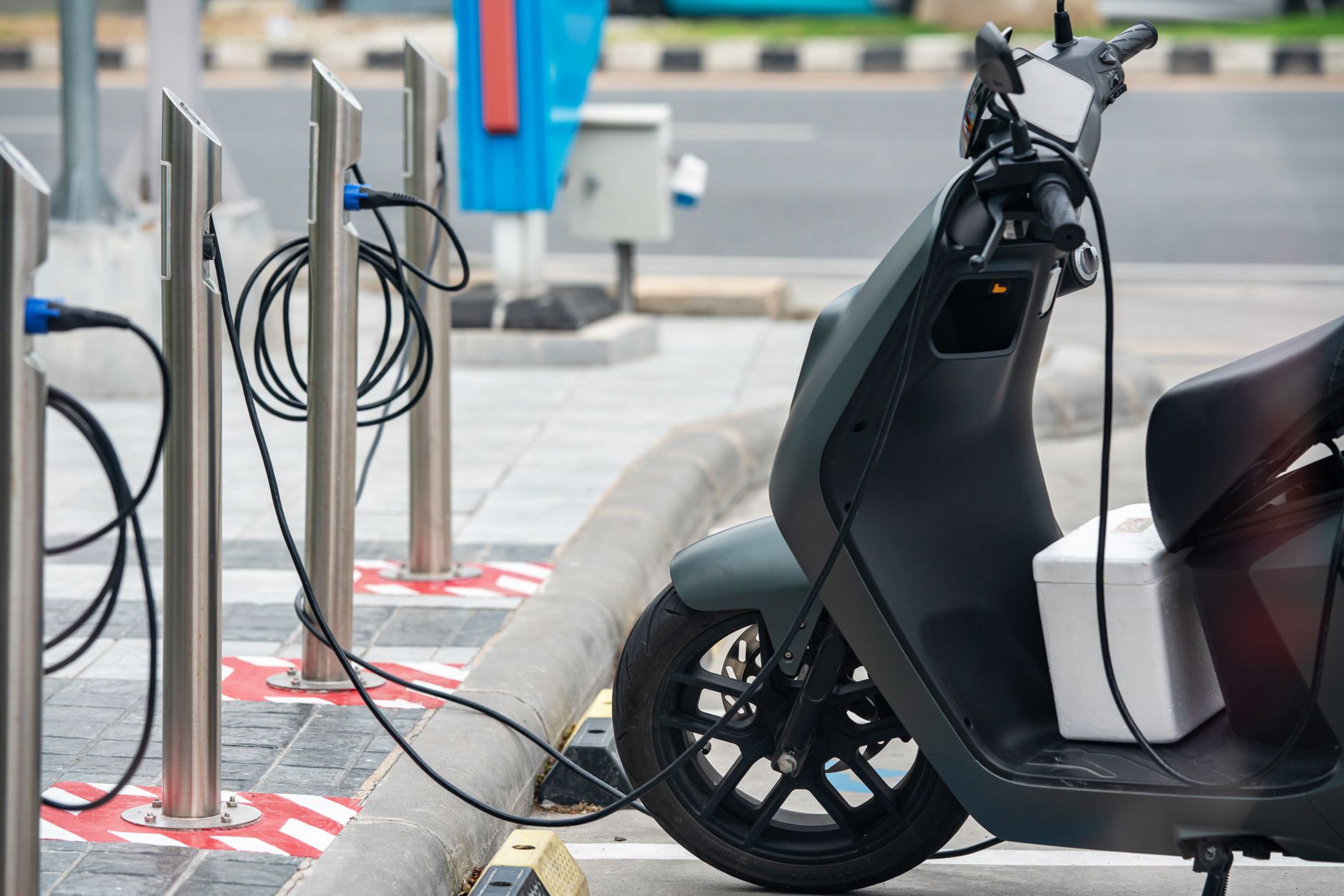
Handy tools on AliExpress
Having the right tools can make diagnosing and fixing your scooter much easier and safer. Here are a couple of essential items you can find:
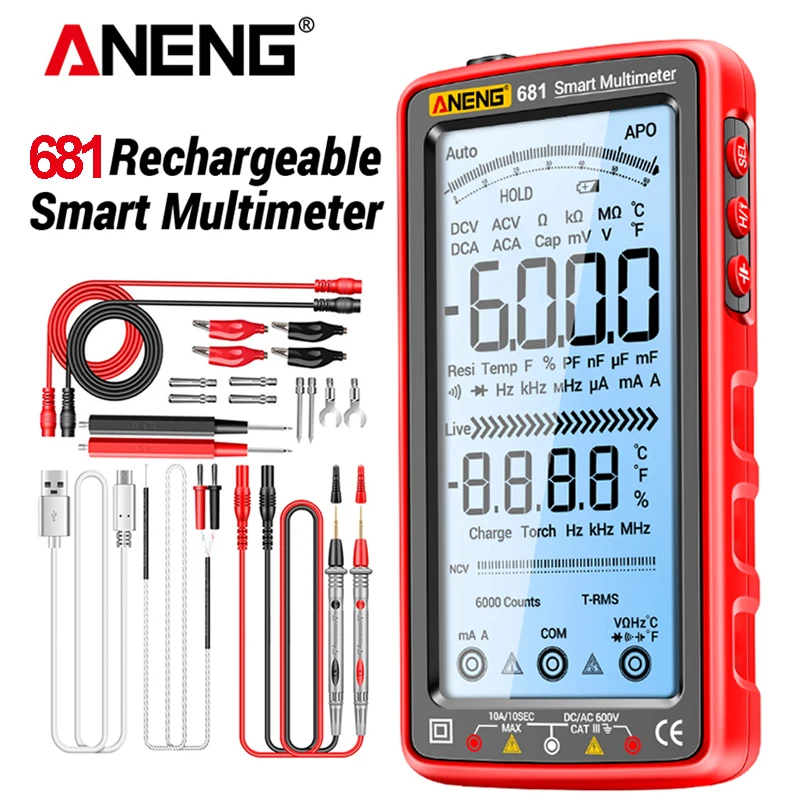
ANENG 681 Rechargable Digital Professional Multimeter Non-contact Voltage Tester AC/DC Vol
$24.73 $49.47 on AliExpress
ANENG 681 Rechargable Digital Professional Multimeter Non-contact Voltage Tester AC/DC Vol
$25.73 $49.49 on AliExpress
Common Mistakes to Avoid
- Ignoring Warning Signs: Don’t wait until a small issue becomes a major, costly repair. Address problems early.
- Using the Wrong Charger: Always use the charger specifically designed for your scooter’s battery. Incompatible chargers can cause damage or fires.
- Forcing Connections: Never force a charger into the port or force electrical connectors together. This can bend pins or damage components.
- Riding with Known Issues: A faulty throttle or battery can be dangerous. Repair it before riding.
- Neglecting Waterproofing: After opening your scooter for repairs, ensure all seals and covers are properly reinstalled to maintain its water resistance.
FAQ
Can I fix my electric scooter myself?
Many common electric scooter problems, especially those related to connections, cleaning, or simple part replacements like throttles or charging ports, can be fixed by a DIY enthusiast with basic tools and some patience. More complex issues involving motor controllers or battery cell replacement often require professional expertise.
How do I know if my scooter battery is dead?
A dead scooter battery will typically show no power to the scooter, fail to accept a charge, or have a significantly reduced range (e.g., minutes instead of hours). Visible signs like swelling or leakage are also strong indicators of a dead or unsafe battery.
What causes a scooter throttle to stick?
A sticky throttle is usually caused by physical obstructions like dirt, dust, or debris inside the throttle housing. It can also be due to a damaged internal spring or, less commonly, an issue with the throttle’s internal sensor causing it to report an incorrect position.
Is it expensive to repair an electric scooter?
The cost of repair varies widely depending on the issue. Simple fixes like cleaning a charging port or tightening a connection are free. Replacing a throttle or charging port might cost $20-$100 for parts. Battery replacement is typically the most expensive repair, potentially costing hundreds of dollars, while motor or controller replacements can also be significant investments.
Conclusion
Addressing common electric scooter problems with the throttle, battery, and charging port doesn’t have to be daunting. By understanding the symptoms, causes, and troubleshooting steps, you can often get your scooter back in working order. Regular maintenance, careful charging habits, and prompt attention to minor issues will extend your scooter’s lifespan and ensure a safe, enjoyable ride. For more tips on maintaining your ride, check out our other Why Your Action Camera Stops Recording: 6 Causes & Fixes scooter maintenance guides.