As an Amazon Associate and an AliExpress affiliate, TechGurl earns from qualifying purchases. Some links on this page are affiliate links — if you buy through them we may receive a commission, at no extra cost to you. This never affects which products we cover or what we say about them.
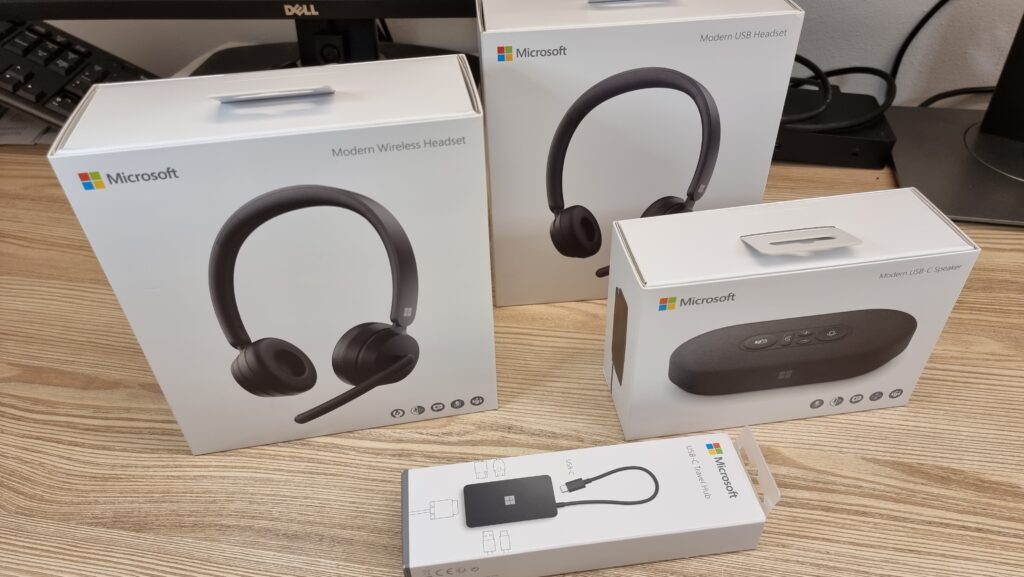
Quick take on the Microsoft Modern USB Headset: it is a budget, wired, Teams-certified headset built for calls, not music. Check out this brand new Microsoft modern accessories pack, with wireless and wired headsets, a USB speaker and a travel adapter. I plan to upload a video review for each one of these items to finally let you know if its good or whack!
Take a look at this Modern USB headset.
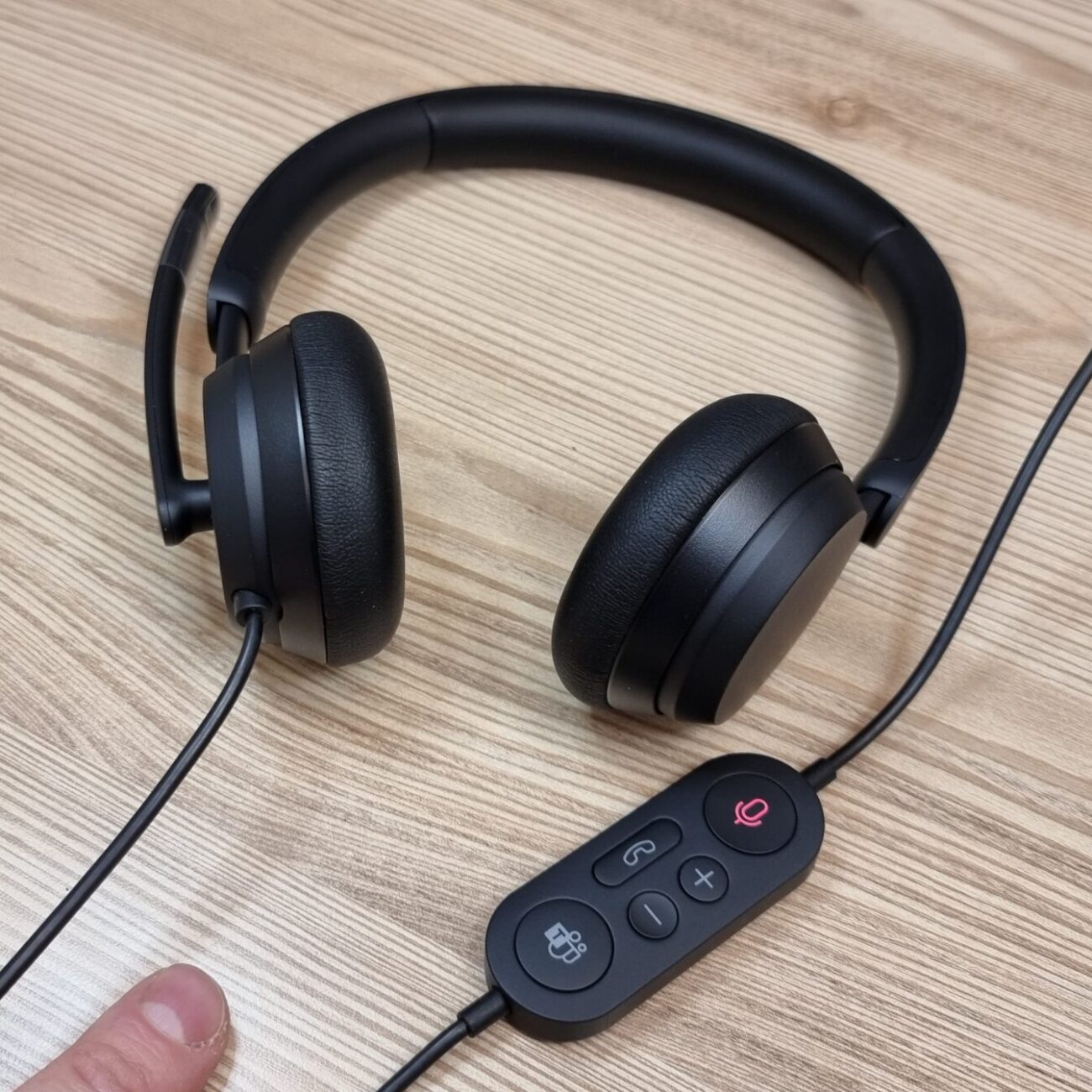
This is an elegant budget solution with wired remote control, optimized for teams meetings and calls.
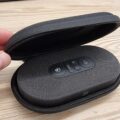
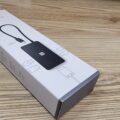
Like the rest of these Microsoft modern accessories, this headset also comes in a nice hard box.
Everything is nicely packed inside. There’s nothing of interest in the box besides the headset itself.
This USB wire doesn’t seem to be very long.
But I guess its long enough if you don’t move around too much.
The remote control looks very nice, and it has all these useful buttons with indicator led.
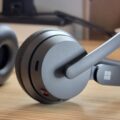
The plastic and the ear pads feel quality as well. It seem sturdy and flexible enough for any shape of head.
This headset is perfect for meetings and voice, the microphone is also pretty good for this price, the remote control is handy, and the design is cool.
But if you wish to listen to some music, these are a terrible choice.
Music sound like it coming out of a tin can on this headset.
So, if you want a cool look and a comfortable price these are perfect, but if you like music, better get Logitech or Jabra.
Microsoft Modern USB Headset Specs
- Connection: Wired USB-A (fixed cable, no detachable connector)
- Driver type: On-ear closed-back, optimized for voice frequencies rather than full-range music
- Controls: In-line remote with mute, volume, and call answer/end buttons, plus an LED mute indicator
- Certification: Microsoft Teams-certified for one-touch call control on supported systems
- Price positioning: Budget tier within Microsoft’s own Modern accessories lineup
Who This Headset Actually Makes Sense For
As I mentioned above, the honest way to think about the Microsoft Modern USB Headset is as a purpose-built voice tool rather than a general-purpose headset. Microsoft clearly tuned the drivers for speech clarity and call quality rather than frequency range, and that trade-off shows immediately the moment you try to listen to music on these — it’s genuinely a “tin can” experience for anything beyond voice, exactly as I found in testing. But for its actual job — all-day Teams calls, voice meetings, and general office use where you’re mostly listening to other people talk — it does that job well, and the Teams-certified one-touch controls are a real convenience if your organization is standardized on Teams for calls.
If you’re outfitting an office and budget is the primary constraint, a Microsoft Modern USB Headset is a sensible pick specifically for call-center-style or meeting-heavy roles where employees aren’t also expected to use the same headset for music or media during breaks. The fixed USB cable (rather than a detachable one) is worth knowing about too — if the cable ever fails, you’re replacing the whole headset rather than just a cable, which is a real long-term cost consideration for a bulk office purchase.
Better Alternatives If You Also Listen to Music
As I noted, if music quality matters to you at all, look elsewhere. A Logitech Zone wired headset or a Jabra Evolve2 USB headset will cost more, but both deliver noticeably fuller sound alongside still-excellent call quality and their own certified controls — a much better single-headset solution if you’re switching between work calls and music throughout the day rather than keeping a dedicated call headset and a separate pair for music.
Bottom Line
The Microsoft Modern USB Headset nails its narrow brief — comfortable, good-looking, great for calls, Teams-certified controls, and priced accordingly. Just go in knowing exactly what you’re buying: a dedicated voice headset, not a music headset. For more from the same Modern accessories lineup, check out our look at the Microsoft Modern USB-C Travel Hub as well.
This headset carries Microsoft Teams certification, which is worth knowing more about if your office runs on Teams for meetings — you can read more about the platform on Wikipedia’s Microsoft Teams page.
Setting Up the Microsoft Modern USB Headset
Setup is genuinely plug-and-play, which is part of the appeal for an office IT deployment. Plug the USB-A connector into any Windows PC (or a USB-C machine via an adapter), and Windows recognizes it immediately as both a playback and recording device without needing a driver install. Teams, Zoom, and other meeting software will list it by name in their audio device settings, and the in-line remote’s mute button syncs automatically with Teams’ own mute state on supported versions of the app — press mute on the headset, and the on-screen Teams mute icon updates in sync, which is a small but genuinely useful detail for anyone who’s ever talked for thirty seconds on a call before realizing they were still muted.
The mute LED on the remote is bright enough to see at a glance without looking directly at it, which matters more than it sounds for open-plan offices — coworkers walking past your desk can tell at a glance whether you’re on a live call, cutting down on the classic “I didn’t realize you were on a call” interruption. It’s a small design touch, but it’s exactly the kind of practical, office-focused detail that separates a purpose-built call headset from a repurposed consumer headset.
Comfort for All-Day Wear
Since this is explicitly marketed toward all-day office use, comfort over long call sessions matters more than most spec sheets capture. In practice, the padded headband and ear cushions hold up well across a full workday of back-to-back meetings — noticeably better than the stiffer, harder plastic often found on similarly priced budget headsets from other brands. The clamping force is moderate rather than tight, so it doesn’t create the pressure-headache feeling some over-ear headsets cause after several hours, though it also means the fit is a little looser than a premium headset with a more adjustable, sprung headband design.
One practical note for anyone who wears glasses: the ear cushions are soft enough that glasses arms don’t create the uncomfortable pressure points you get with some firmer over-ear designs, which is a genuine plus for all-day comfort if that’s ever been an issue for you with other headsets in this price range.
Value for Office IT Deployments
Zooming out from the individual review, the real context for this headset is bulk office purchasing. If you’re an IT manager outfitting dozens or hundreds of desks purely for voice calls, the combination of low per-unit cost, genuine Teams certification, and the fixed-cable design (which, while a downside for individual repairability, also means fewer loose parts and connectors to fail or go missing across a large deployment) makes this a sensible standardized choice. Just budget realistically: at this price point and for this specific use case, it earns a genuine recommendation, but don’t expect it to double as a headset employees will want to wear during their lunch break to listen to music.
Set expectations correctly before you buy in bulk, and this headset will do exactly the job it was designed for, reliably, for years of daily office use.
Overall, this remains a smart, budget-friendly pick for voice-first office work.
Just remember to keep a separate pair of earbuds or speakers nearby for your music.
Your ears will thank you later.