As an Amazon Associate and an AliExpress affiliate, TechGurl earns from qualifying purchases. Some links on this page are affiliate links — if you buy through them we may receive a commission, at no extra cost to you. This never affects which products we cover or what we say about them.
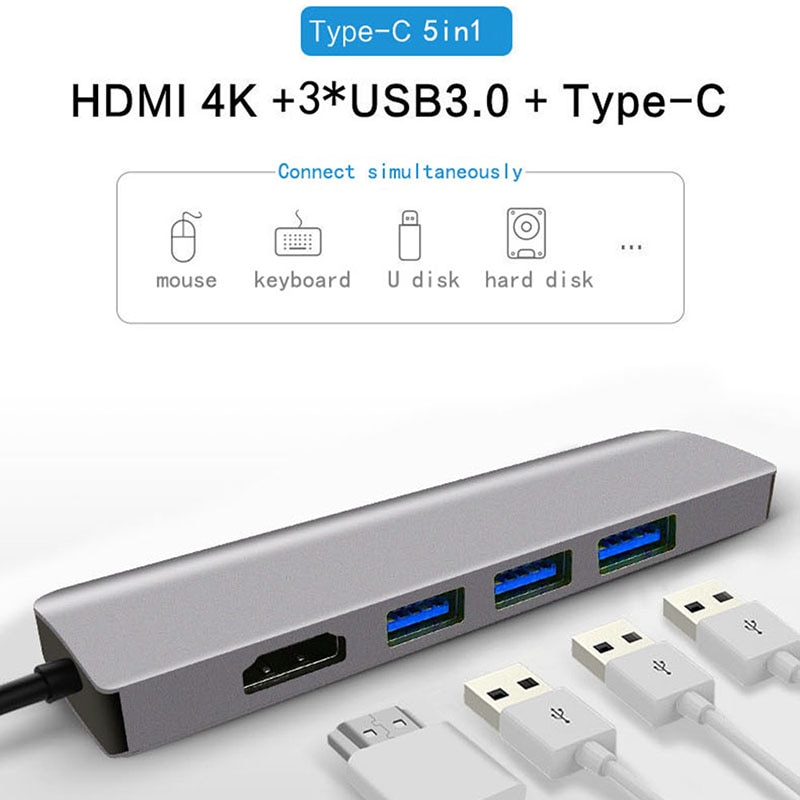
If you’ve been overpaying for a brand-name docking station, this roundup of USB-C docks for DEX and regular laptops covers what actually matters when choosing one — and why the – budget options reviewed above hold up just fine for most people.
Hey there folks!
Check out this awesome selection of low-cost USB-C docking stations!
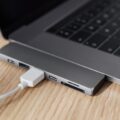
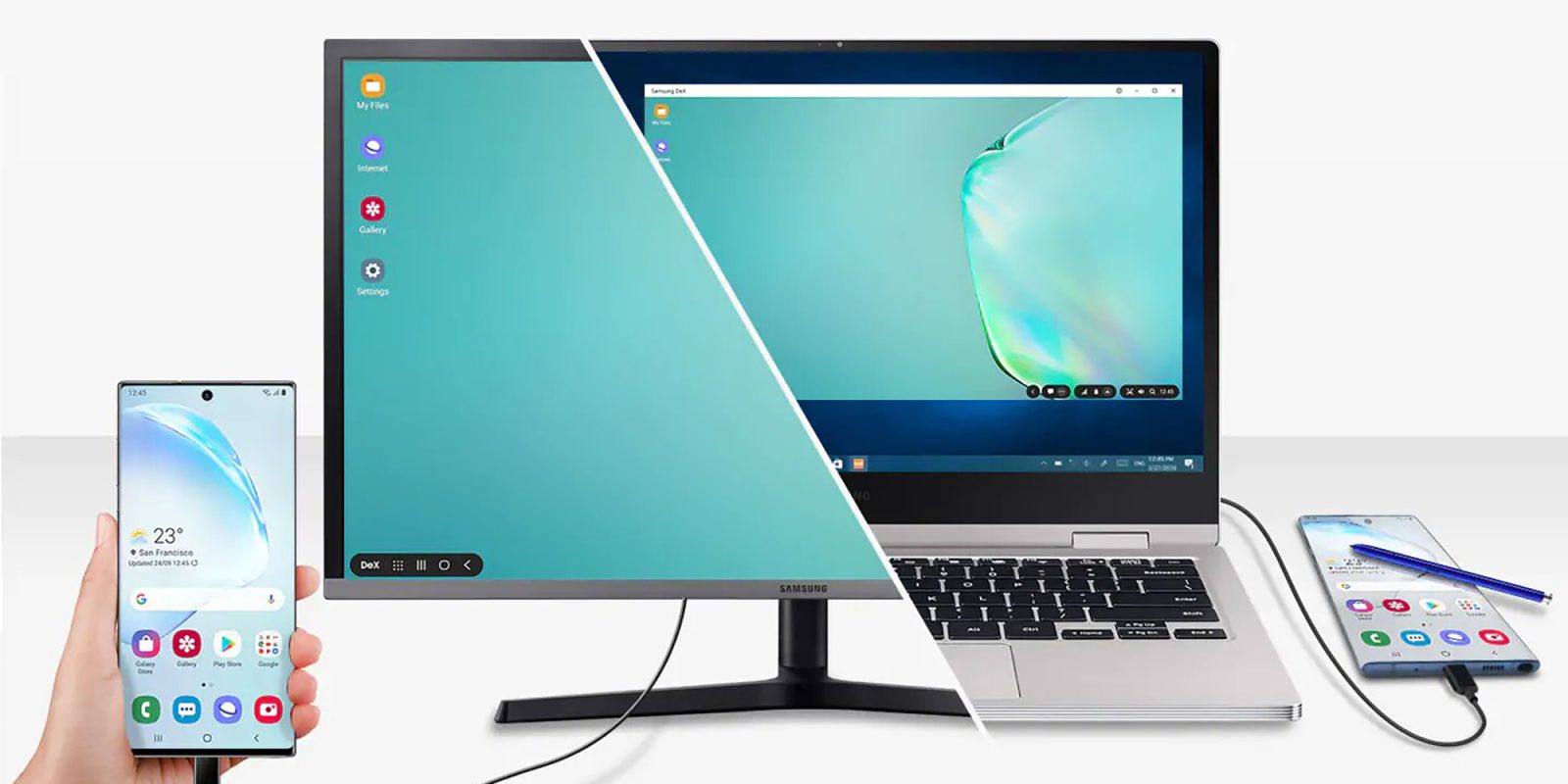
You can use these with your laptop or with your phone!
There are some truly excellent options here! So whether you into windows or your handy DEX, you will find a product suitable for you!
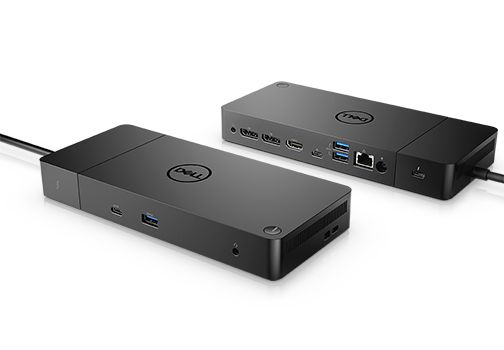
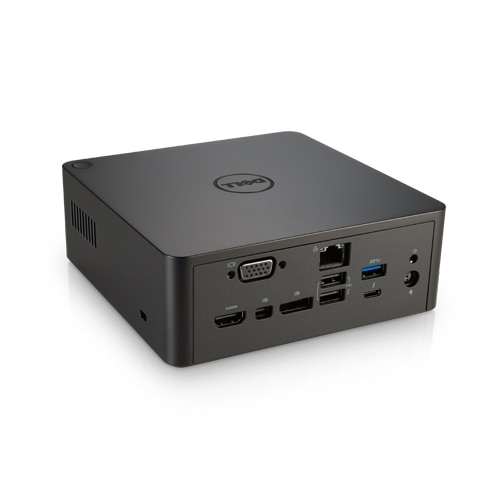
Prices for these are between $15-$60. Because why pay more for a lenovo or dell sticker??
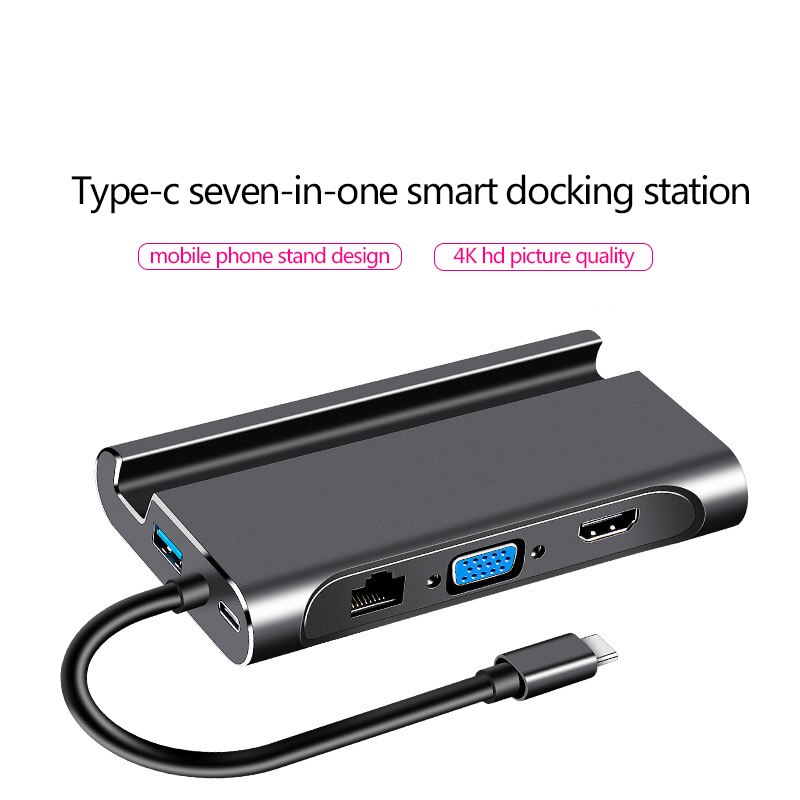

They got docks with VGA or HDMI and whatever you can think of.
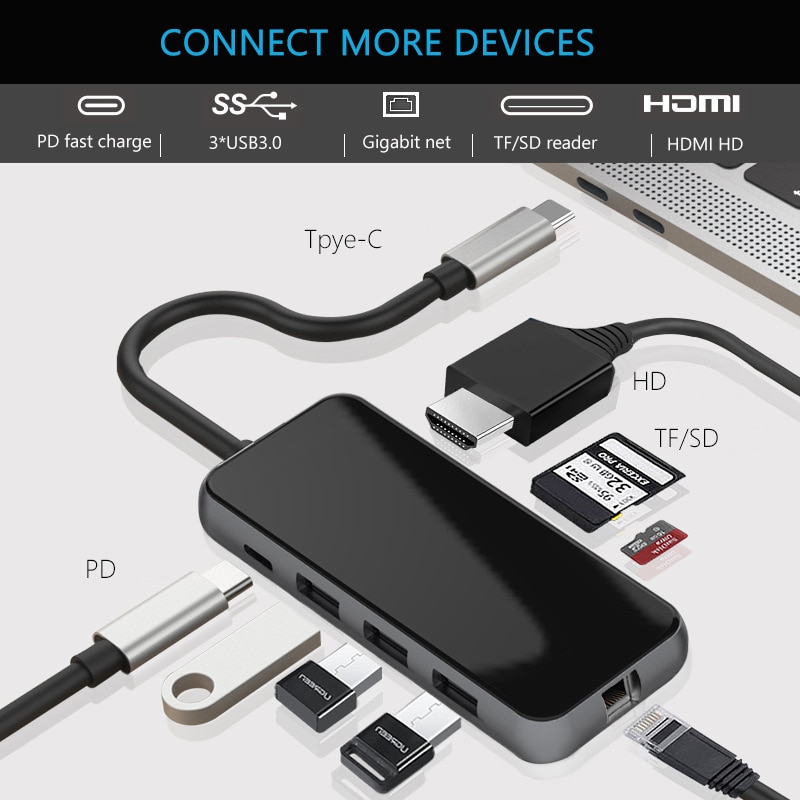
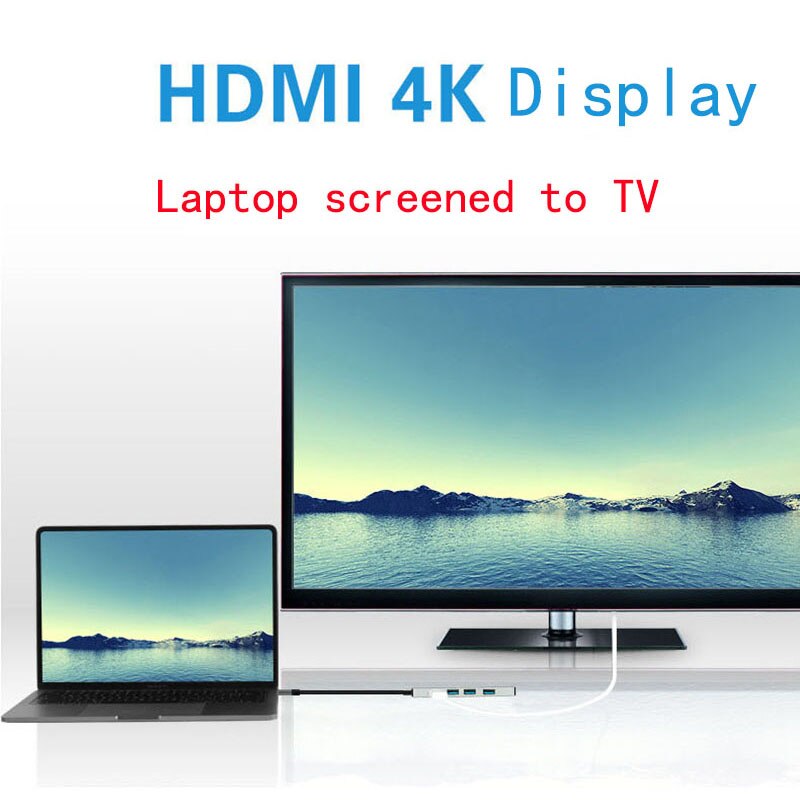
CHECK OUT BEST USB-C DOCKS HERE!
What to Look for in USB-C Docks for DEX and Laptops
Not every USB-C dock for Samsung DEX supports it properly, and not every dock that claims “4K support” actually delivers a smooth 60Hz signal. Before buying, check:
- Power delivery wattage. Look for at least 60W of pass-through charging in a USB-C hub with power delivery if you want the dock to actually charge a laptop, not just a phone.
- Display outputs. HDMI is the most universally compatible; VGA is worth having only if you deal with older projectors or monitors regularly — a simple USB-C multiport adapter covers this for travel.
- DEX-specific quirks. Samsung DEX is pickier about USB-C alt-mode support than a typical Windows laptop, so a dock explicitly advertised as DEX-compatible saves troubleshooting time.
Budget USB-C Docks vs. Premium Brand-Name Docks
A $15-$60 USB-C dock and a $150+ dock from Dell or Lenovo often use very similar internal chipsets. The premium docks tend to win on build quality and driver support for niche configurations, but for basic HDMI-out-plus-USB-ports use, a budget portable USB-C docking station is genuinely reliable day-to-day. The USB-IF’s own USB-C power delivery page is a useful reference if you want to understand the wattage specs printed on dock packaging.
Frequently Asked Questions
Will any USB-C dock work with Samsung DEX?
Most modern USB-C docks work with DEX for basic display output, but docks specifically marketed as DEX-compatible are less likely to have quirks with resolution switching or peripheral detection.
Do USB-C docks work with both Windows laptops and Android phones?
Yes — as long as the source device supports USB-C alt-mode video output, which covers the vast majority of modern laptops and DEX-capable Samsung phones.
Related: Best USB-C Hub for 2026
Real Ports to Check Before Buying Any USB-C Dock
Beyond the basics covered above, a few port details separate a genuinely useful USB-C dock for DEX and laptops from a frustrating one: an Ethernet port matters if you’re on a video call and don’t trust the office Wi-Fi, a headphone/mic jack saves you from routing audio through Bluetooth, and at least 2 USB-A ports keep older peripherals like a wired mouse or a printer usable without a separate adapter.
Setting Up a USB-C Dock for the First Time
Most USB-C docks for DEX and laptops are genuinely plug-and-play on modern operating systems — Windows, macOS, and Samsung DEX all detect a connected dock automatically and start driving the external display within seconds. The one exception worth knowing about: some budget docks need a firmware or driver update from the manufacturer’s site to fully support 4K@60Hz output, since not every unit ships with the latest firmware from the factory.
Final Verdict on Budget USB-C Docks
For anyone deciding between a $20 USB-C dock and a $150 brand-name one, the honest answer is: try the budget option first. The core use case — one cable, external display, extra ports — works reliably on both, and the premium price mostly buys marginally better build quality and slightly more consistent driver support, not fundamentally different functionality.
A Note on Cable Length
One detail that trips people up when buying USB-C docks for DEX and laptops: the cable connecting the dock to your device is usually fixed and fairly short — often under a foot. If your desk setup needs the dock to sit further from where your laptop lives, check the cable length before buying rather than after, since it is rarely swappable on budget docks.
Matching a Dock to Your Actual Laptop
Not every laptop delivers full power and full-speed data over the same USB-C port — some models split power delivery and data/video across separate ports, or only support a lower Thunderbolt/USB4 speed on one specific port. Before buying any of these USB-C docks for DEX and laptops, checking your exact laptop model’s port specifications avoids ending up with a dock that charges slowly or drives a display at a lower resolution than expected.
A Quick Word on Build Quality Differences
Even within the $15-$60 range, build quality varies noticeably: docks with an aluminum housing run cooler under sustained use than plastic-only bodies, which matters if you are pushing 4K video output and multiple high-speed USB devices simultaneously. It is a small detail, but one that shows up as a difference in long-term reliability rather than day-one performance.
Common Mistakes When Buying a Budget Dock
The most common regret with budget USB-C docks for DEX and laptops is buying based on port count alone without checking the actual data speeds supported — a dock advertising “10 ports” is far less useful if several of those ports are limited to USB 2.0 speeds. Reading the fine print on data transfer speeds, not just the port diagram on the box, avoids this specific disappointment.
Where Reviews Genuinely Help
Because so many budget USB-C docks share similar internal chipsets, real-world reviews mentioning specific laptop or DEX compatibility issues are more useful than the spec sheet alone — a dock that works flawlessly with one laptop brand can behave differently with another due to how each manufacturer implements USB-C alt-mode support.
A Final Practical Tip
Keeping the original packaging for at least the first month after buying any of these budget docks makes returns painless if a specific display mode or port turns out not to work with your exact laptop — a small precaution that saves real frustration if compatibility issues show up after the fact.
Closing Thoughts
Whether you land on a $15 basic dock or a $60 fully-loaded one, USB-C docks for DEX and laptops in this price range consistently deliver on the core promise of fewer cables and more usable ports, making them an easy recommendation for most home or small-office setups.
If you are still undecided between two similarly priced options, favor whichever one has more verified owner reviews mentioning your specific laptop or DEX device by name, since that kind of confirmed real-world compatibility is worth more than a marginally longer port list on the box.
That single piece of due diligence — checking for your exact device by name in owner reviews — consistently prevents the single most common source of buyer regret with budget USB-C docks for DEX and laptops.
It costs nothing but a few minutes of searching and saves real money and hassle down the line.
A few minutes of searching before checkout is a small price to pay for that peace of mind.
It genuinely is that simple, and it works.
A little patience here goes a long way toward a happier purchase overall.
It really is worth the small extra effort up front.
Simple as that.